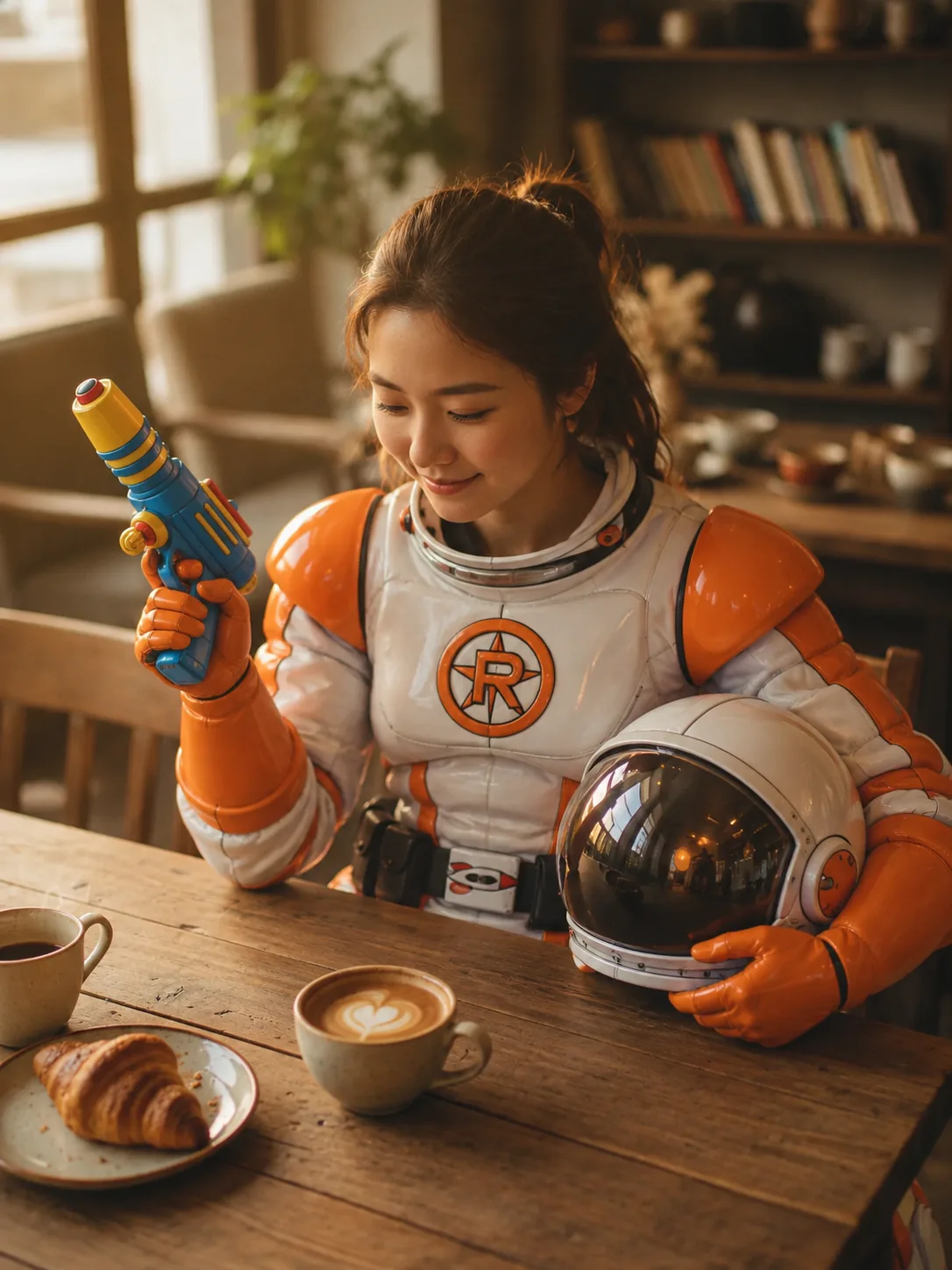
Cosplay portraitDress the person in the uploaded photo as the character from the second reference image. Match the costume, makeup and props, and keep the person’s face recognizable.
 Image Fx
Create product photos, portraits and illustrations from a few words. Already have a photo? Upload it and describe what you’d like to change.
Model
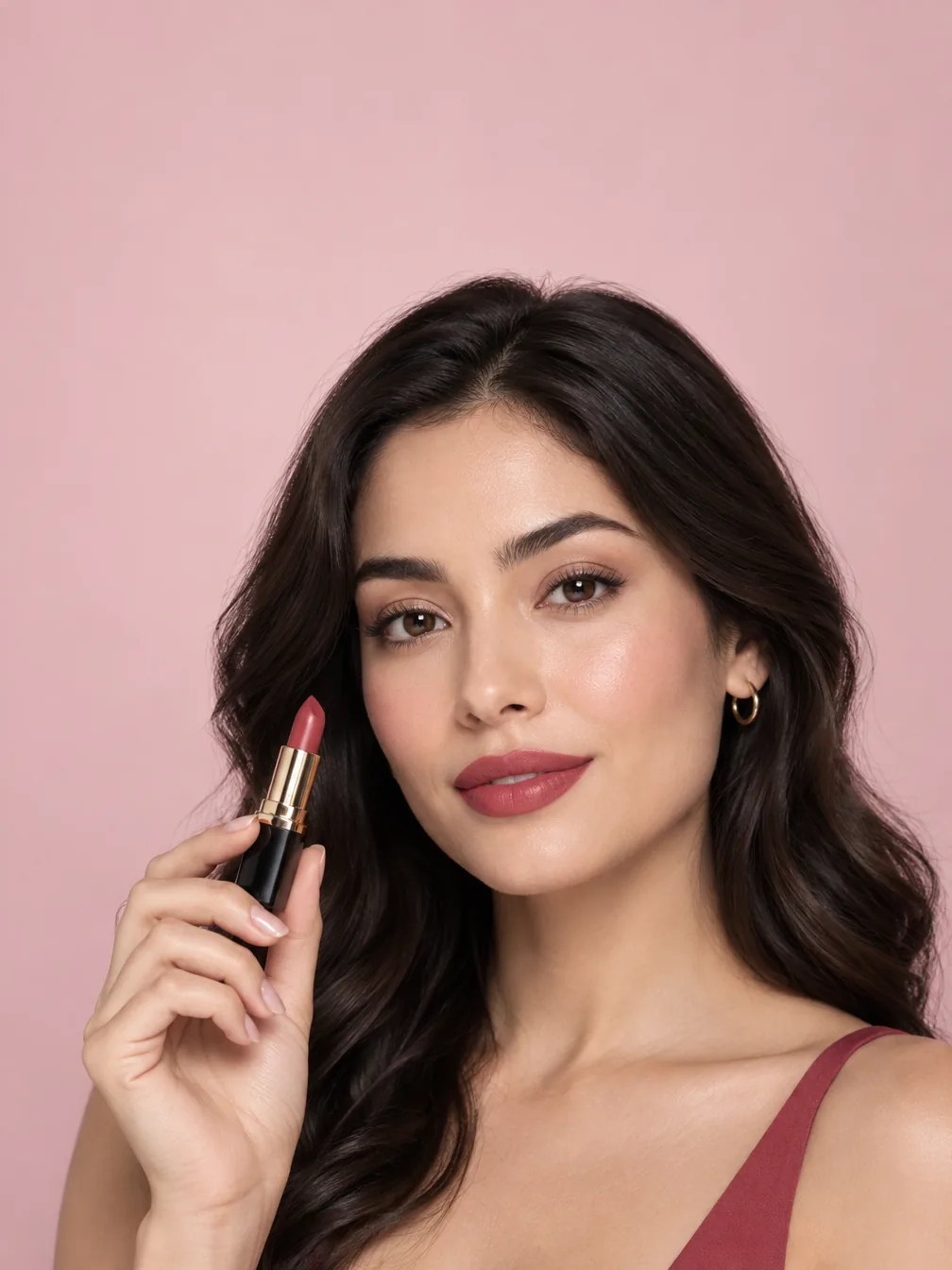
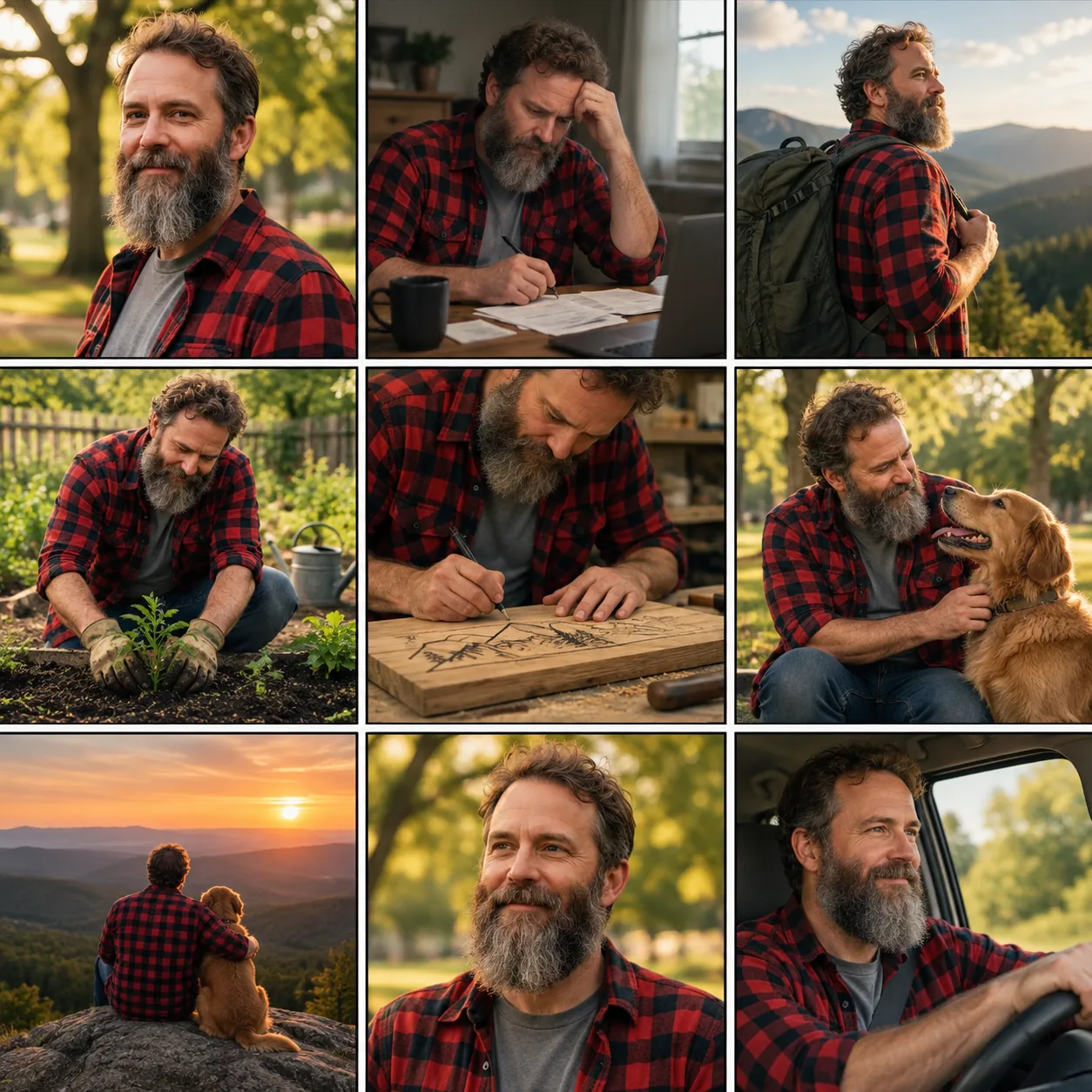
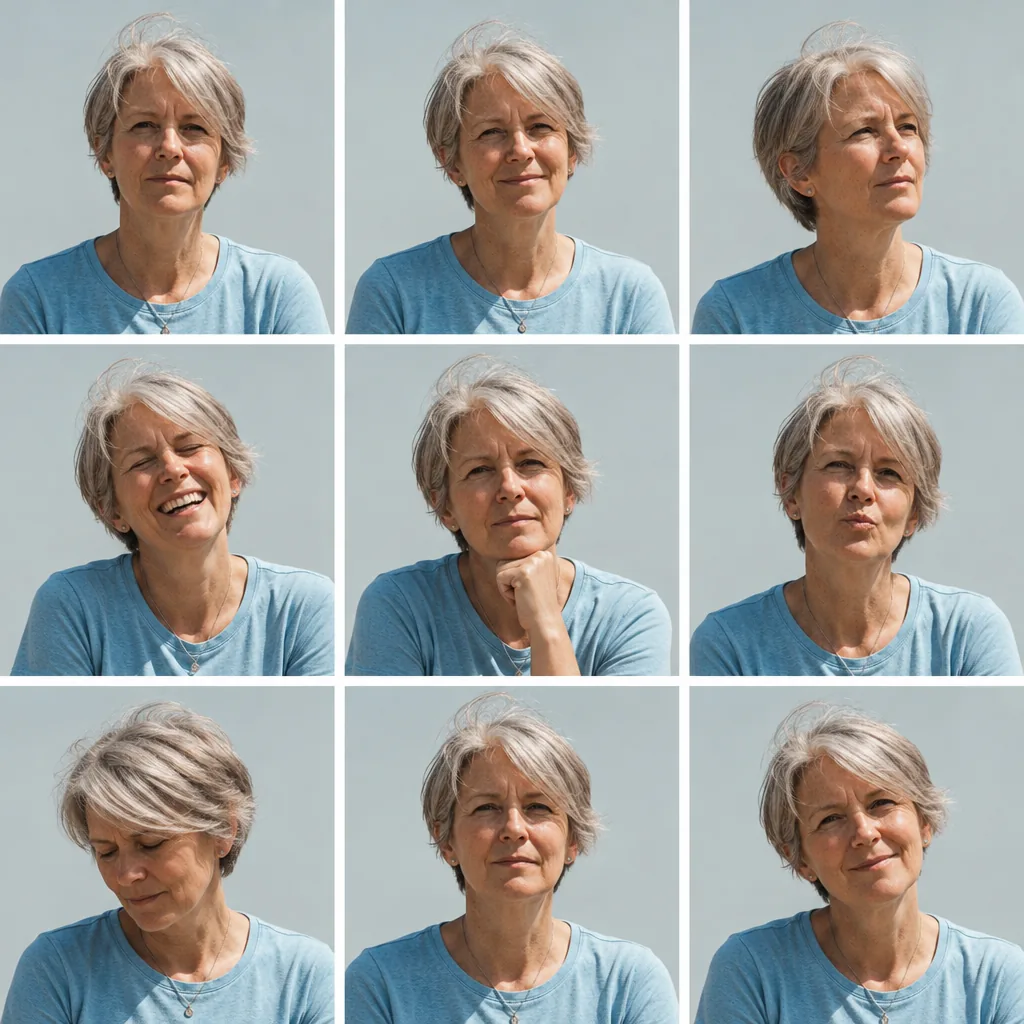
Capabilities
Work from a description or your own photos, choose a format that fits, and create with a transparent background when you need one.
Choose Flare for quick drafts or Sunburst for more detailed edits. Both cost the same, and you can switch while keeping your prompt and reference photos.
Same credits for both versions
Use photos as a reference for the people, products or style in your image. Describe what you want to keep and what you’d like to change.
Find a format for a profile photo, a social post or a wide banner. Choose from square, portrait and landscape options, including 21:9.
Draft at 1K, then move to 2K or 4K when you need a larger image. Transparent backgrounds work at every resolution.
Use cases
Ideas for portraits, interiors, illustrations and photo edits.
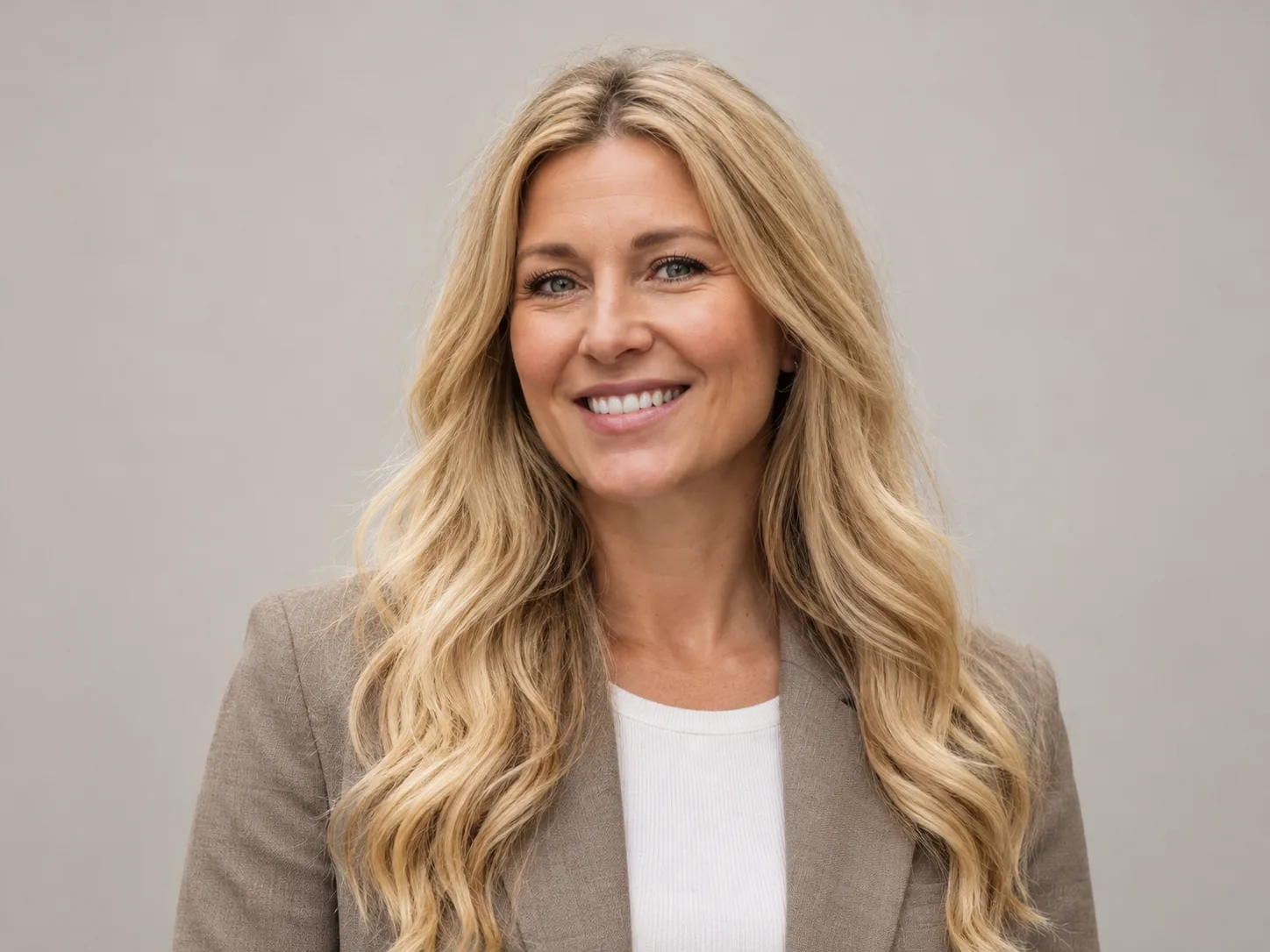
Give your profile or team page a fresh photo with a simple background and a look that still feels like you.
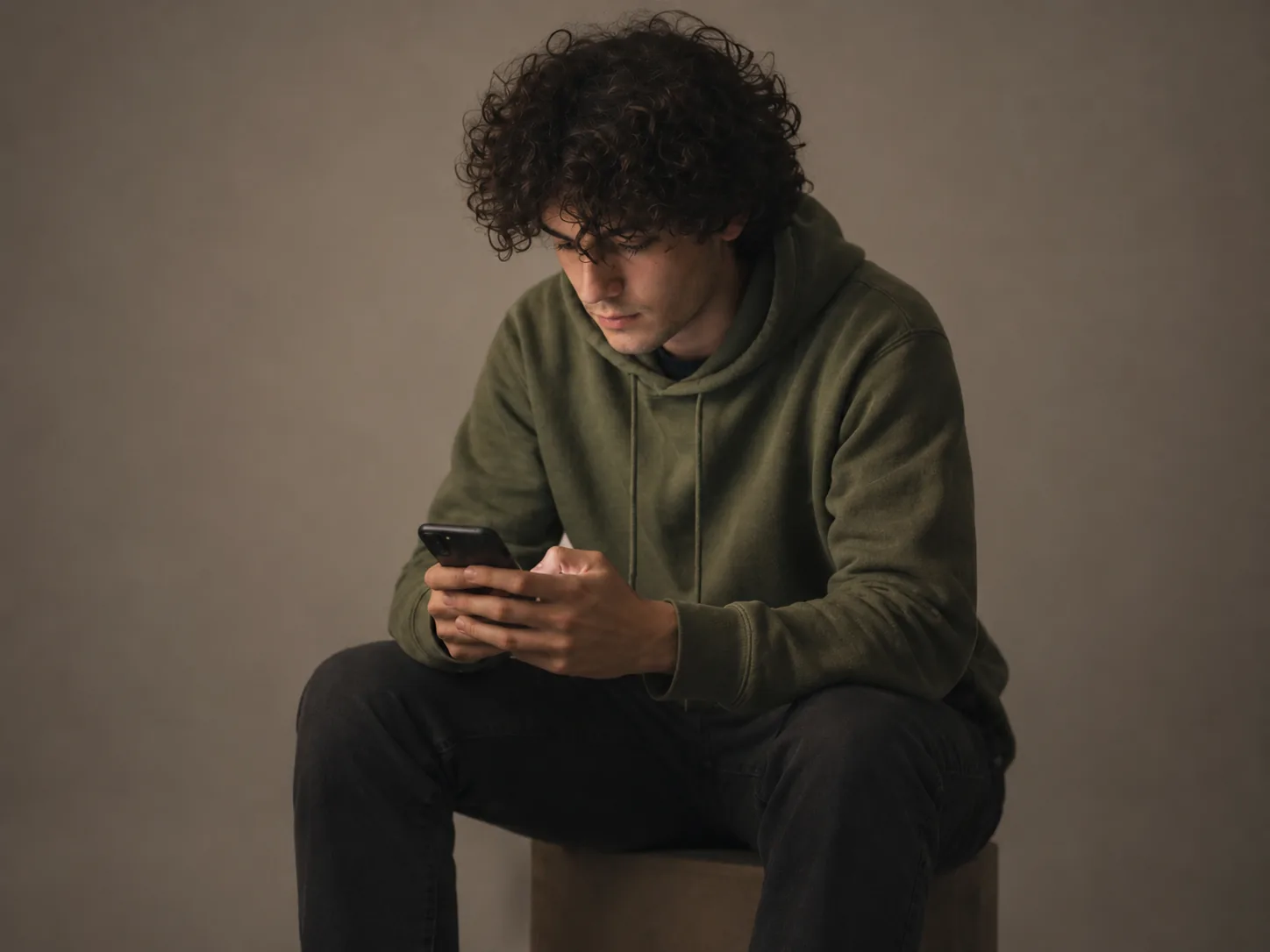
Give an everyday photo the feel of a studio portrait with softer lighting and a clean backdrop.
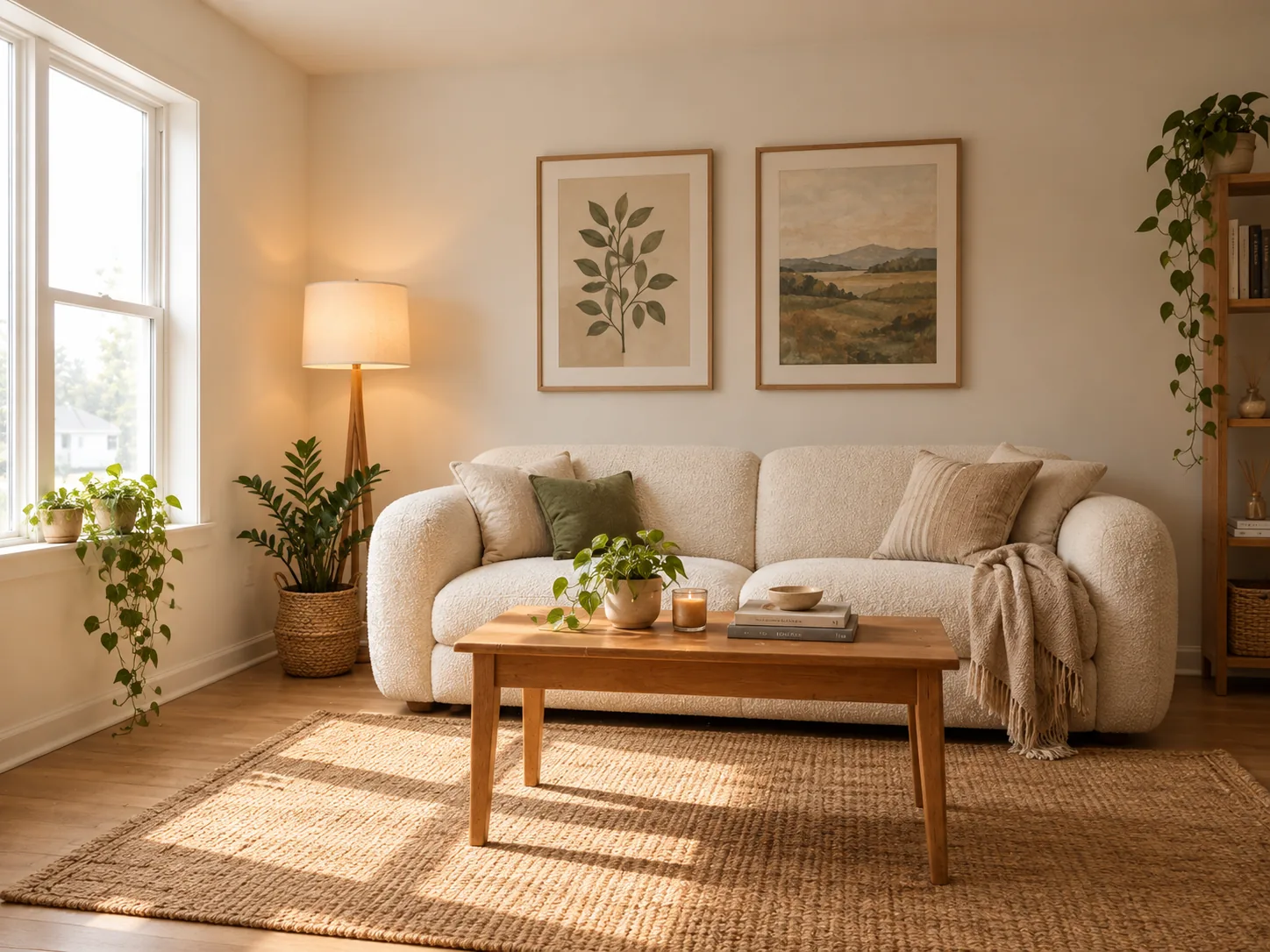
Change the furniture, wall art or lighting in a room photo. Keep the windows and layout so the result stays believable.
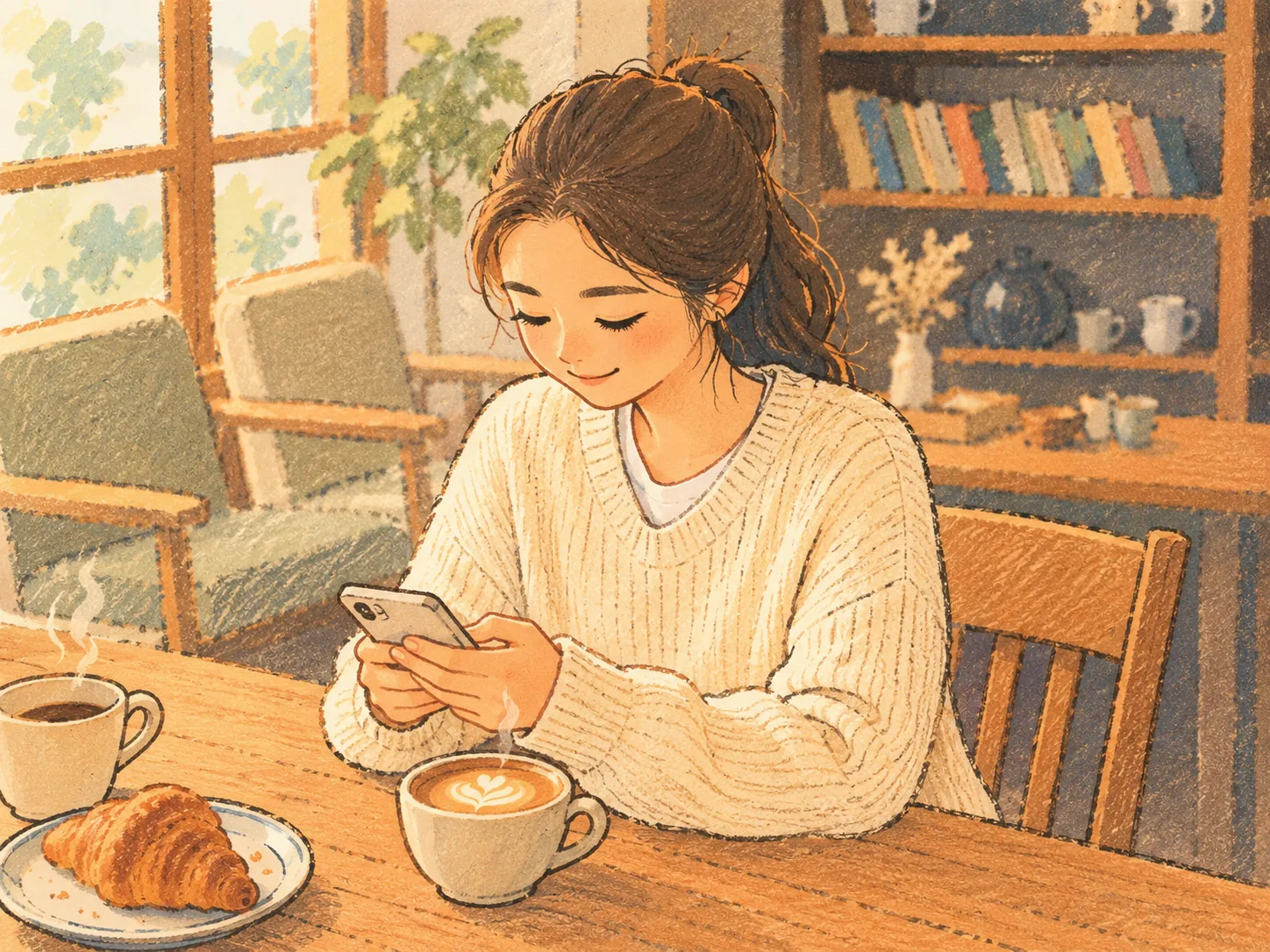
Redraw a photo in a picture-book style with sketchy outlines and flat pastel colors.
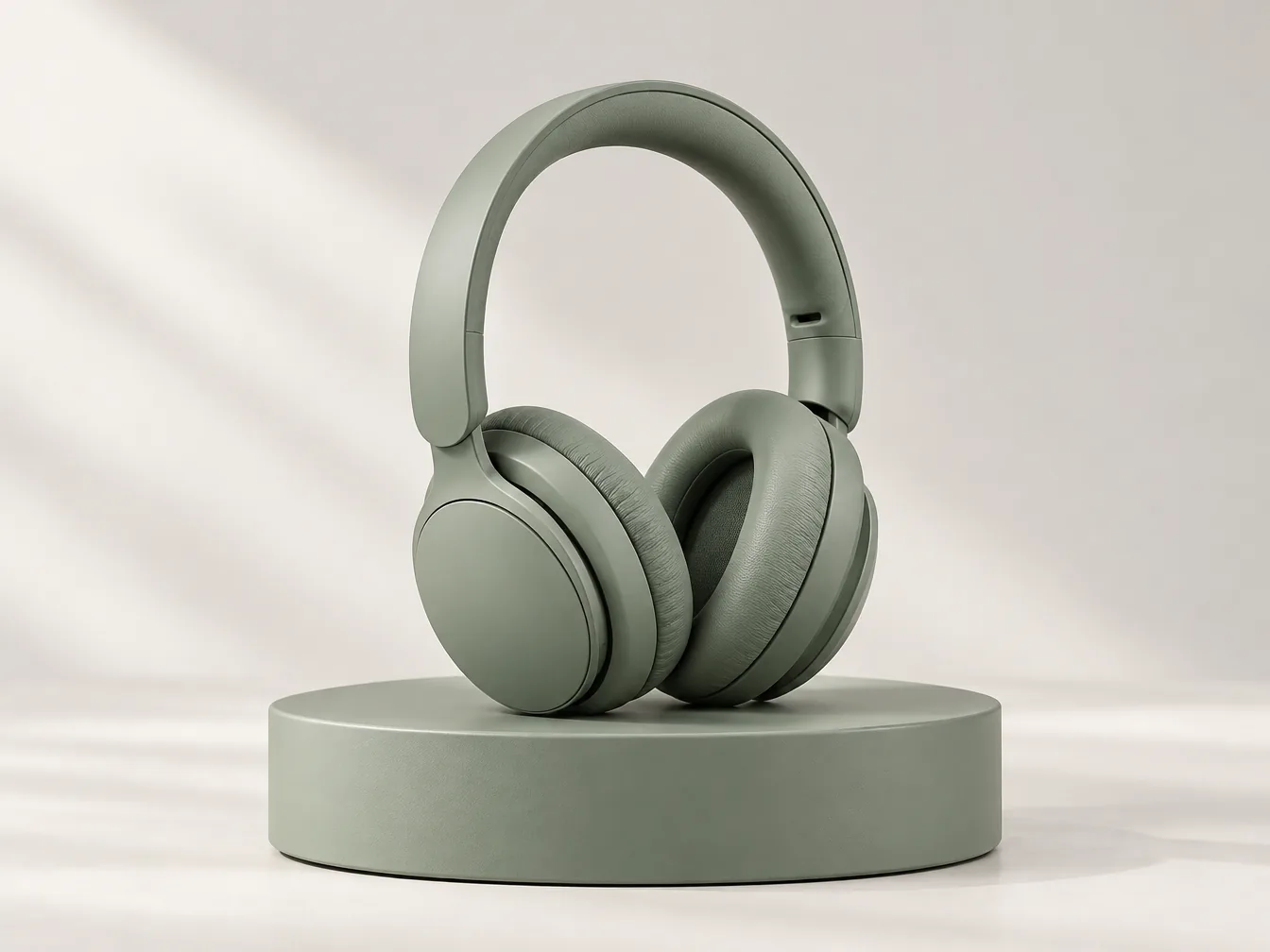
See how your sketch could look with realistic materials, lighting and depth.
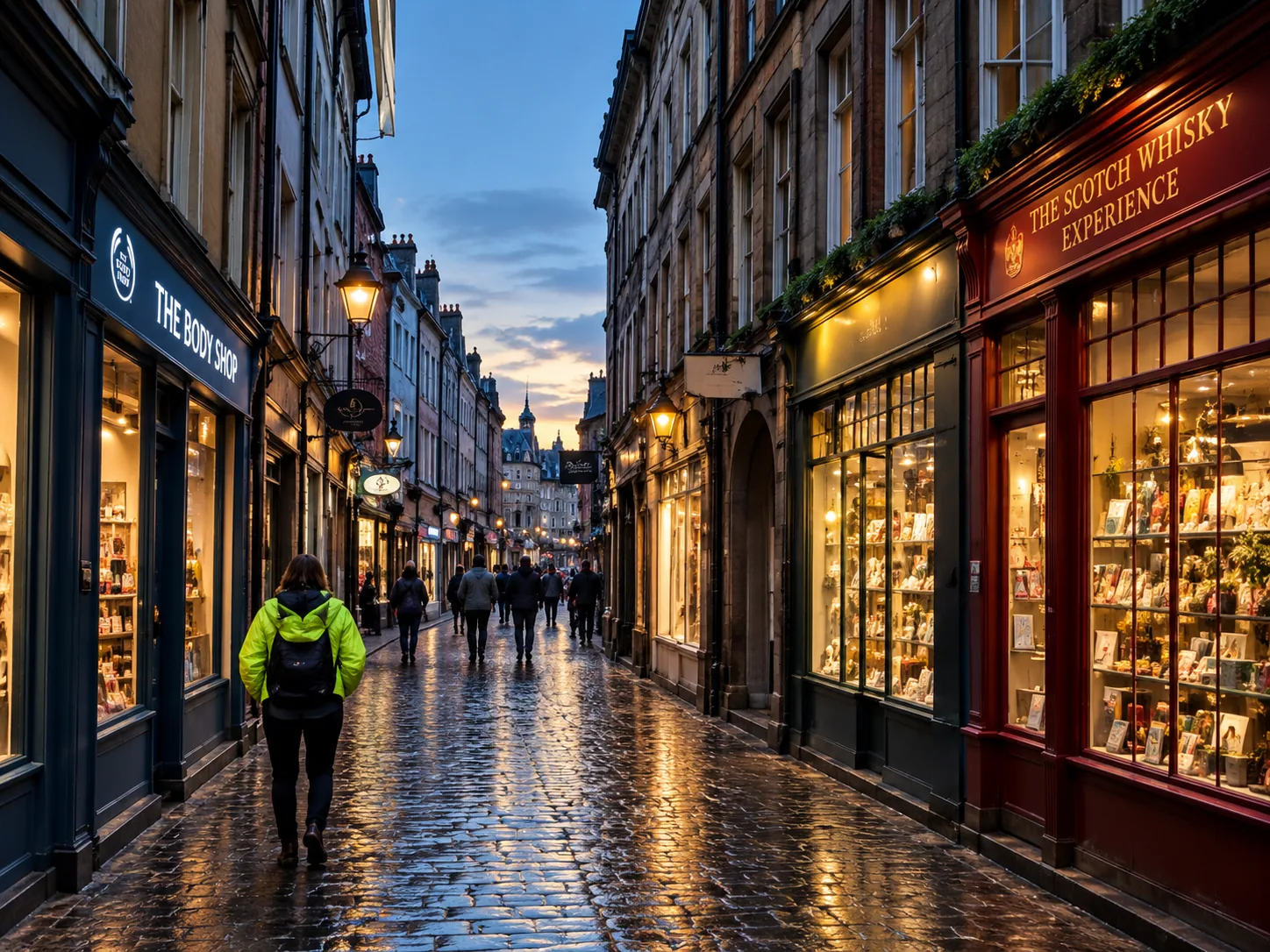
Sharpen a soft photo, balance the colors and improve the lighting without changing the composition.
How it works
Three steps from idea to a downloadable image.
Choose Flare or Sunburst and describe what you’d like to make. To edit a photo, upload it and tell us what to change.
Pick the shape, resolution and background, then choose how many images to make. The button shows the total credits before you start.
Generate your images and download your favorites. To keep working on one, choose Use as reference and describe the next change.
Prompt gallery
Find an idea you like, add the prompt to the editor and make it your own. Upload your photos for the examples below. Prompts are free to use; image generation uses credits.
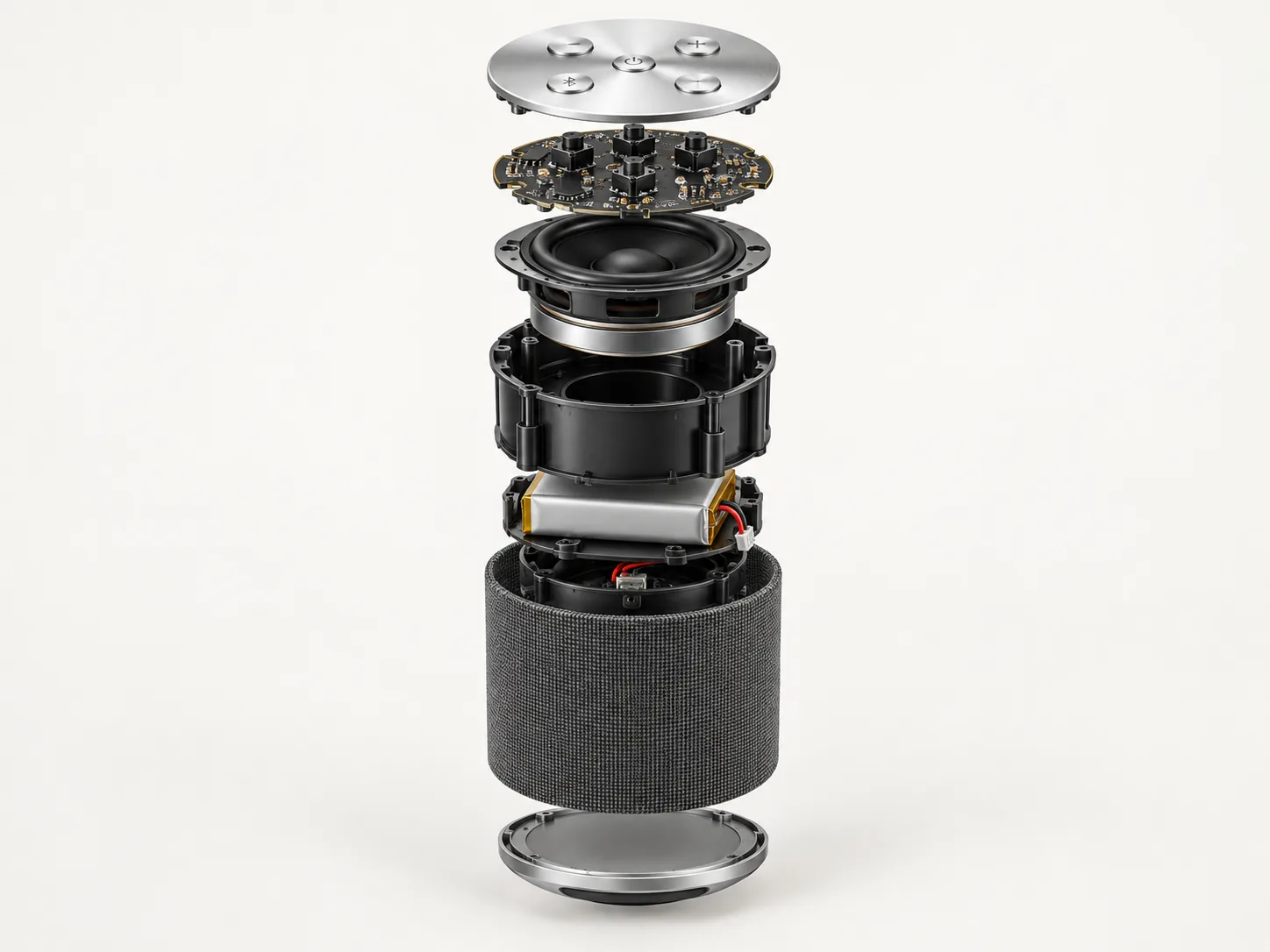
Product
Create an exploded view of the product in the uploaded photo, with the metal parts and electronic components floating in mid-air, aligned along one axis on a clean background.
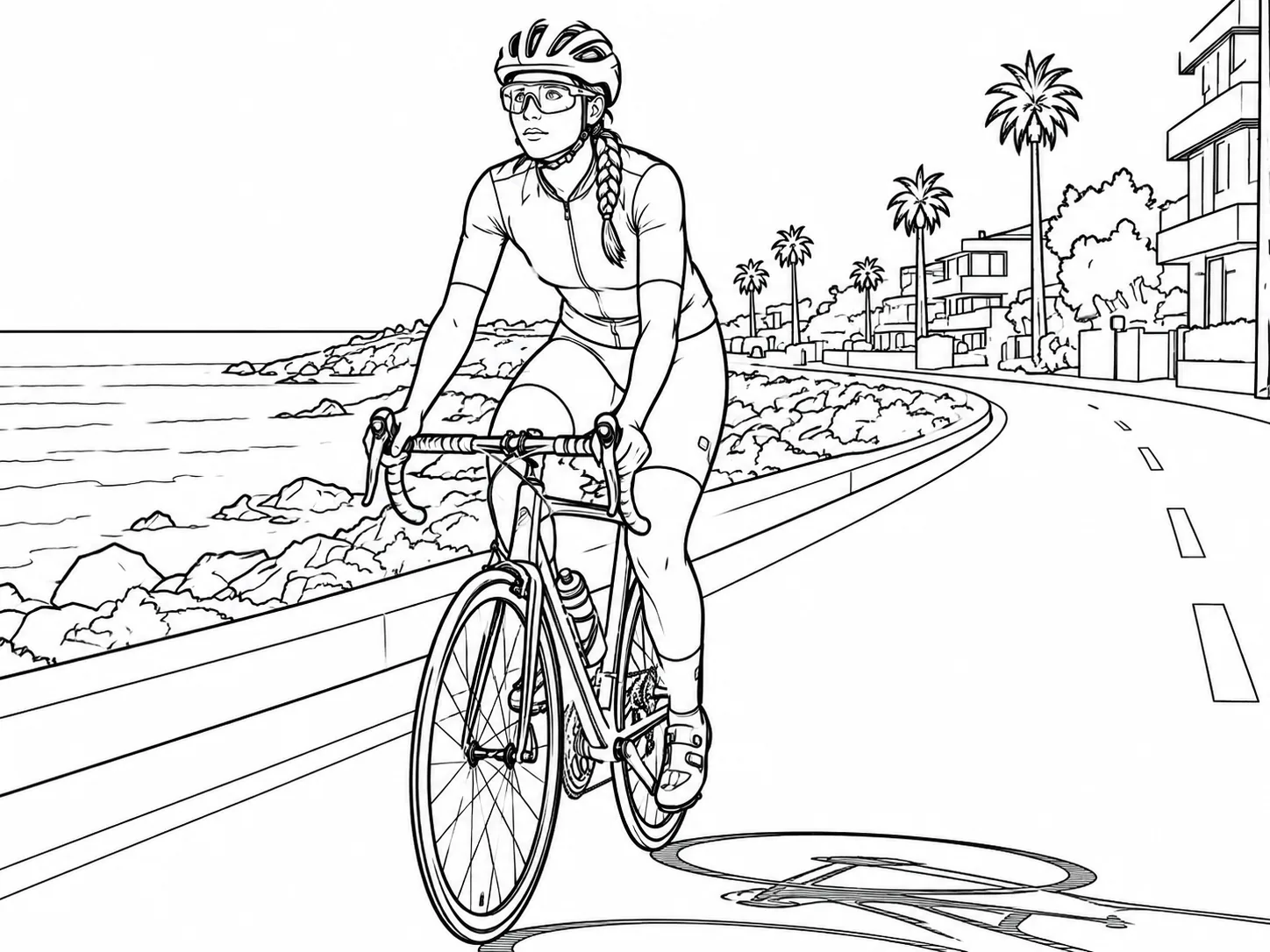
Line art
Convert the uploaded photo into clean black line art on a white background, keeping the main shapes and proportions.
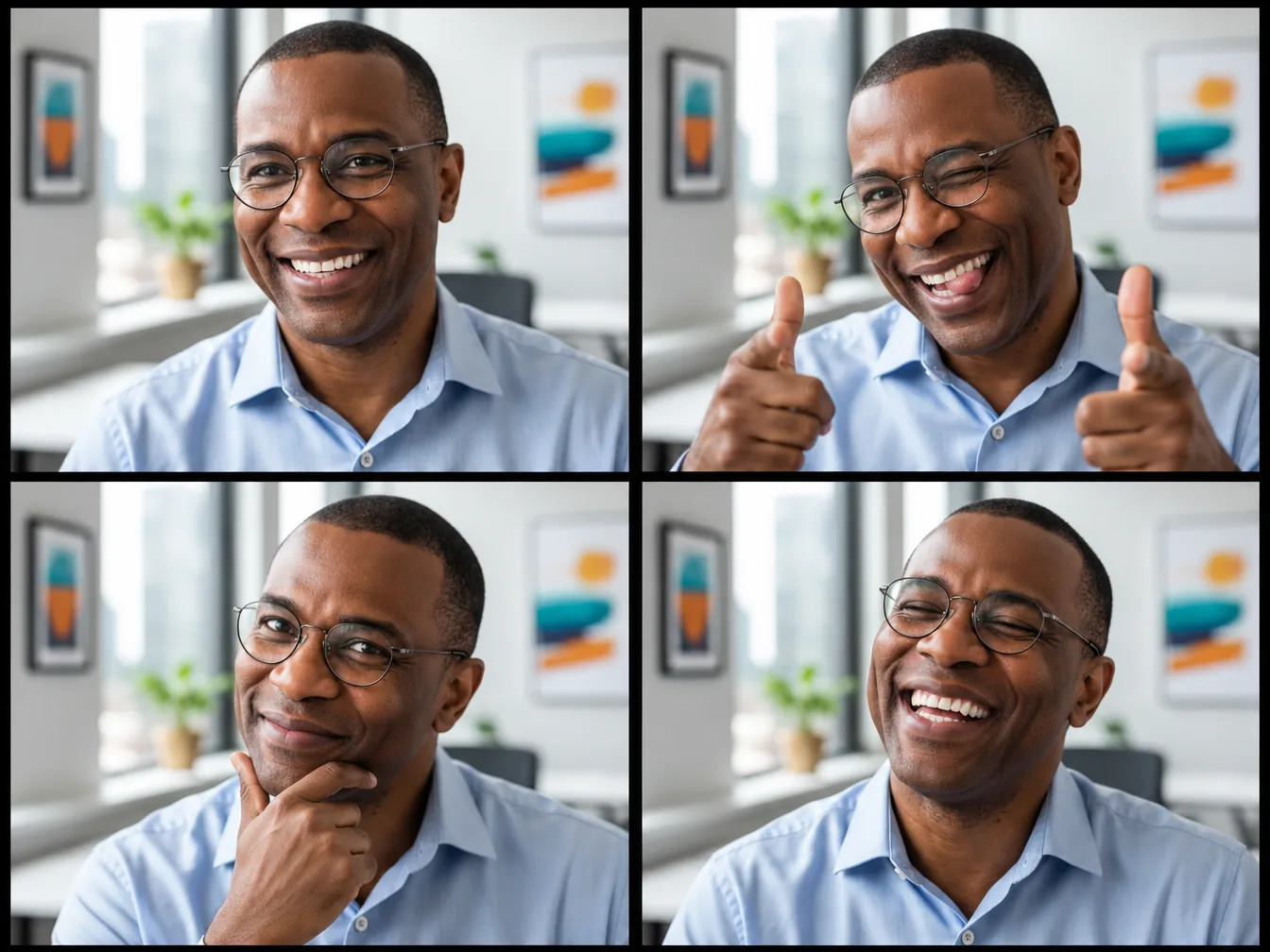
Grid
Create a four-frame photo booth strip from the uploaded portrait, with a different expression and playful pose in each frame and the same backdrop throughout.
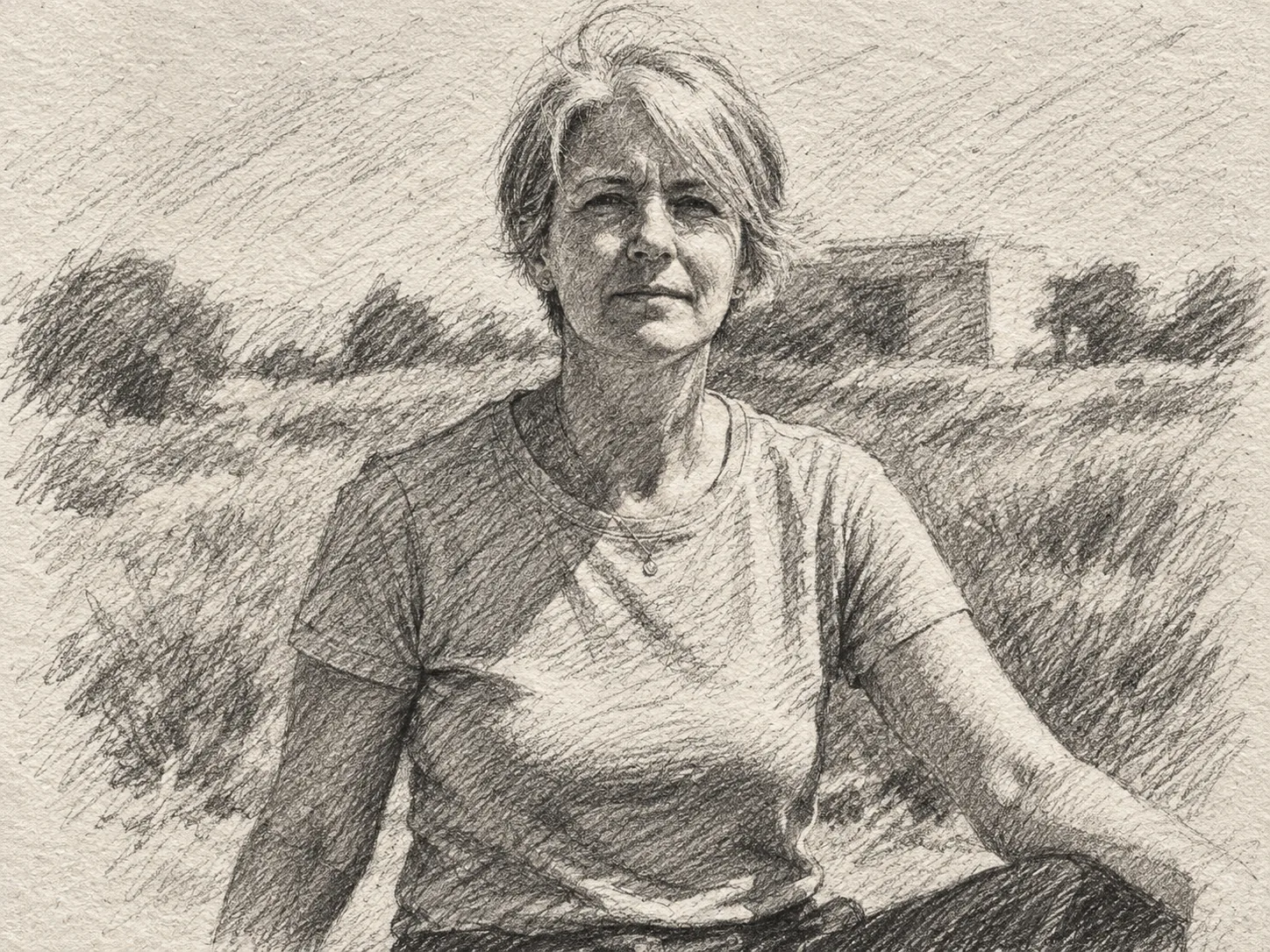
Sketch
Turn the uploaded photo into a graphite pencil sketch with rough lines, cross-hatching and shading strokes on textured paper.
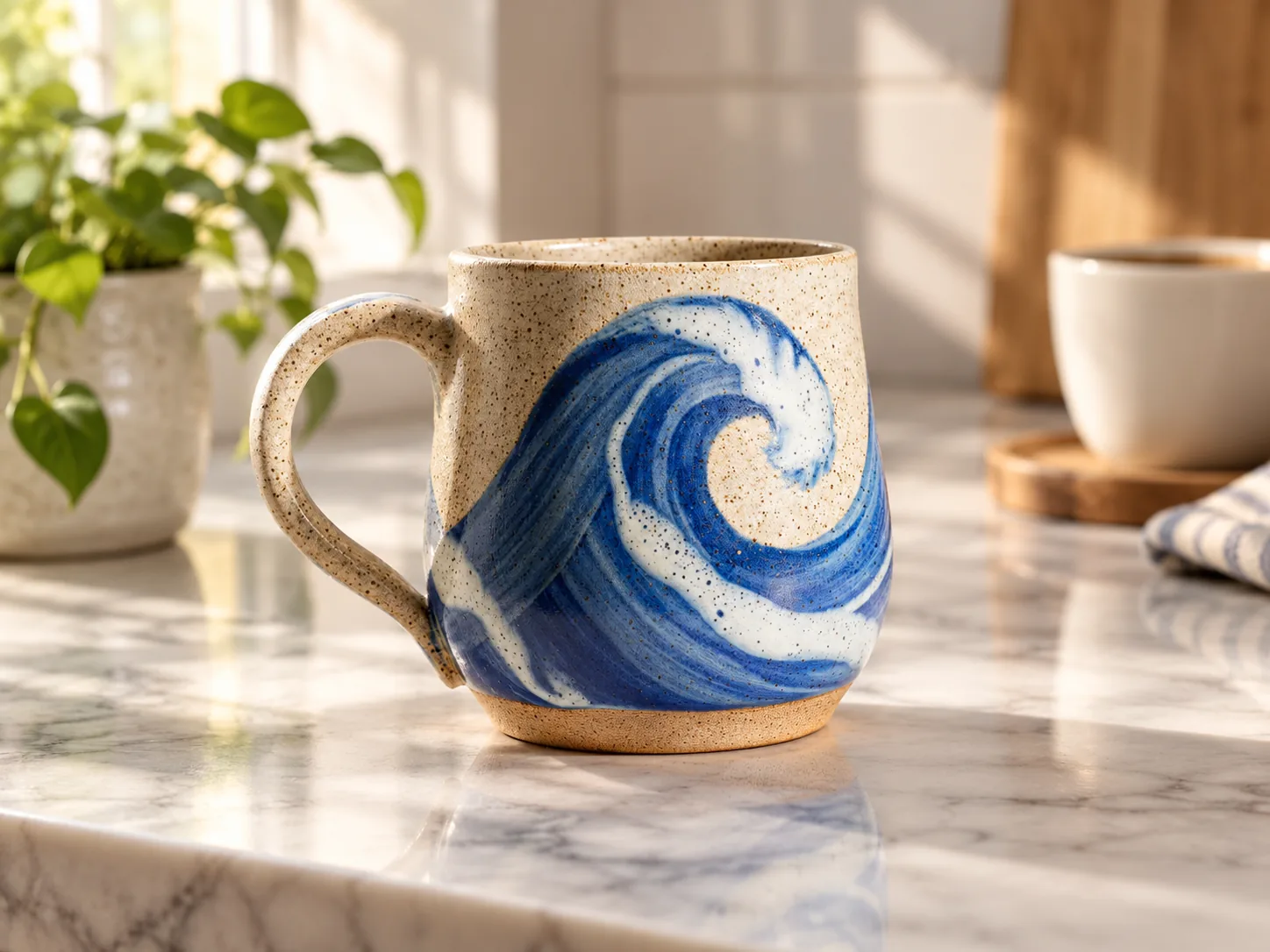
Product
Place the product from the uploaded photo on a marble kitchen counter in soft morning window light, with a small plant and a coffee cup blurred in the background. Keep the product's shape, colors and pattern unchanged.
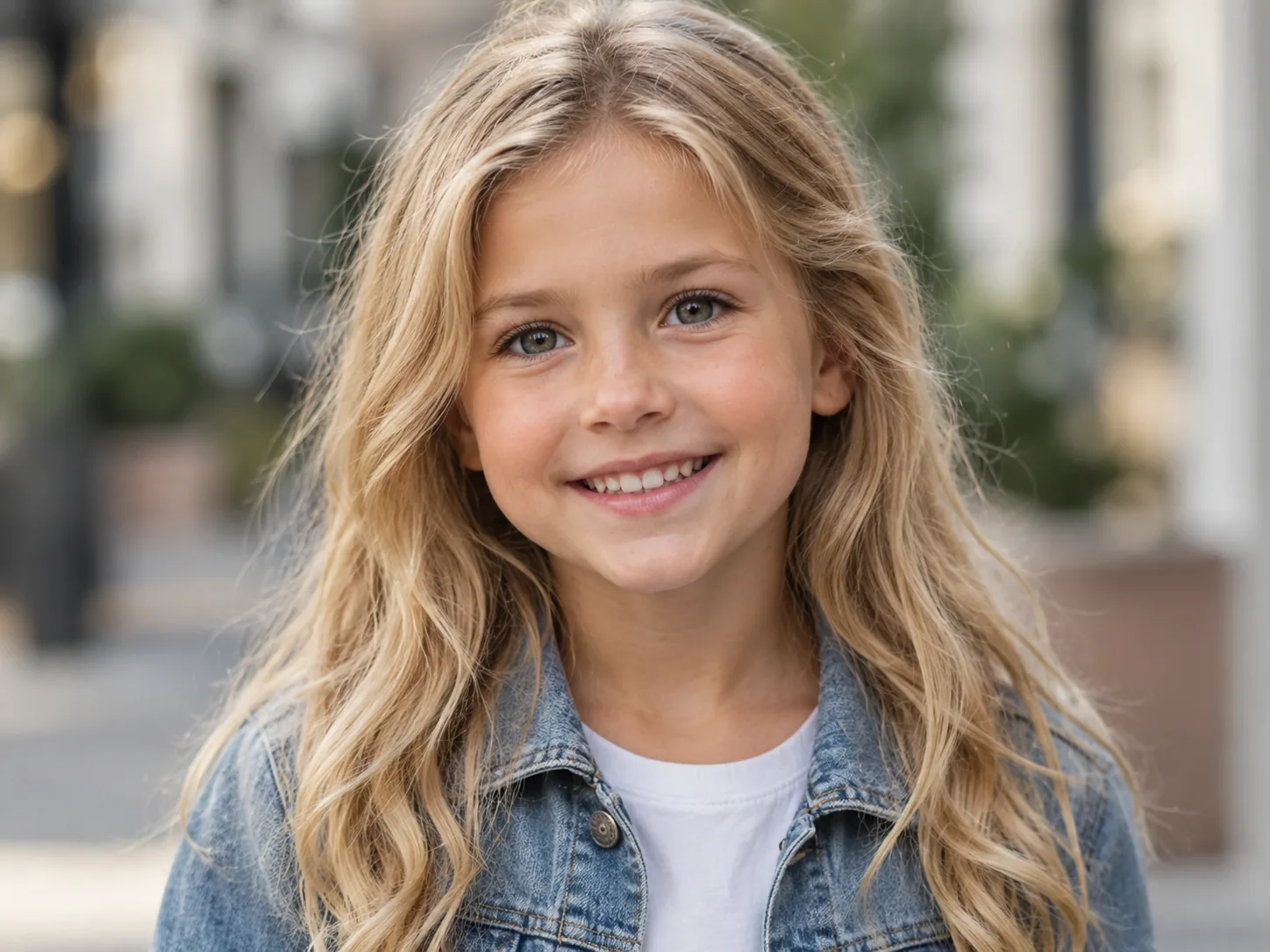
Fun
Using the two uploaded portraits, create a photo of a child who blends the features of both people. Natural light and professional photo quality.
Compare
Every model has a sweet spot. Compare what each one does best, how many references it takes, its resolution and its price at a glance.
| Model | Best for | Reference images | Resolution | Credits per image | Open |
|---|---|---|---|---|---|
| GPT Image 2.5This page | Product photos and quick photo edits | Up to 16 | 1K · 2K · 4K | 6–16 | |
| Nano Banana Pro | Posters, diagrams and readable text | Up to 8 | 1K · 2K · 4K | 15–30 | |
| Nano Banana 2 | Posters and portraits with many references | Up to 14 | 1K · 2K · 4K | 6–18 | |
| Seedream 5 Pro | Infographics and multilingual text | Up to 10 | 1K · 2K | 14–28 | |
| GPT Image 2 | Product posters on a budget | Up to 16 | 1K · 2K · 4K | 2–13 |
Need additional help? Contact us at [email protected]
GPT Image 2.5 is an AI image generation and editing model. On Image Fx it comes in two versions, Flare and Sunburst. Create images from text or upload up to 16 reference photos to guide an edit, and choose 1K, 2K or 4K output.
Image generation is a paid feature, starting at 6 credits per image. You’ll need an active subscription or some purchased credits left in your account; free credits alone won’t give you access. The prompt examples on this page are free to browse and use.
Flare is a good starting point when you want results quickly. Sunburst takes longer and is suited to more detailed edits. Both have the same resolution options, aspect ratios and credit costs. You can switch versions without rewriting your prompt.
6 credits at 1K, 10 at 2K and 16 at 4K, the same for Flare and Sunburst, text-to-image and editing. Generate up to four images per run; the total shows on the button before you confirm.
GPT Image 2 starts at 2 credits per image and is the lower-cost choice for drafts. GPT Image 2.5 starts at 6 credits and adds the Flare and Sunburst versions. Try the same prompt in both and compare.
Choose 1K, 2K or 4K and one of 12 aspect ratios, including 1:1, 16:9, 9:16, 3:2, 4:3 and 21:9. The 27:16, 16:27, 9:8 and 8:9 ratios are only available at 1K. Choose Auto if you’d like the model to pick a format.
Up to 16 JPG, PNG or WEBP images, up to 30 MB each. Upload a photo or paste a direct image link, then describe the edit and say which details to keep. Check the result against your original.
Yes. Choose Transparent under Background and describe your subject. This works at 1K, 2K and 4K and is useful for stickers, product cutouts and graphics you place over another design. Transparent results show a checkerboard behind them.
Describe the subject, setting, style and composition. To include text in the image, put the exact words in quotes. With a reference photo, say what you want to keep and what you’d like to change.
Some images take longer to create. If yours hasn’t appeared, use Check again when available or open My images. Checking again uses no extra credits. If generation is confirmed to have failed, the credits for that image are returned automatically. If you’re unsure whether it started, check My images before trying again.
Describe what you have in mind, or use one of the examples as a starting point.