
Your Seedream 5.0 Pro images
Your images will appear here when they’re ready.
These concept images were created with another AI model to illustrate the prompts and styles. They are not Seedream 5.0 Pro outputs.
Seedream 5.0 Pro AI Image Generator & Editor
Turn prompts, photos and sketches into polished infographics, posters and realistic portraits. Add multilingual text, use up to 10 references and export at 1K or 2K.
From dense infographics to precise photo edits.
Turn complex briefs, annotated images and multiple references into polished visuals with realistic textures and multilingual text.
High-density infographics and multilingual text
Organize charts, labels and detailed copy into clear infographics, posters and localized designs. Put exact wording in quotes and say where it goes.
Precise edits from visual guidance
Upload photos, marked-up images or sketches and describe what to change. Combine up to 10 references for people, products, style and composition.
Photorealistic light and texture
Render natural lighting, convincing materials and detailed skin texture for portraits, products, interiors and campaign images.
1K or 2K output
Draft at 1K, then choose 2K when you need a larger image. All eight aspect ratios are available at both resolutions.
What will you make with Seedream 5.0 Pro?
Explore headshots, studio portraits, interior edits, storybook scenes and comic styles.
These concept images were created with another AI model to illustrate the prompts and styles. They are not Seedream 5.0 Pro outputs.

Professional headshots
Turn a casual photo into a formal, centered headshot while keeping the person’s identity.
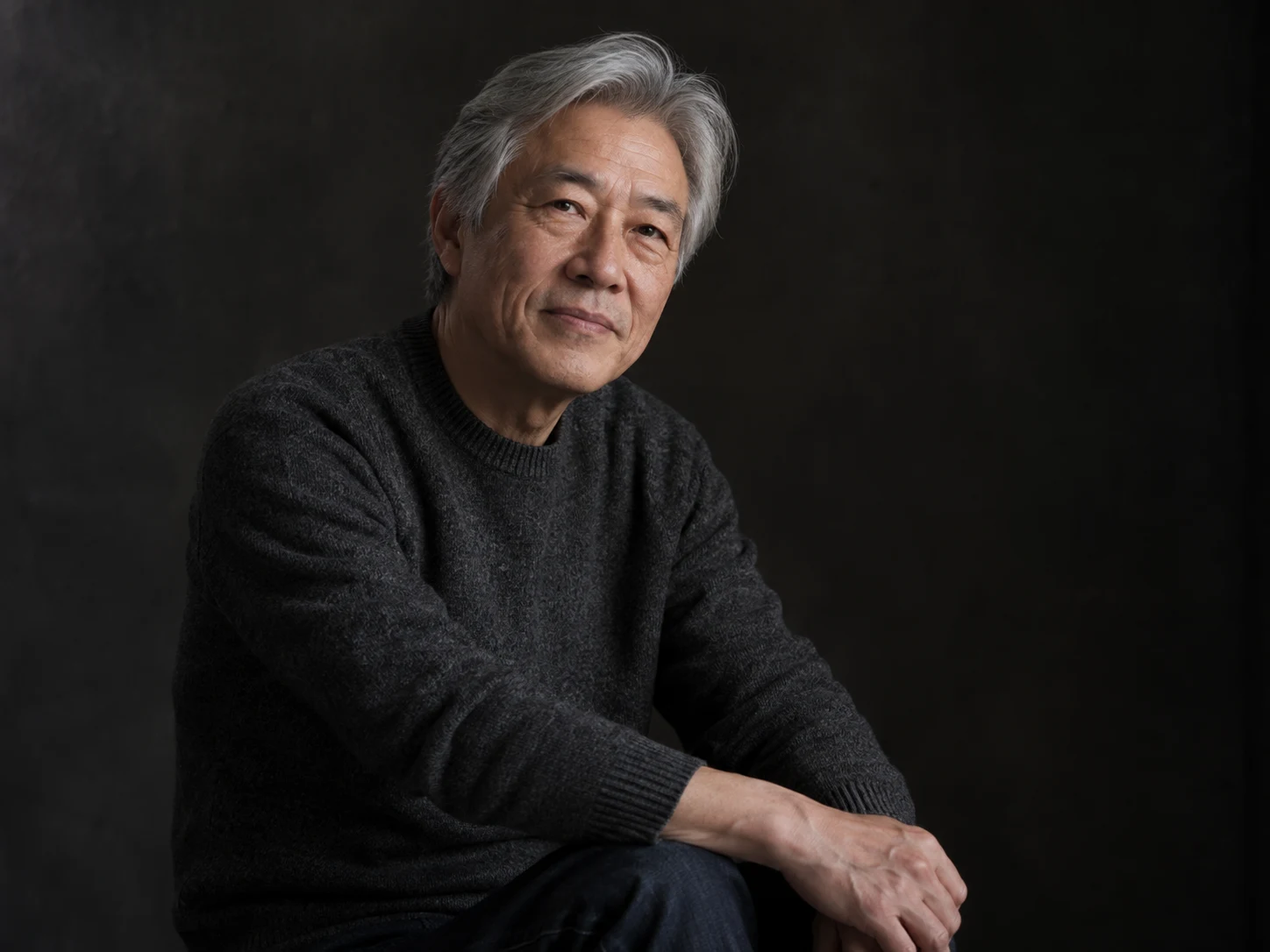
Studio portraits
Give an everyday photo a studio look with a black backdrop, soft lighting and a relaxed waist-up pose.
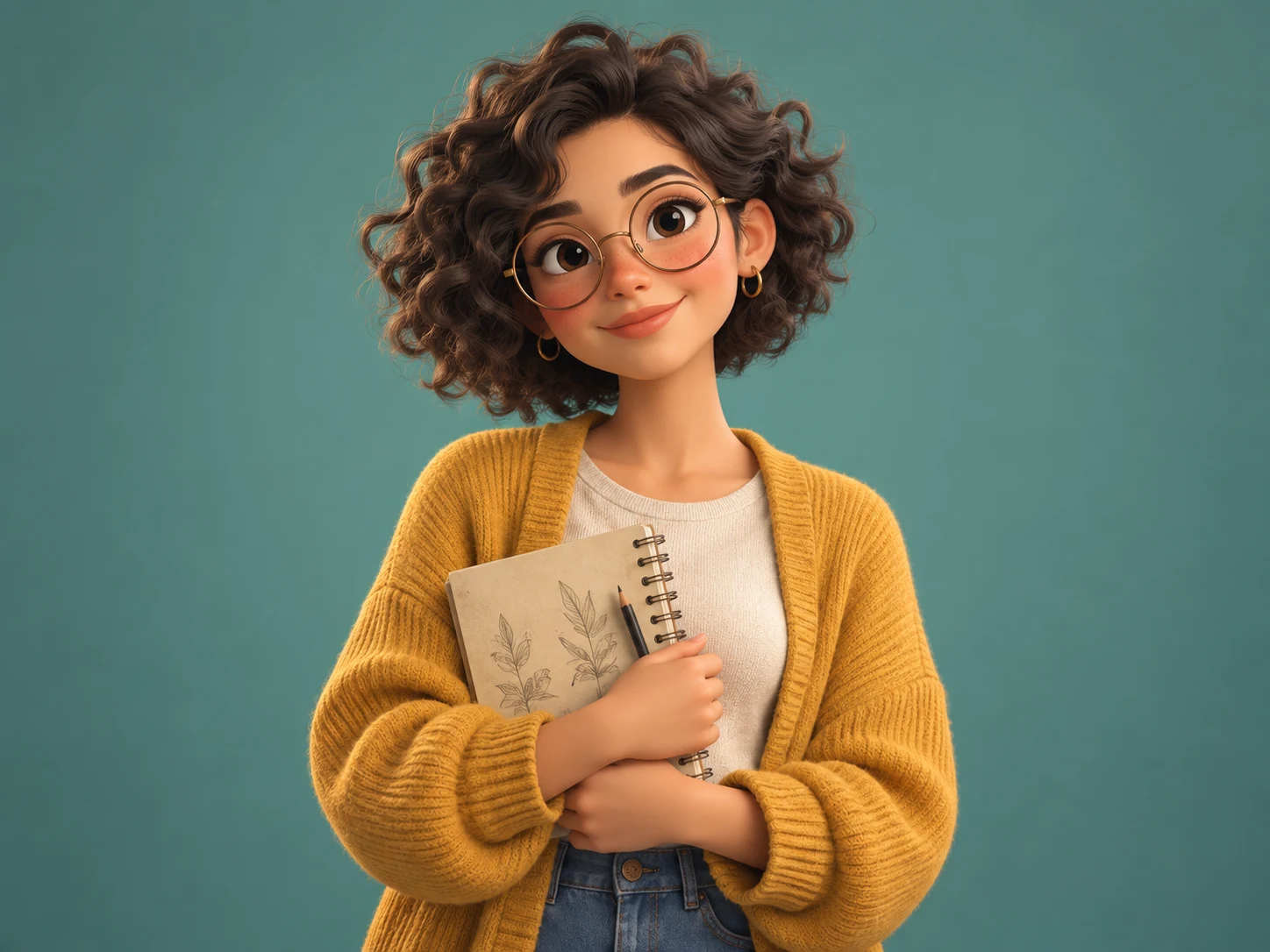
Animated character styles
Turn a portrait into a friendly 3D character with recognizable facial features.
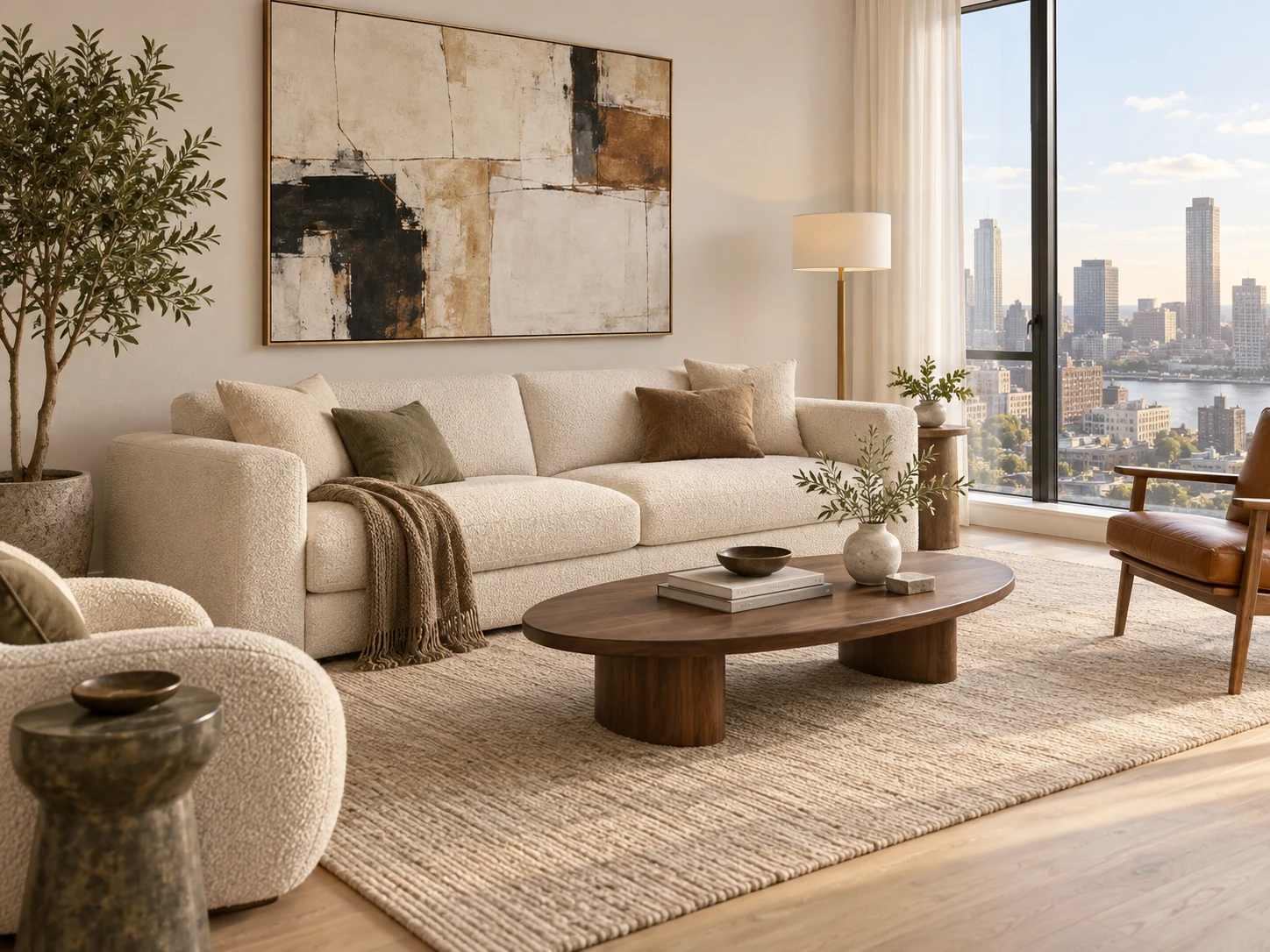
Interior edits
Add a painting, change the furniture or try new colors in a photo of your room.
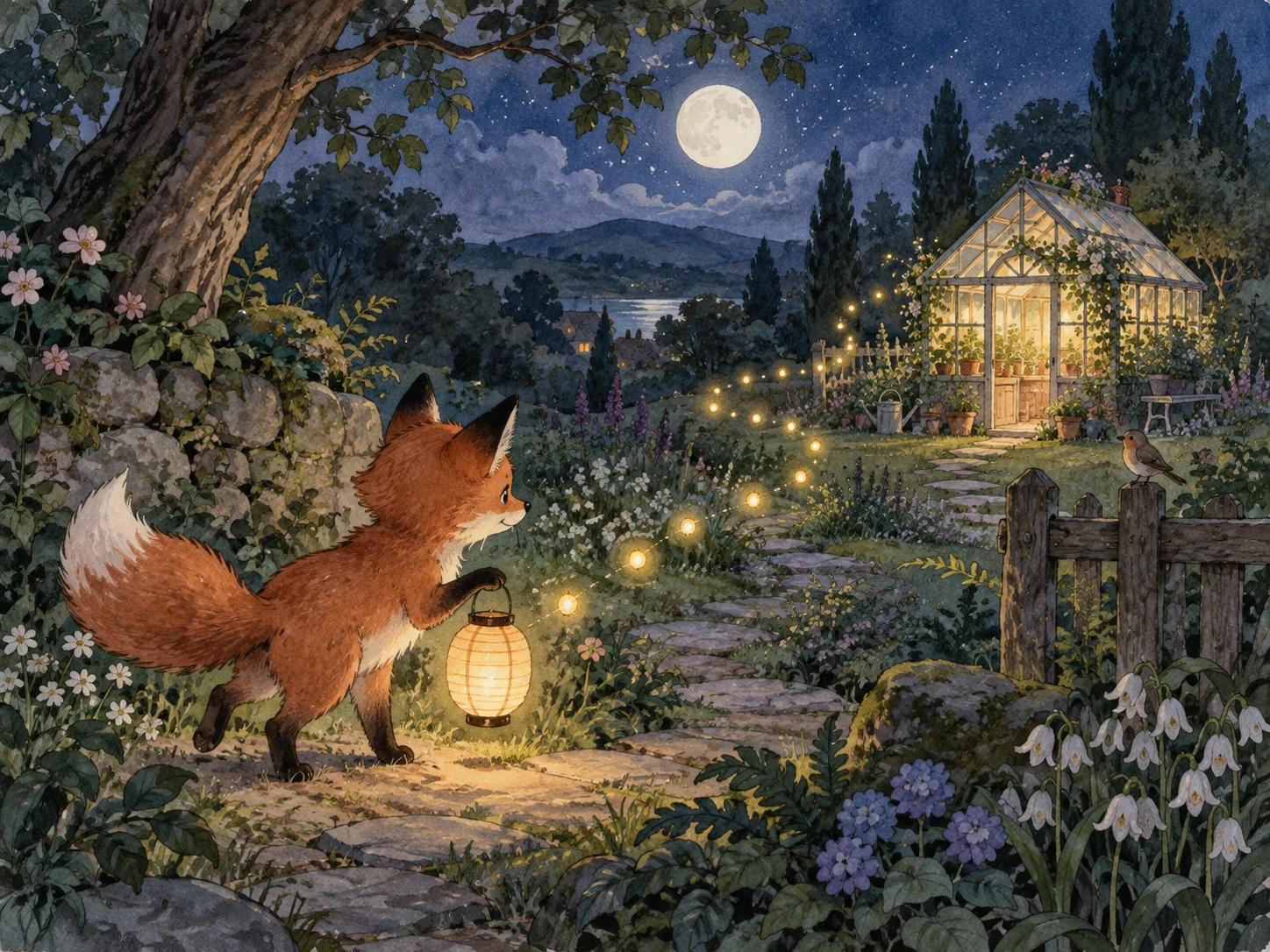
Storybook illustrations
Create a children’s storybook scene with fine ink lines and softly textured watercolor washes.
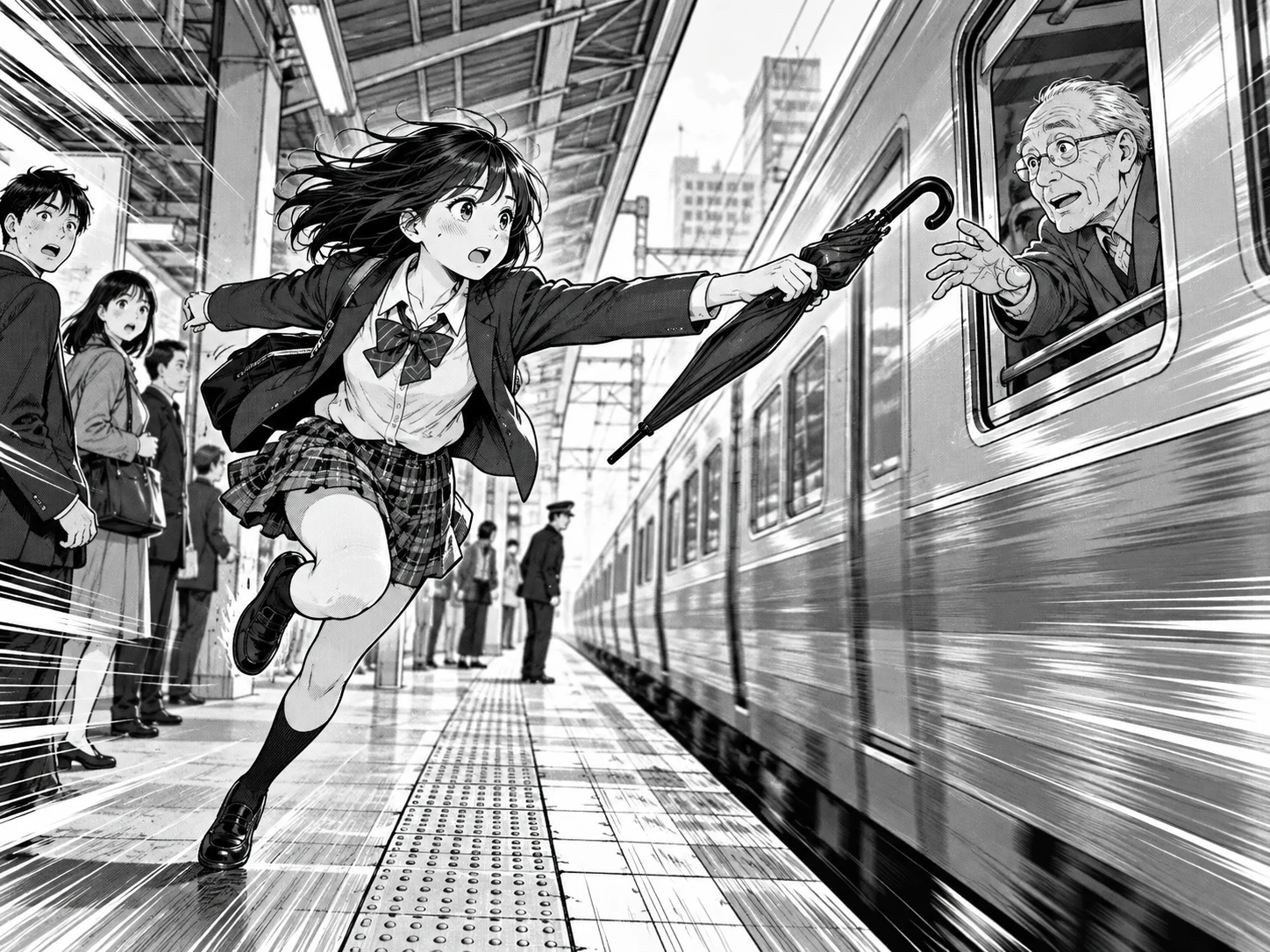
Manga and comic styles
Convert a photo into a manga panel with clean lines and screen-tone shading.
Seedream 5.0 Pro prompts to get you started
Pick an example, change the details and add your own photo if the prompt calls for one. Browsing and copying prompts is free; generating images uses credits.
These concept images were created with another AI model to illustrate the prompts and styles. They are not Seedream 5.0 Pro outputs.
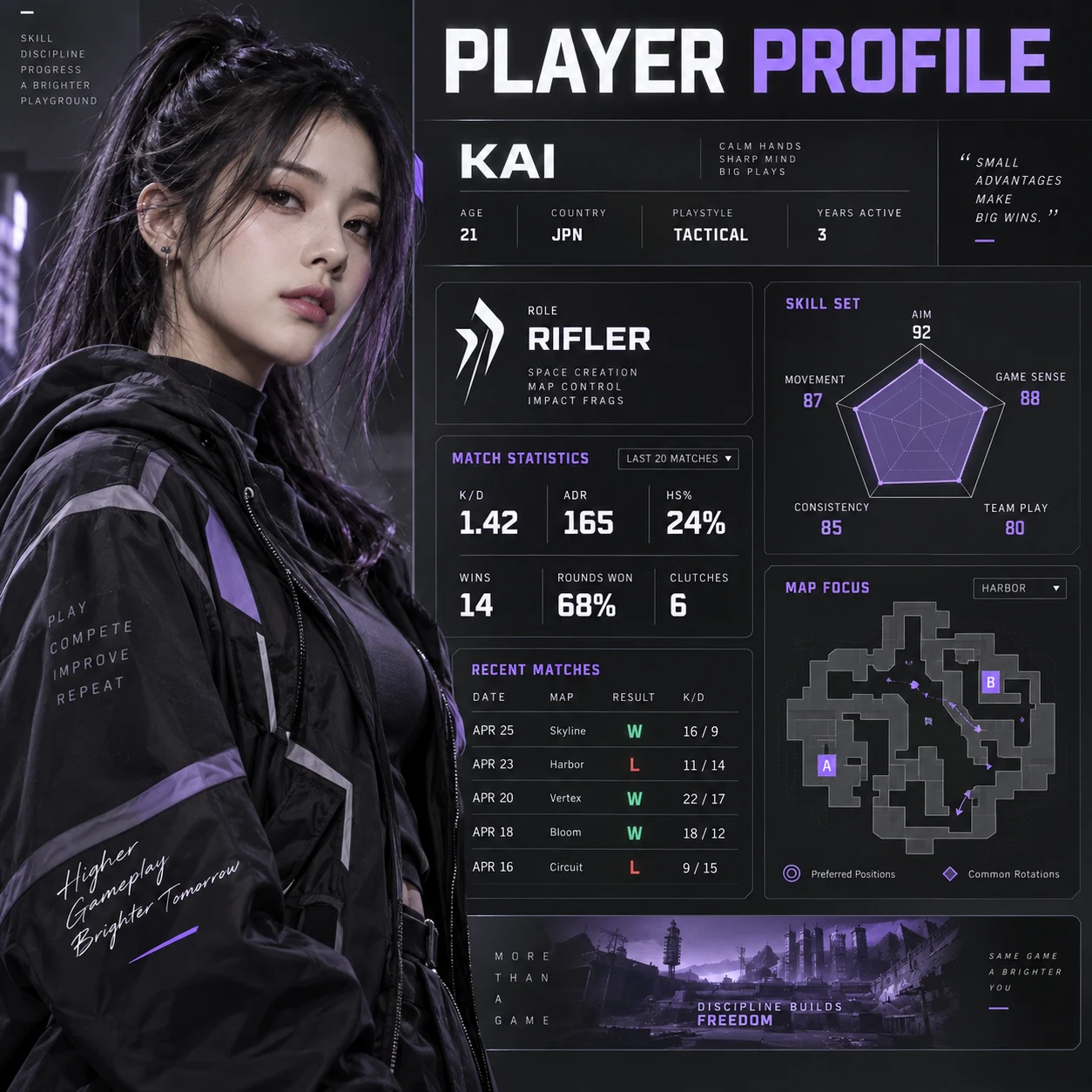
Player profile infographic
Create a dense 16:9 player-profile infographic for an original esports competitor. Place a realistic waist-up portrait on one side and organize match statistics, a role summary, a five-point skill chart, recent results and a small arena map around it. Use a matte charcoal interface, crisp white type, restrained violet accents and clear information hierarchy. Render the exact title “PLAYER PROFILE”.
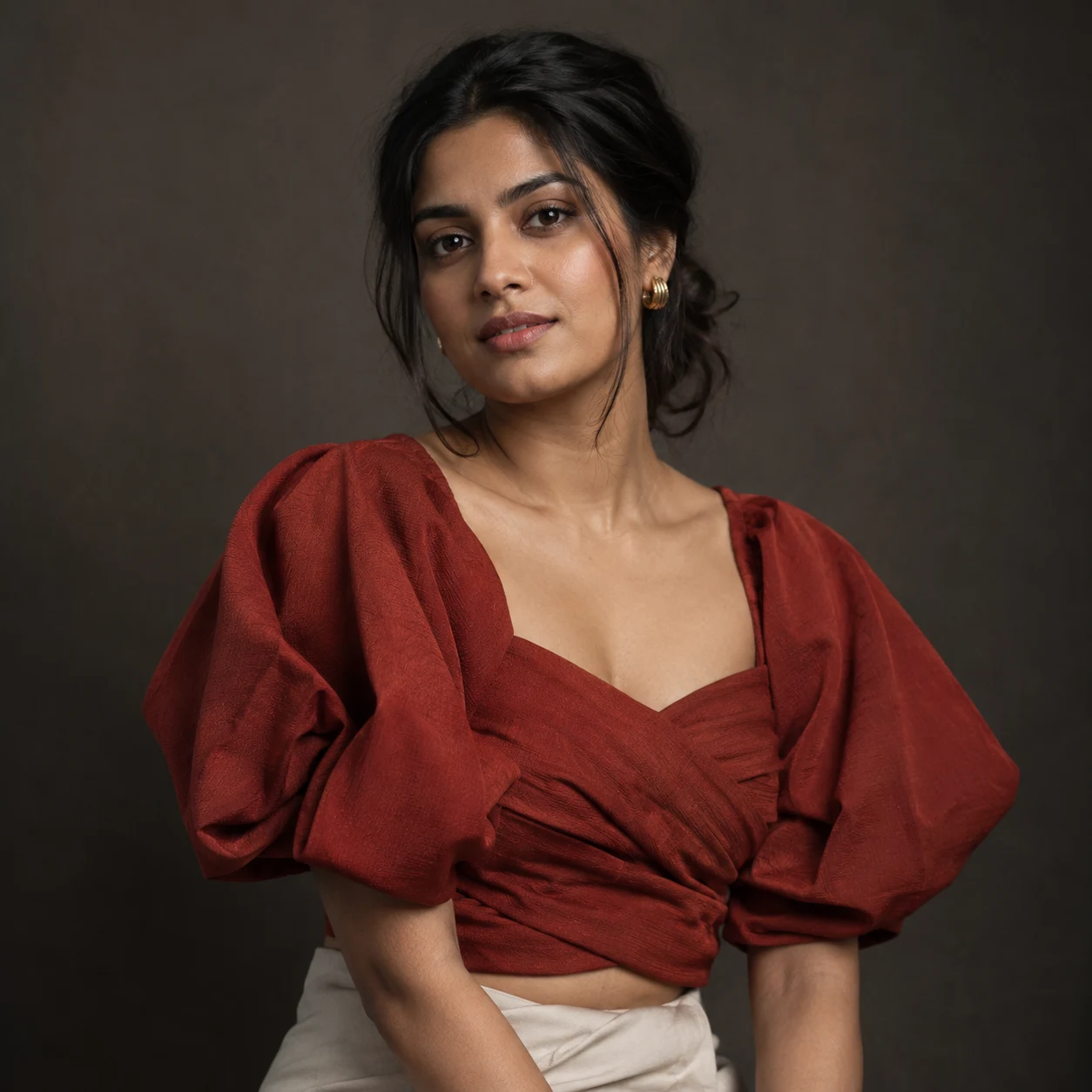
Editorial studio portrait
Turn the uploaded photo into an editorial studio portrait: waist-up framing, soft directional lighting, a neutral dark backdrop, natural skin texture and a relaxed expression.
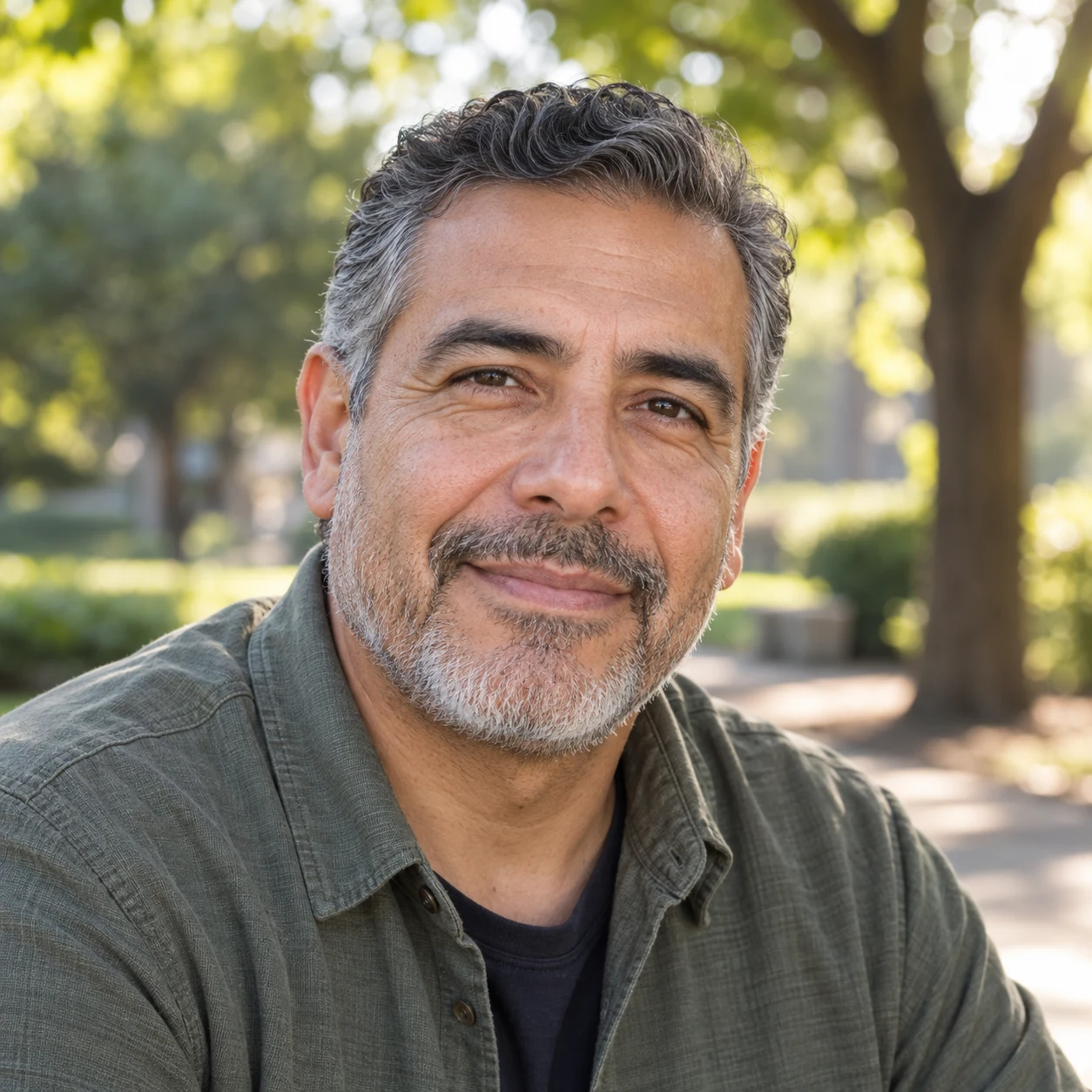
Photo detail enhancement
Sharpen details, balance the colors and improve the lighting in the uploaded photo. Preserve natural skin texture and keep the person and composition unchanged.
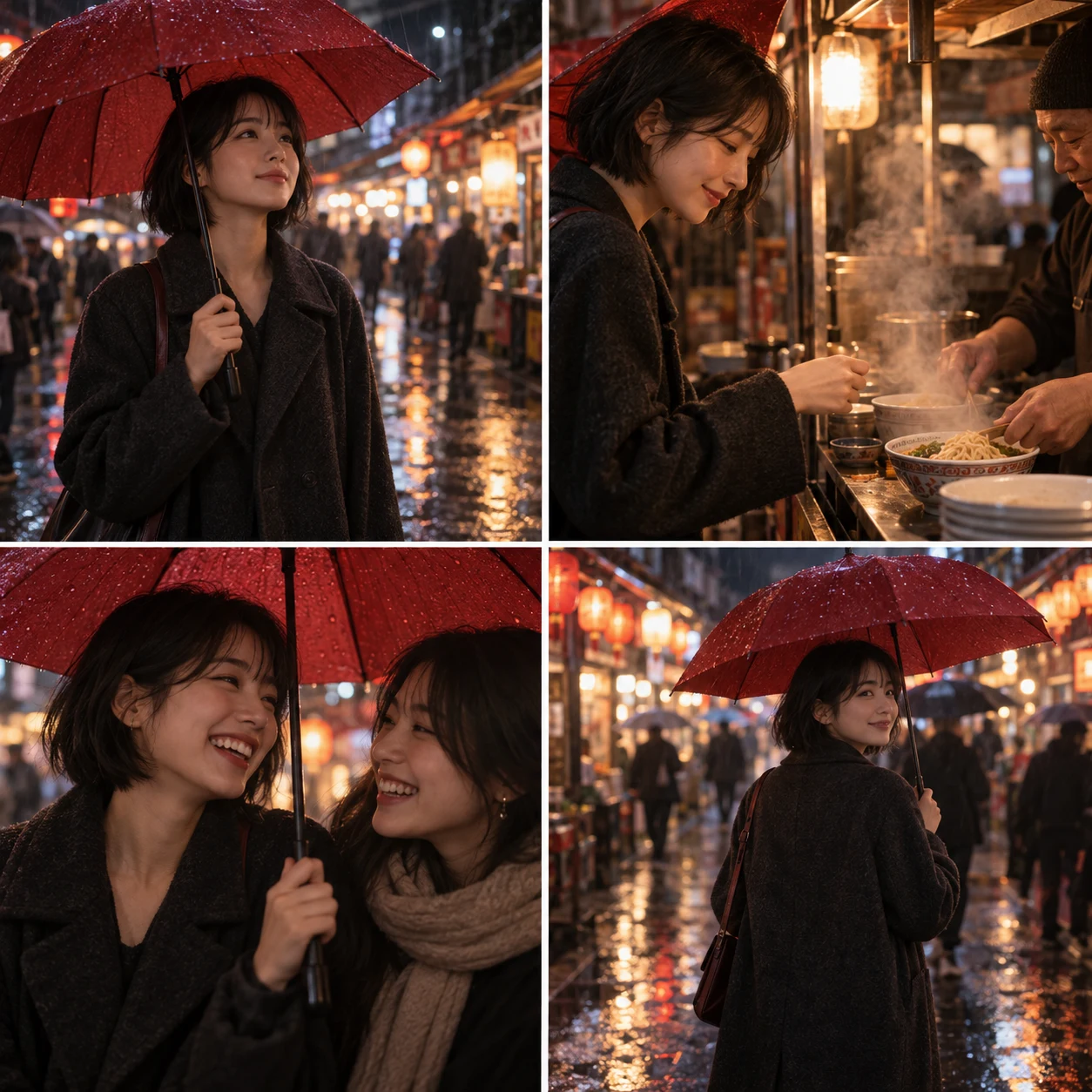
Rainy market storyboard
Using the uploaded portrait, create a cinematic 2×2 storyboard showing the same person arriving at a rainy night market, ordering noodles, sharing an umbrella with a friend and leaving under glowing signs. Keep the face, hairstyle, coat and red umbrella consistent in every panel. Use realistic wet reflections, natural skin texture and coherent lighting.
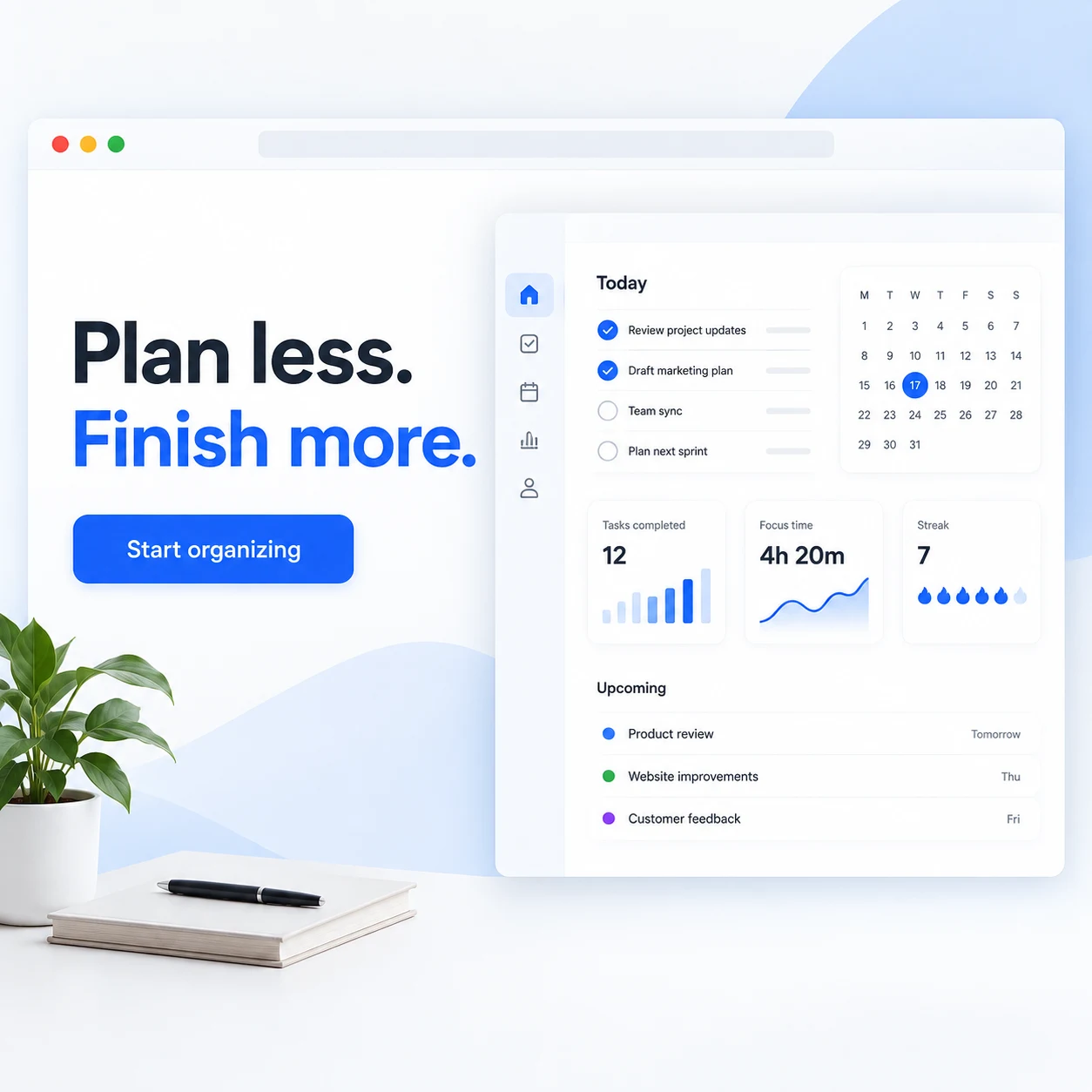
Wireframe to SaaS hero
Transform the uploaded hand-drawn website wireframe into a polished 16:9 SaaS hero section while preserving its layout exactly. Use a warm white background, cobalt accents, one clean dashboard preview and generous spacing. Render the exact headline “Plan less. Finish more.”, a short two-line subtitle and a primary button labeled “Start organizing”.
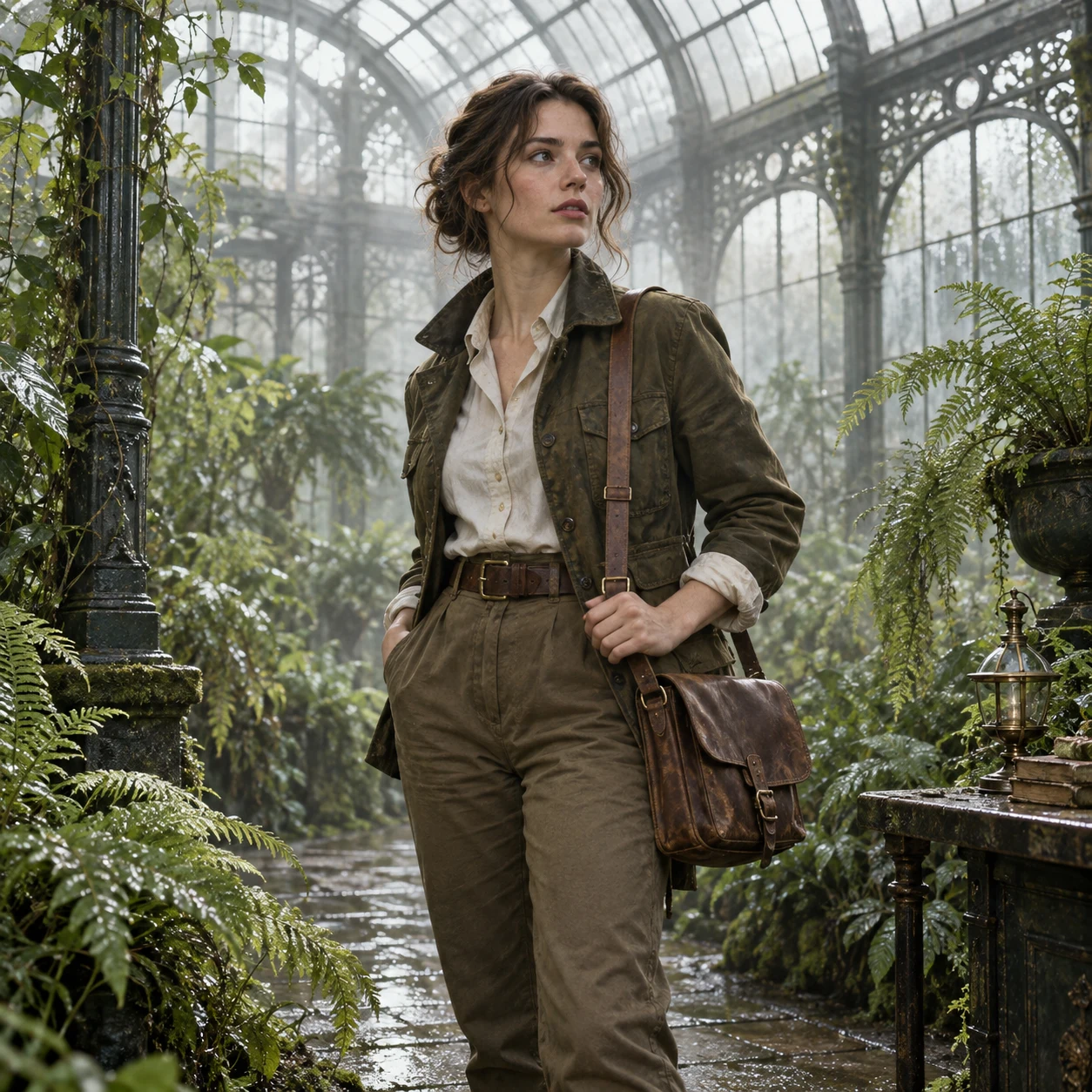
Multi-reference campaign
Combine the person from the first image, the tailored explorer outfit from the second image and the misty glasshouse setting from the third image into one realistic campaign photograph. Keep the first person’s face and body, reproduce the outfit’s materials and details, match perspective and lighting across all references, and add no logos or extra characters.
How to use Seedream 5.0 Pro
Three steps from idea to a downloadable image.
Describe or upload
Write what you want, or drop up to 10 reference images and describe the change.
Choose an aspect ratio and resolution
Choose an aspect ratio, select 1K or 2K and PNG or JPEG, then pick how many images to generate.
Generate and refine
Download an image you like, or choose Use as reference to edit it further.
Seedream 5.0 Pro FAQ
Seedream 5.0 Pro is ByteDance’s multimodal image generation and editing model for professional creative work. On Image Fx, you can create images from text or upload up to 10 reference photos to guide an edit, then choose 1K or 2K output in PNG or JPEG.
You’ll need a paid plan or purchased credits to use Seedream 5.0 Pro on Image Fx. Sign in to generate images from 14 credits each. Free credits alone do not unlock this model. You can browse and copy the prompt examples on this page for free.
14 credits at 1K and 28 at 2K, the same for text-to-image and editing. Each reference image adds 2 credits per generated image. Generate up to five images per run; the total shows on the button before you confirm.
Yes. Ask for a poster, menu or label and put the exact words you want in quotation marks. It handles several languages, but keep the text short, say where it should go, and check spelling and layout before publishing.
Up to 10 JPG, PNG or WEBP images, up to 30 MB each. Add a photo and describe the edit, or combine several references and tell Seedream 5.0 Pro which details to keep from each one.
It can help keep people and products consistent when you reuse the same reference image and clearly describe what should stay unchanged, such as the face, outfit or product. Check the result against your original before using it.
Choose one of eight fixed ratios: square 1:1, 4:3, 3:4, 3:2, 2:3, wide 16:9 and 21:9, or tall 9:16. Every ratio is available at 1K and 2K. There is no Auto option, so pick the ratio closest to your reference image.
Seedream 5.0 Pro is ByteDance’s newer model, and Seedream 4.0 is still available on Image Fx. Newer doesn’t mean better for every image. Try the same prompt in both and compare the results for your project.
Name the subject, setting, style and composition. For text in the image, put the exact words in quotes. With a reference photo, say what should stay the same and what should change. Refine in a second run instead of packing everything into one prompt.
Generation time varies with resolution and batch size. If checking pauses, choose Check again or open My images; checking an existing result does not cost more credits. When an image is confirmed as failed, its credits are returned automatically. If you’re unsure whether generation started, check My images before submitting again.
Ready to try Seedream 5.0 Pro?Start with an idea or a photo.
Choose a prompt above or describe the image you have in mind. Add a reference photo to guide the result.