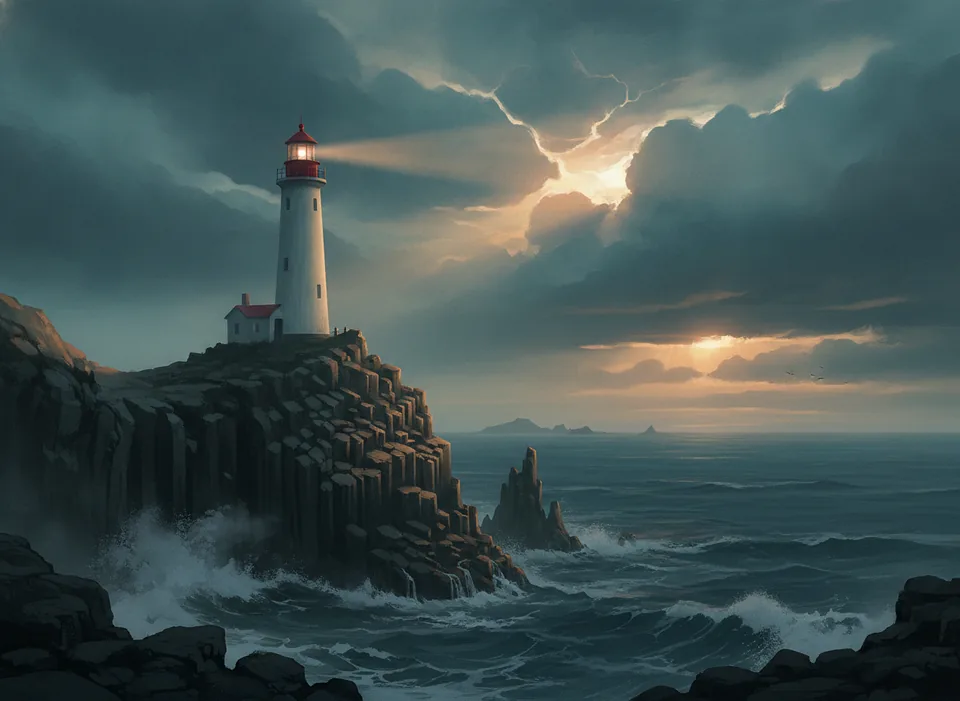
Concept artA lone lighthouse on a basalt cliff at dusk, storm clouds breaking apart, cinematic concept art in muted teal and amber
 Image Fx
Models
Start with Image Fx for everyday images, or switch to a specialist for text, references or editing. Credits are shown before you generate.
Image FxFast everyday images5–10 sFind out all the essential details about Image Fx.
Need additional help? Contact us at [email protected]
Yes. Sign in to claim free credits and try image generation. Each generation uses credits; the cost depends on the model and settings.
Image Fx lets you create AI images from text using a choice of models. Describe your idea, choose the available settings, and download your results.
Image Fx offers several innovative features including text-to-image generation with an intuitive prompt-based interface, seed control to manage randomness in image generation, and a personal library to store and manage your creations.
Image Fx checks prompts for unsafe content. Requests that do not meet the content rules may be rejected.
All images you generate with Image Fx are automatically stored in your personal library. From there, you can easily revisit, download, or share your creations. This makes it simple to keep track of your AI-generated artwork and access it whenever needed.
You can create a wide variety of images including landscapes, portraits, abstract art, product visualizations, concept designs, and more. The system works best when provided with clear, descriptive prompts that specify the subject, style, lighting, and other details you want to see in the final image.
For better results, try using detailed prompts that describe the subject, setting, lighting, style, and mood. Experiment with different phrasings and be specific about what you want. Focus on writing clear, detailed descriptions to get the best results.
Create images with Nano Banana, GPT Image, Seedream, Flux and more, from a prompt or a reference image.