Skip to content
Image FxImage Fx

FLUX.1 Kontext AI Image Editor & Generator

Generate from text, edit with natural language, and keep people, products, and visual styles consistent across up to 10 reference images.

Model

Prompts in other languages are translated to English automatically.

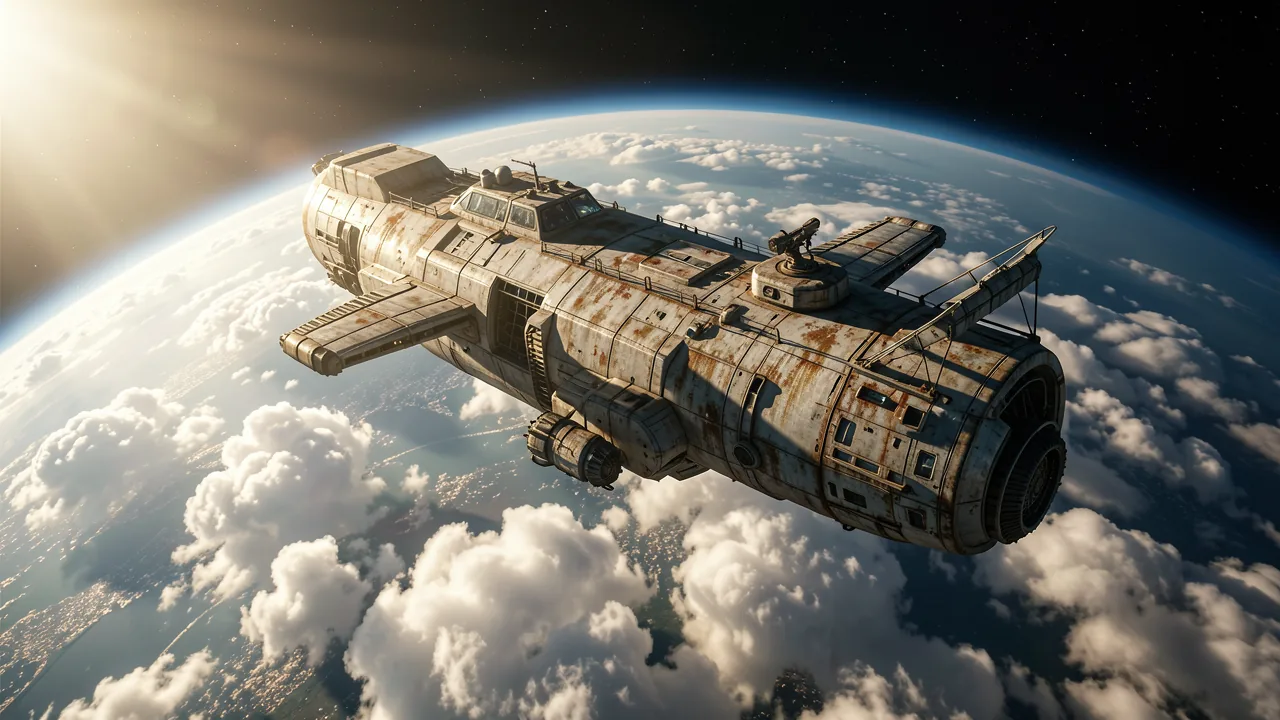
  • Spaceship above the clouds example
    Spaceship above the cloudsSurreal science-fiction photography of a rugged, weathered research spaceship orbiting high above a cloud-covered planet. Sunlight cuts across the hull and casts dramatic shadows; use realistic lighting and a cinematic wide perspective.
  • Misty mountain slope example
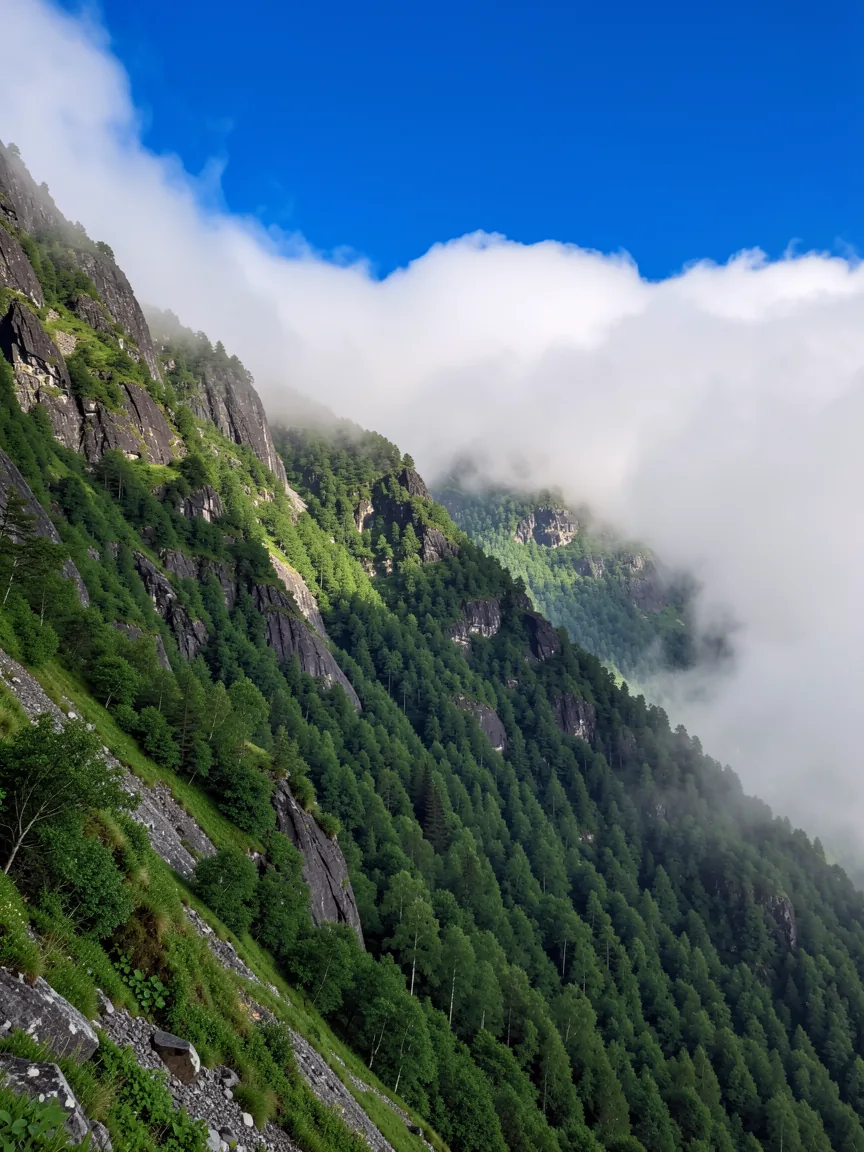
    Misty mountain slope
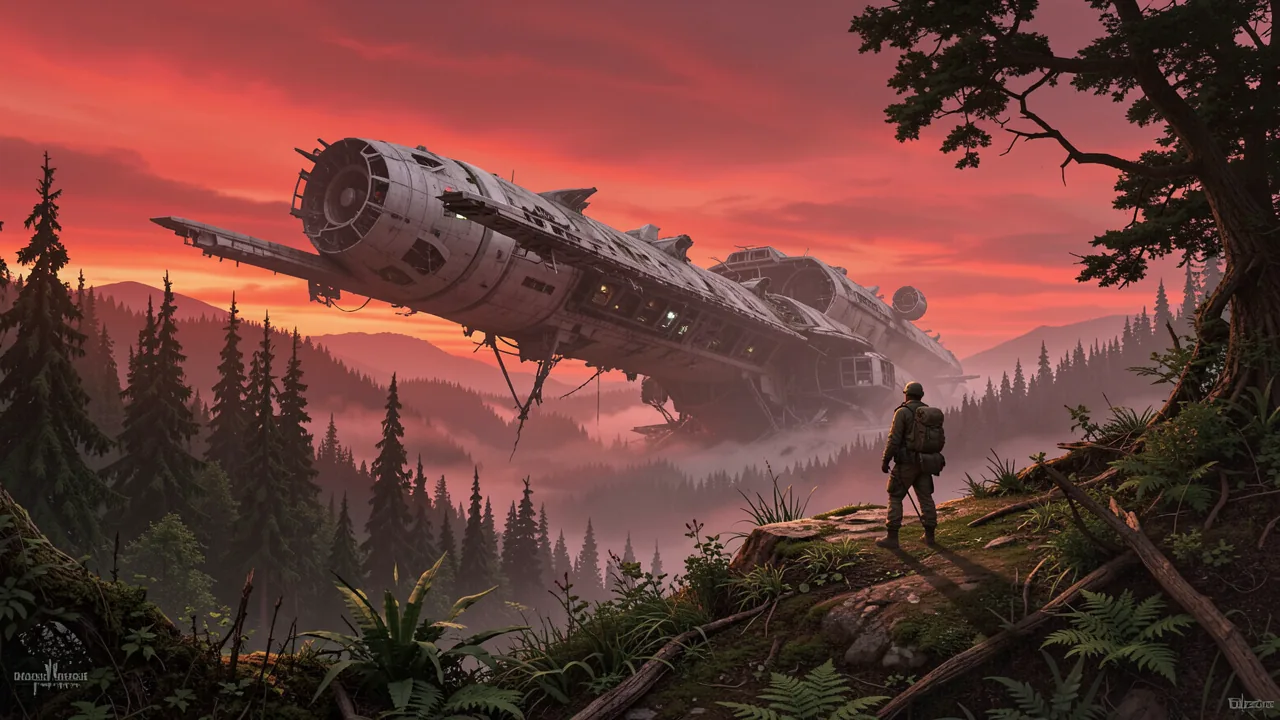
  • Crashed starship example
    Crashed starship
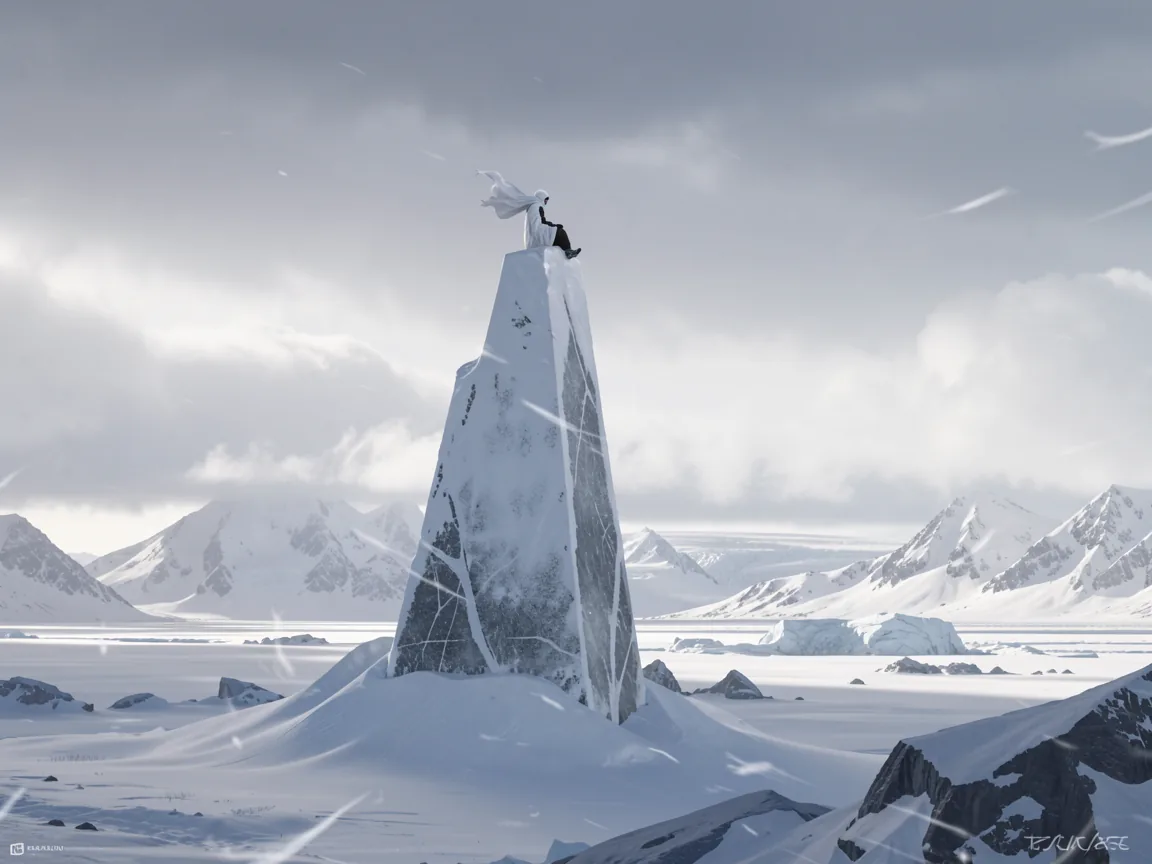
  • Arctic monument example
    Arctic monument
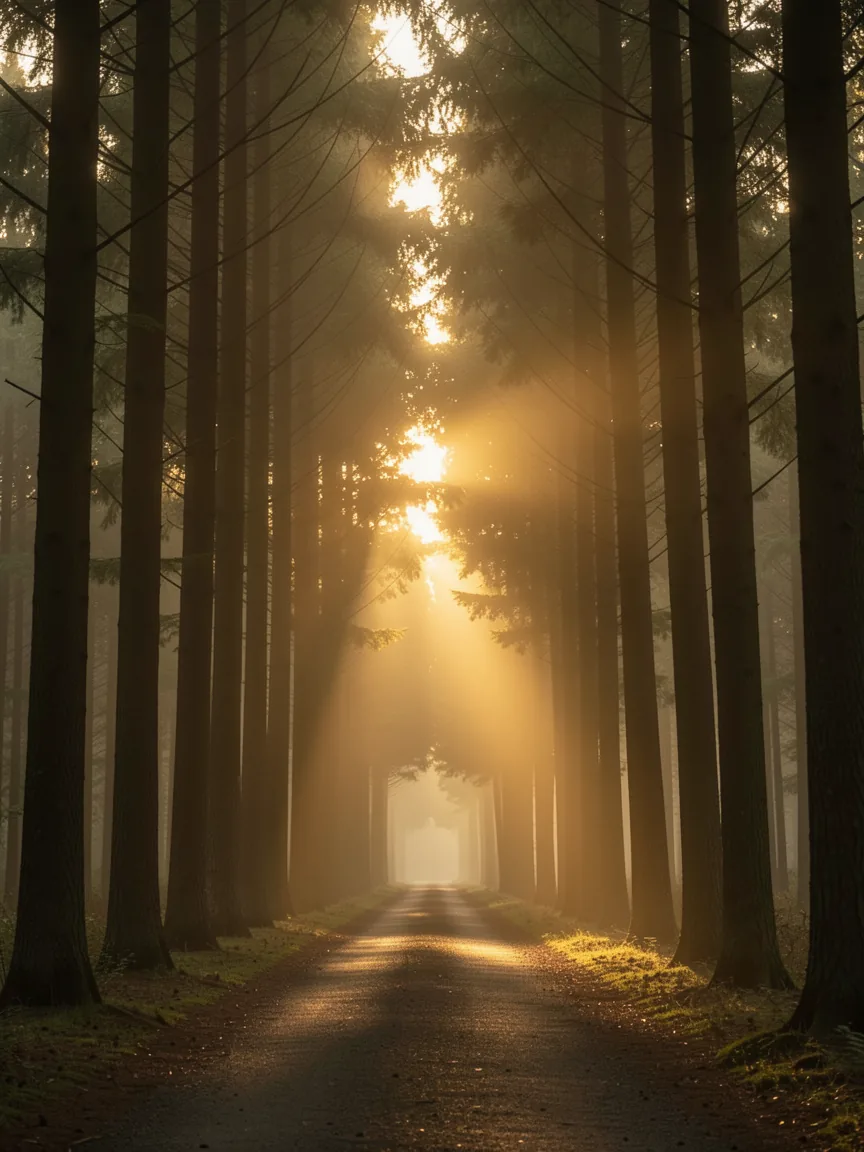
  • Golden forest path example
    Golden forest path

Capabilities

Generate from text. Edit with context.

Create a new image from a prompt, or make a focused change to an existing one. Use each result as the next reference and refine it step by step.

Edit in plain language

Blur the background, swap the sky, remove an object or restyle a room. Describe the change in plain words and keep refining.

Targeted edits, no masks needed

Up to 10 reference images

Use up to 10 reference images to guide people, products, and visual style. Tell FLUX.1 Kontext what to keep from each one.

Keep people and products consistent

Carry the same person, outfit, or product into new scenes, poses, and styles so every image feels part of the same series.

Text and typography with Max

Add or replace text in signs, labels, and headlines. Put the exact words in quotes and choose Max when typography and prompt adherence matter most.

Pro 3 · Max 5 credits per image

Use cases

What will you make with Flux Kontext?

Make precise edits, preserve characters and products, replace text, transfer styles, and create coordinated design variations.

Change one detail

Change one detail

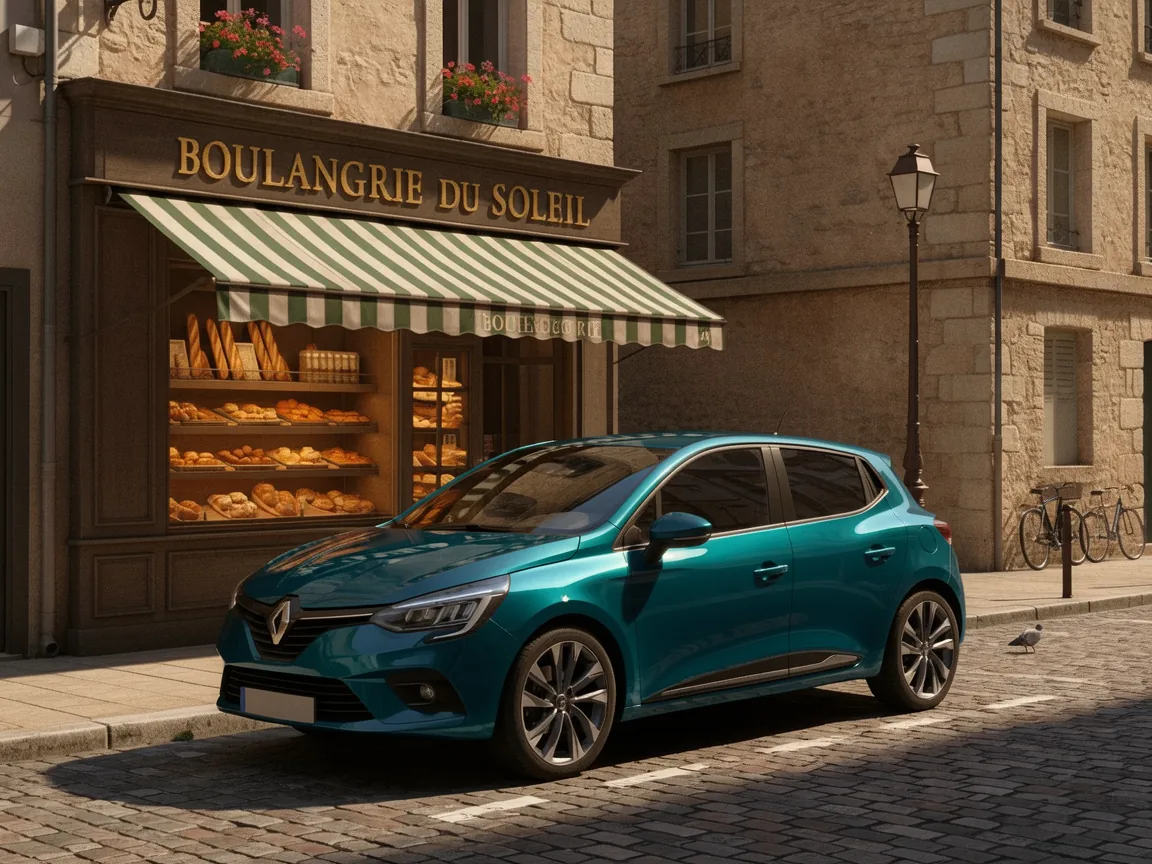
Remove an object, recolor a car or replace a background while keeping the rest of the image coherent.

Keep the same character

Keep the same character

Move a person or character through new places and viewpoints while preserving their identity and signature details.

Rewrite text in the image

Rewrite text in the image

Replace words on posters, labels and signs while matching the original type, perspective and lighting.

Carry a style into a new scene

Carry a style into a new scene

Use the color, texture and visual language of a reference while creating a different subject or setting.

Extract a product

Extract a product

Separate an item from its original scene and turn it into clean, catalog-ready product photography.

Create a matching object

Create a matching object

Extend the colors, materials and motifs of a reference product into a new coordinated design.

How it works

How to use Flux Kontext

Go from a prompt or reference image to a downloadable result in three steps.

  1. 01

    Describe or upload

    Write what you want, or drop up to 10 reference images and describe the change.

  2. 02

    Set the aspect ratio and number of images

    Choose Pro or Max, pick an aspect ratio (or match a single reference), then set how many images to generate. Add a seed if you want to reproduce a result.

  3. 03

    Generate and refine

    Download an image you like, or choose Use as reference to edit it further.

Prompt gallery

Choose an example, tailor the details, and add a photo when needed. Prompts are free to copy; image generation uses credits.

Remove one object

Local edit

Remove one object

Remove only the red scarf covering the woman’s lower face in the uploaded portrait. Reconstruct her face naturally while keeping her identity, expression, hair, clothing, lighting, background and framing unchanged.

Move into a new scene

Consistency

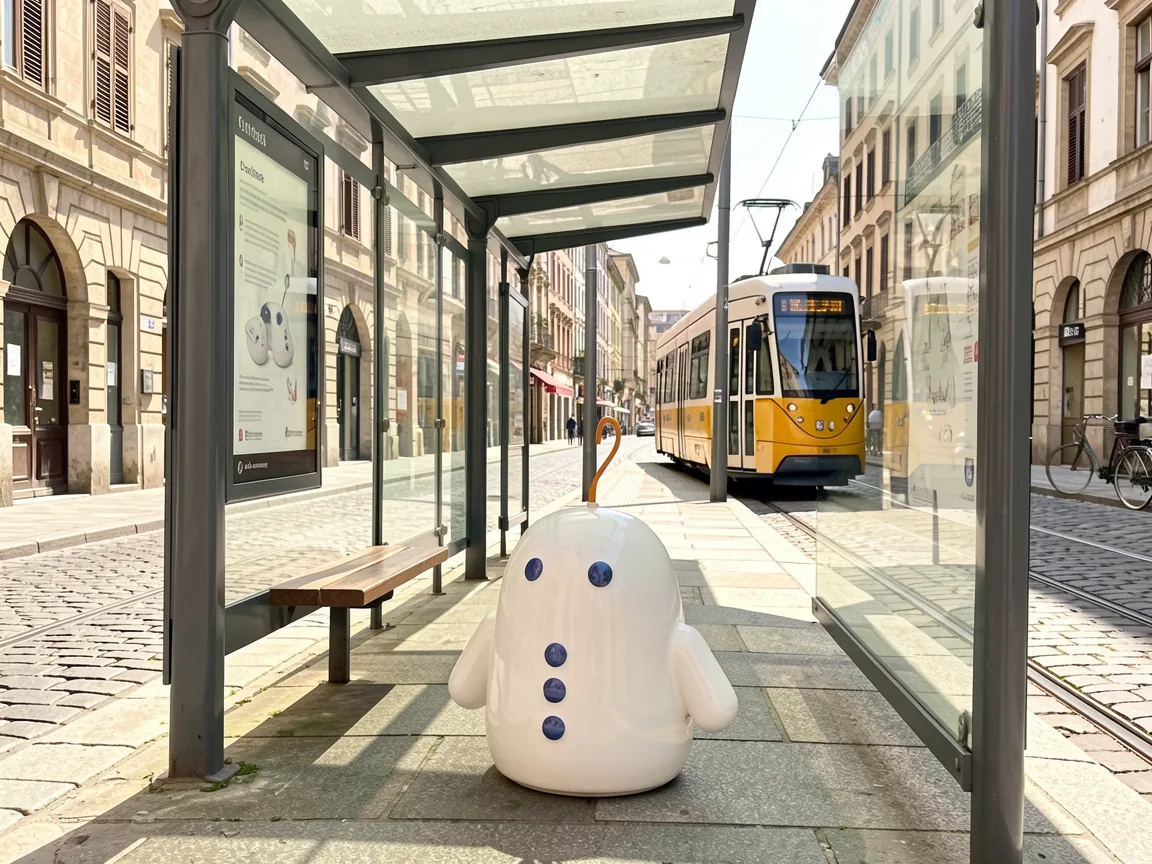
Move into a new scene

Place the same small ceramic robot from the uploaded image at a sunny tram stop in a European old town. Preserve its exact shape, painted details and proportions; match the new daylight, shadows and camera perspective.

Replace text in a poster

Typography

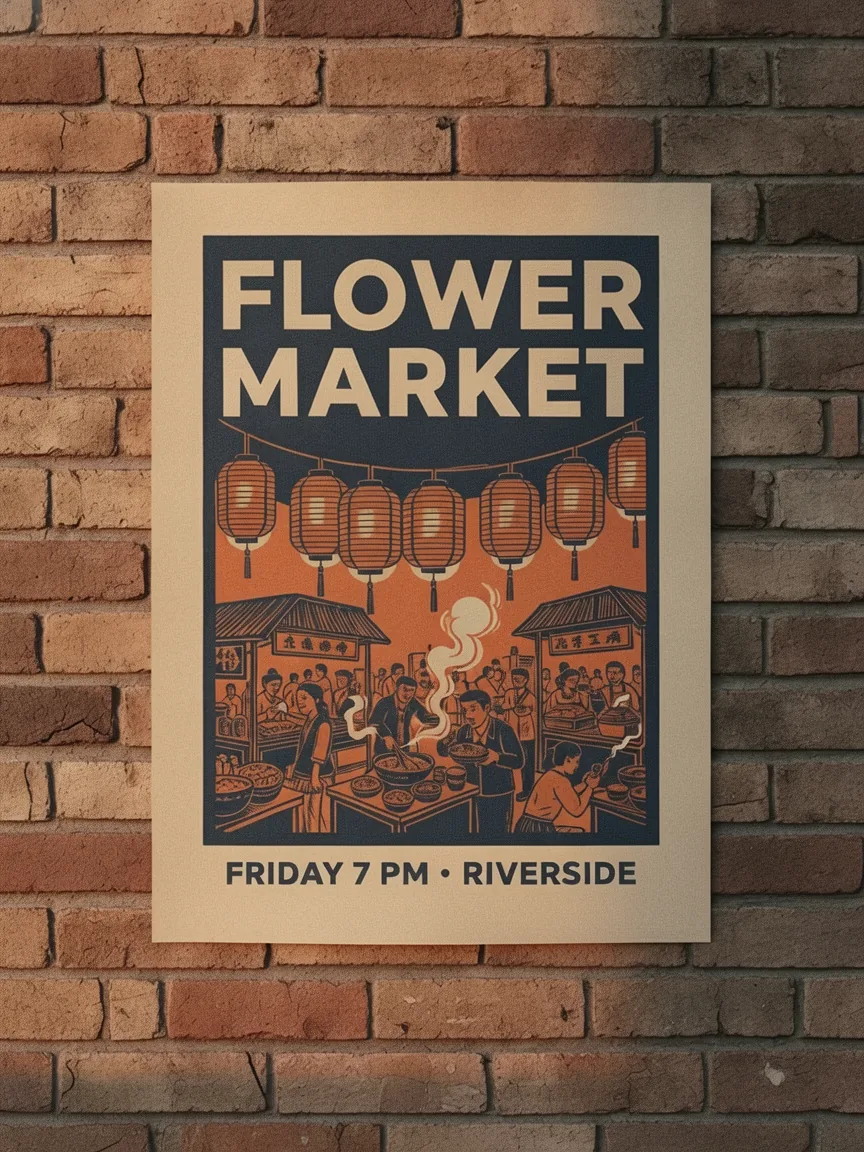
Replace text in a poster

Replace the text "NIGHT MARKET" with "FLOWER MARKET" in the uploaded poster. Keep the same font style, size, color, perspective, lighting and surrounding design; change nothing else.

Transfer the visual style

Style

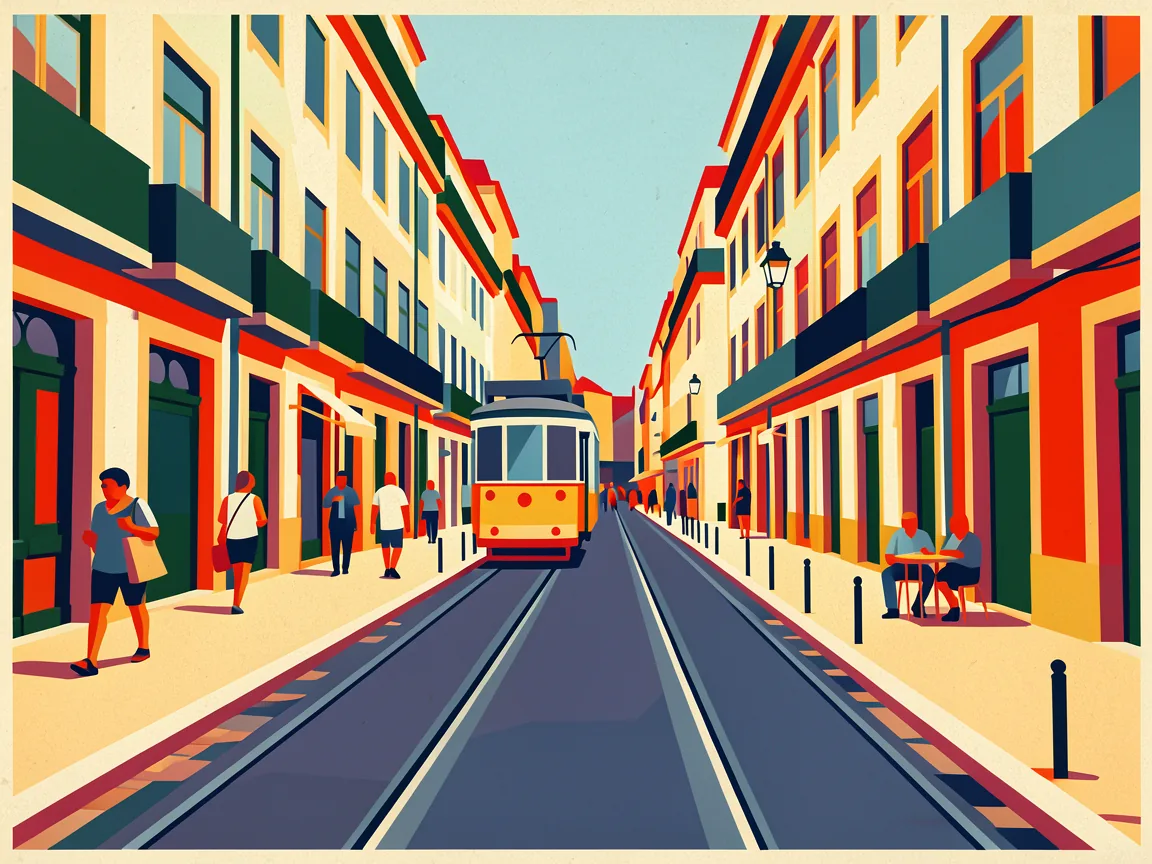
Transfer the visual style

Transform the uploaded street scene into a flat geometric modernist poster with bold color blocks, crisp shapes and subtle paper texture. Preserve the buildings, tram, people and composition; add no text.

Extract a product

Product

Extract a product

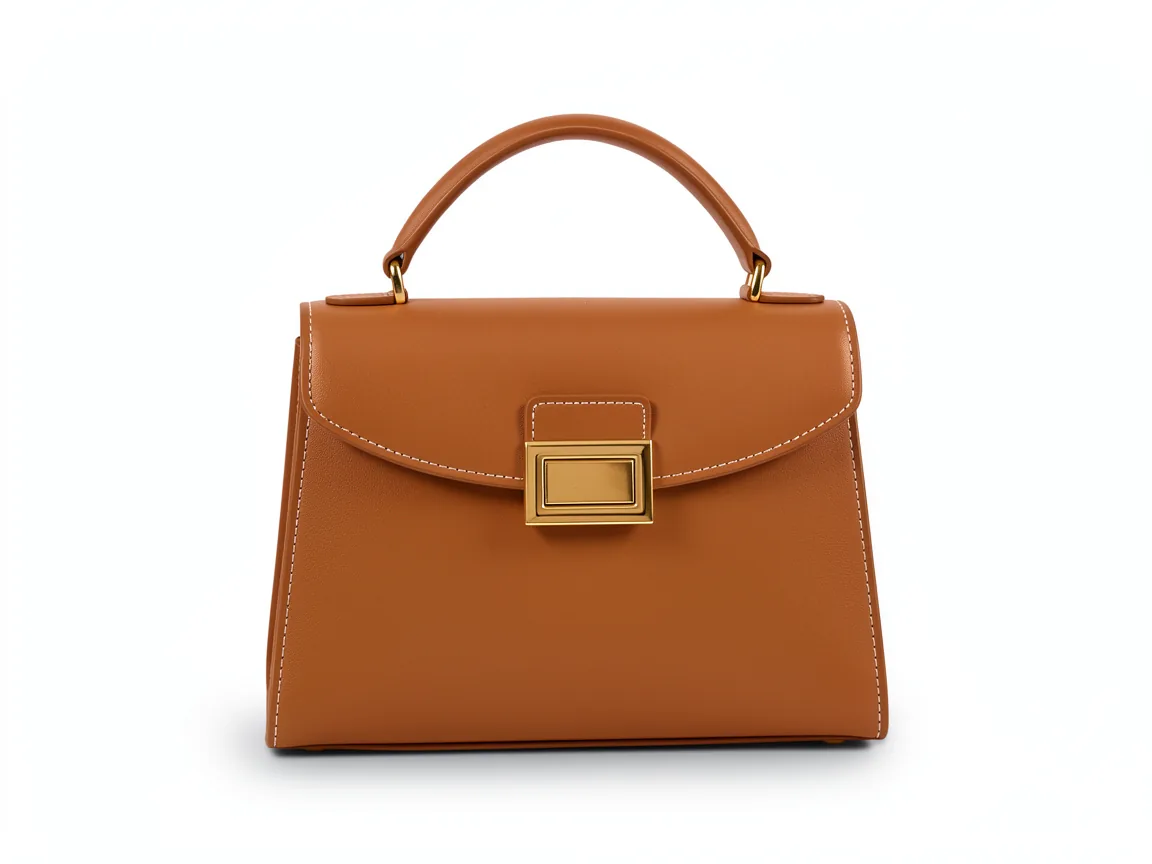
Extract only the handbag from the uploaded photo and present it as clean product photography on a seamless white background. Preserve its exact shape, material, stitching and hardware; add a soft natural shadow.

Create a matching object

Reference

Create a matching object

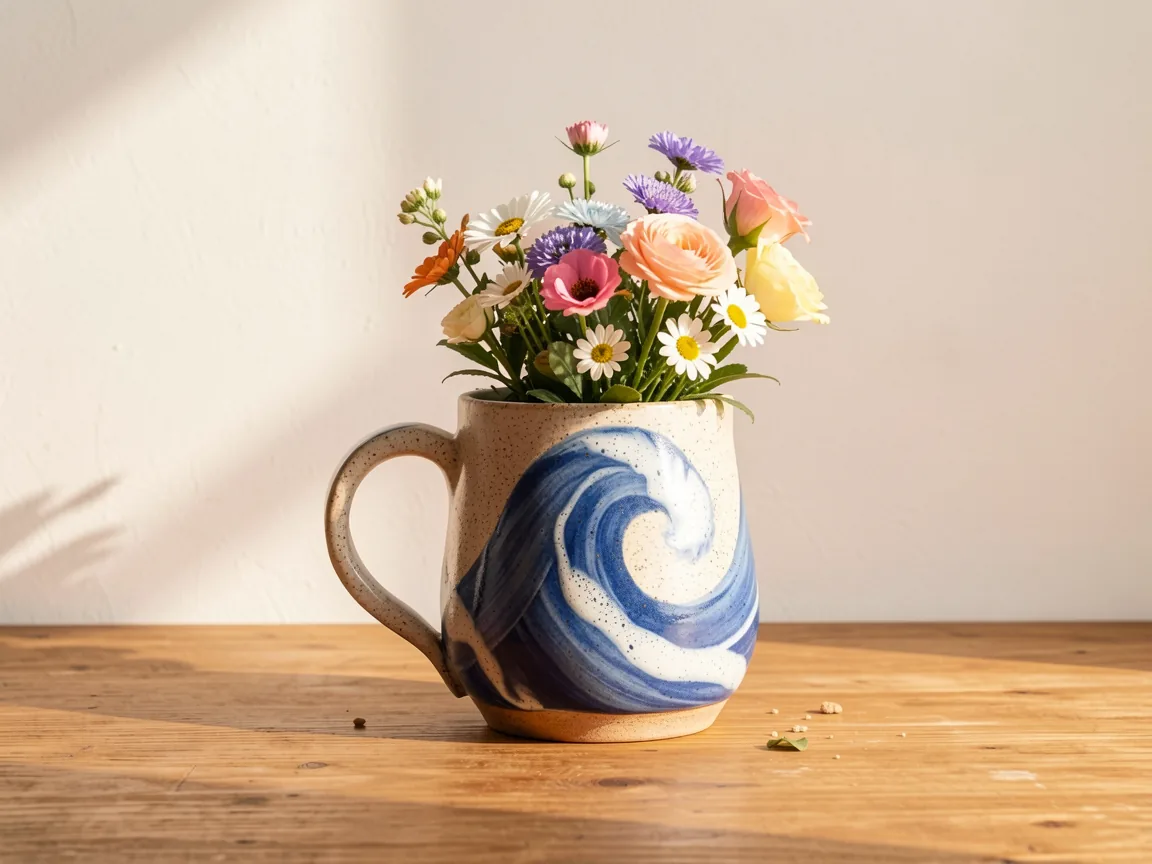
Using the product in the uploaded photo as the design reference, create a matching flower vase on a wooden desk against a warm white wall. Carry over its exact color palette, pattern and material finish; add a small bouquet and no text.

Compare

Flux Kontext and other image models

Every model has a sweet spot. Compare what each one does best, how many references it takes, its resolution and its price at a glance.

ModelBest forReference imagesResolutionCredits per imageOpen
Flux KontextThis pagePrecise edits to an existing photoUp to 10Standard3–10
GPT Image 2.5Product photos and quick photo editsUp to 161K · 2K · 4K6–16
Nano Banana ProPosters, diagrams and readable textUp to 81K · 2K · 4K15–30
Nano Banana 2Posters and portraits with many referencesUp to 141K · 2K · 4K6–18
Seedream 5 ProInfographics and multilingual textUp to 101K · 2K14–28

Flux Kontext FAQs

Need additional help? Contact us at [email protected]

FLUX.1 Kontext is Black Forest Labs’ model family for text-to-image generation and context-aware editing. On Image Fx, choose Pro or Max, start from a prompt, or upload up to 10 reference images to edit and combine people, products, and styles.

You’ll need a paid plan or purchased credits to use Flux Kontext on Image Fx. Sign in to generate images from 3 credits each. Free credits alone do not unlock this model. You can browse and copy the prompt examples on this page for free.

3 credits per image with Pro and 5 with Max, for text-to-image and editing alike. With three or more reference images, every image costs a flat 10 credits whichever model you pick. Generate up to five images per run; the total shows on the button before you confirm.

Add a photo and describe the change the way you would to a person: change the sky to sunset, remove the person on the left, or turn this sketch into a photo. Keep each edit focused, then use the result as a reference and refine it in another pass.

Up to 10 JPG, PNG or WEBP images, up to 10 MB each. Add a photo and describe the edit, or combine several references and tell Flux Kontext which details to keep from each one.

Flux Kontext can carry the same person or product across new scenes, poses, and styles. Use the same reference image and say what should stay unchanged, such as a face, outfit, or product design. Compare each result with the original before using it.

Choose one of nine fixed ratios: 21:9, 16:9, 4:3, 3:2, 1:1, 2:3, 3:4, 9:16 and 9:21. With exactly one reference image, you can also match its aspect ratio. Outputs are approximately 1MP, so there is no resolution selector.

Pro is the everyday choice at 3 credits per image. Max costs 5 credits and is the premium option, with stronger prompt adherence, typography, and editing consistency. Black Forest Labs now recommends FLUX.2 for new projects, while FLUX.1 Kontext remains available.

Name the subject, setting, style and composition. For text in the image, put the exact words in quotes. With a reference photo, say what should stay the same and what should change. Refine in a second run instead of packing everything into one prompt.

Taking longer than expected? Choose Check again or open My images to check on your image at no extra credit cost. Credits are refunded automatically for images that fail. If you’re unsure whether generation started, check My images before trying again to avoid using credits twice.

Ready to try Flux Kontext?Start with an idea or a photo.

Choose a prompt above or describe the image you have in mind. Add a reference photo to guide the result.

From 3 credits per image