Nano Banana Pro results
Your images will appear here when they’re ready.
Nano Banana Pro AI Image Generator
Create polished posters, diagrams, brand visuals and character series, or edit photos with up to 8 references. Add readable text and export in 1K, 2K or 4K.
More control for detailed creative work.
Create text-rich posters and diagrams, keep characters or products consistent, and combine several references into one coherent image.
Clear text in your images
Posters, menus, labels and infographics with your own wording. Put the exact text in quotes and say where it goes.
Up to 8 reference images
Use your photos to guide the people, products and style in a new image. Tell Nano Banana Pro which details to keep from each one.
Consistent characters and products
Keep the same face, outfit or product across new scenes, poses and styles, so a series looks like it belongs together.
1K, 2K or 4K output
1K and 2K cost the same, so draft at 2K and choose 4K when you need the largest image. Every aspect ratio is available at every resolution.
From polished portraits to detailed visual stories
Explore practical ways to use Nano Banana Pro for people, products, spaces and illustrated worlds.

Professional headshots
Turn a casual photo into a formal, centered headshot while keeping the person’s identity.
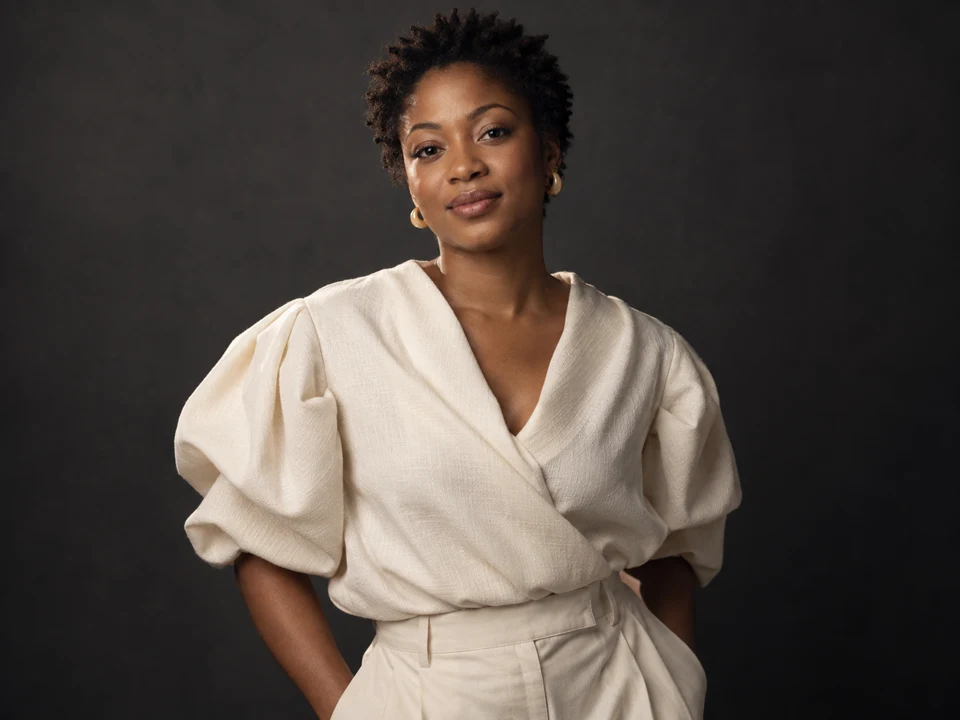
Studio portraits
Give an everyday photo a studio look with a black backdrop, soft lighting and a relaxed waist-up pose.
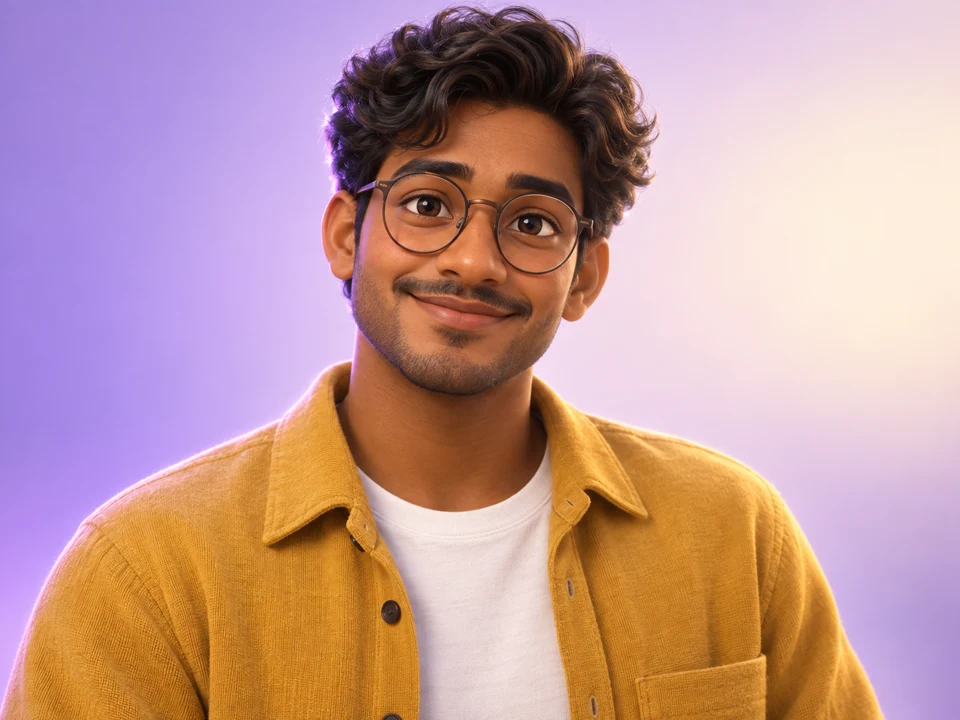
Animated character styles
Turn a portrait into a friendly 3D character with recognizable facial features.
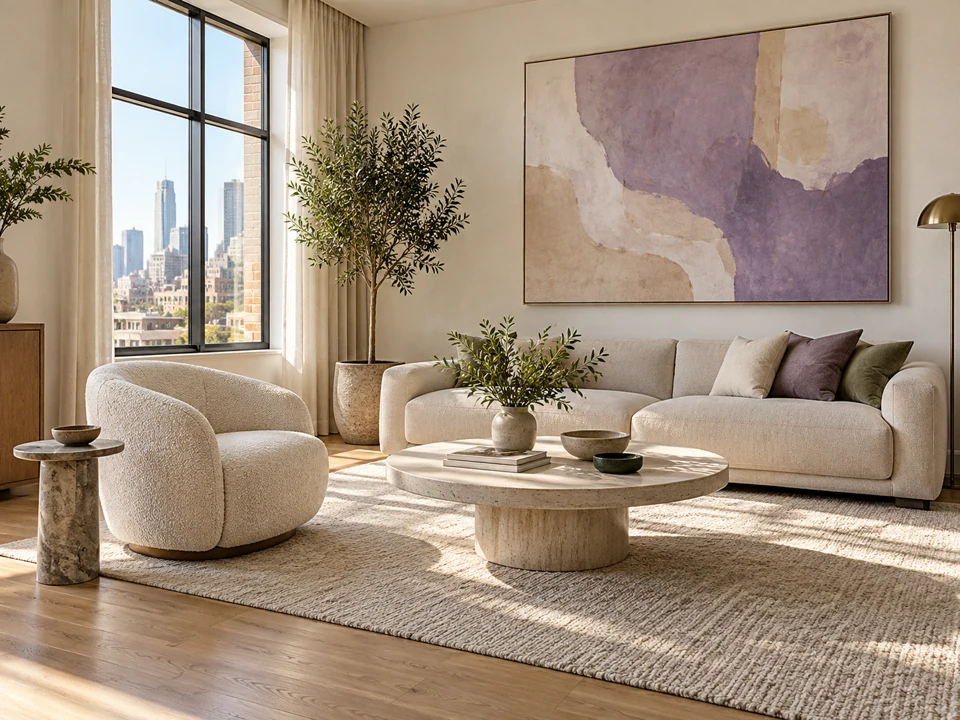
Interior edits
Add a painting, change the furniture or try new colors in a photo of your room.
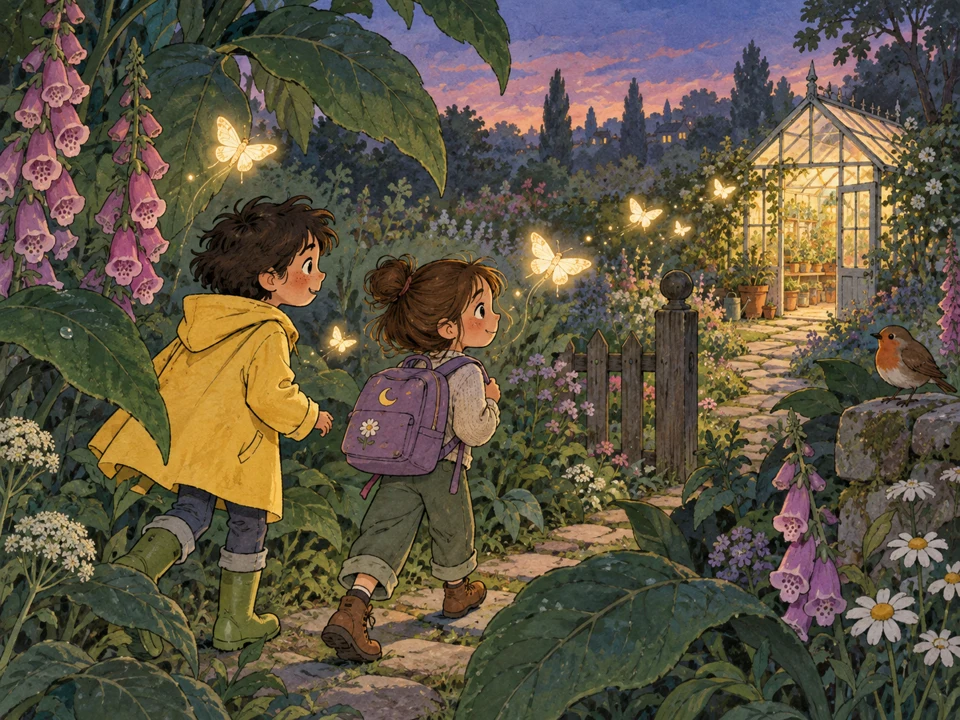
Storybook illustrations
Thin sketchy outlines and flat pastel colors, in the style of a children’s picture book.
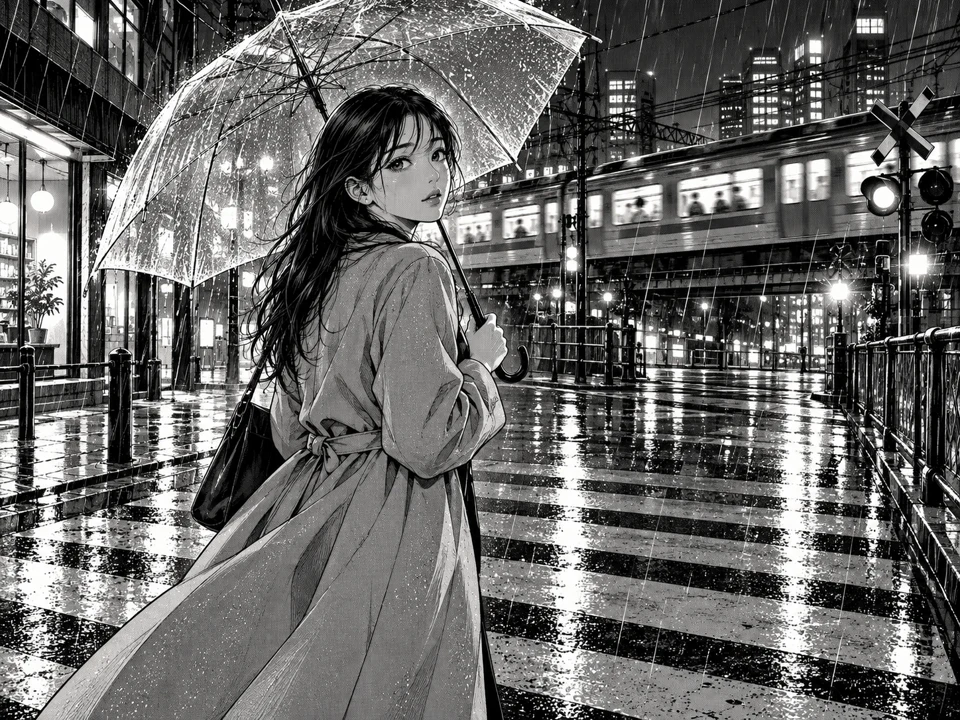
Manga and comic styles
Convert a photo into a manga panel with clean lines and screen-tone shading.
Nano Banana Pro prompts to get you started
Start with a ready-made Nano Banana Pro prompt, swap in your details and add reference images when needed. Prompts are free to copy; generation uses credits.
These concept images were made with another AI model to show the prompts and styles you can try. They are not Nano Banana Pro outputs.
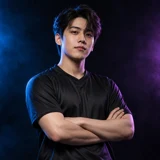
Esports portrait
Dress the person in the uploaded photo in a plain black esports jersey. Use high-contrast studio lighting with blue and violet rim lights, a dark background and a confident waist-up pose.

Editorial studio portrait
Turn the uploaded photo into an editorial studio portrait: waist-up framing, soft directional lighting, a neutral dark backdrop, natural skin texture and a relaxed expression.

Photo detail enhancement
Sharpen details, balance the colors and improve the lighting in the uploaded photo. Preserve natural skin texture and keep the person and composition unchanged.
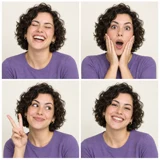
Four-panel photo booth
Create a 2×2 photo booth grid from the uploaded portrait, with a different exaggerated expression and pose in each frame. Keep the same person, hairstyle and outfit, with a plain light backdrop.

Line art to photo
Turn the uploaded line drawing into a fully rendered photorealistic illustration. Follow the lines exactly, add realistic materials, lighting and shadows, and keep the original proportions.
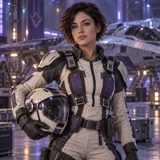
Cosplay maker
Have the person in the first image cosplay the character in the second image. Match the costume, makeup and props from the second image while keeping the first person’s face and body.
How to use Nano Banana Pro
Go from a detailed brief to a downloadable 1K, 2K or 4K image in three steps.
Describe or upload
Write what you want, or drop up to 8 reference images and describe the change.
Choose an aspect ratio and resolution
Choose Auto or a fixed aspect ratio, select 1K, 2K or 4K, then pick how many images to generate.
Generate and refine
Download an image you like, or choose Use as reference to edit it further.
Nano Banana Pro FAQ
Nano Banana Pro, also known as Gemini 3 Pro Image, is Google’s image generation and editing model for detailed work. On Image Fx, you can create images from text or upload up to 8 reference photos to guide an edit, then choose 1K, 2K or 4K output.
You’ll need a paid plan or purchased credits to use Nano Banana Pro on Image Fx. Sign in to generate images from 15 credits each. Free credits alone do not unlock this model. You can browse and copy the prompt examples on this page for free.
15 credits at 1K, 15 at 2K and 30 at 4K, the same for text-to-image and editing regardless of how many references you add. Generate up to five images per run; the total shows on the button before you confirm.
Yes. Ask for a poster, menu or label and put the exact words you want in quotation marks. It handles several languages, but keep the text short, say where it should go, and check spelling and layout before publishing.
Up to 8 JPG, PNG or WEBP images, up to 30 MB each. Add a photo and describe the edit, or combine several references and tell Nano Banana Pro which details to keep from each one.
That is one of its strengths. Use the same reference photo and describe what should stay the same, such as the face, outfit or product, then change the scene, pose or style. Check the result against your original before using it.
Choose Auto or 10 fixed ratios, from square 1:1 to wide 21:9 and tall 9:16, including 3:2, 4:3 and 4:5 for prints and social posts. Every ratio is available at 1K, 2K and 4K. Auto follows your reference image.
Google positions Nano Banana Pro for tasks where fine detail, readable text and factual accuracy matter more, and Nano Banana 2 for fast generation and iteration. That doesn’t mean Pro is better for every image. Try the same prompt in both and compare the results for your project.
Name the subject, setting, style and composition. For text in the image, put the exact words in quotes. With a reference photo, say what should stay the same and what should change. Refine in a second run instead of packing everything into one prompt.
Generation time varies with resolution and batch size. If checking pauses, choose Check again or open My images; checking an existing result does not cost more credits. When an image is confirmed as failed, its credits are returned automatically. If you’re unsure whether generation started, check My images before submitting again.
Ready to try Nano Banana Pro?Start with an idea or a photo.
Choose a prompt above or describe the image you have in mind. Add a reference photo to guide the result.