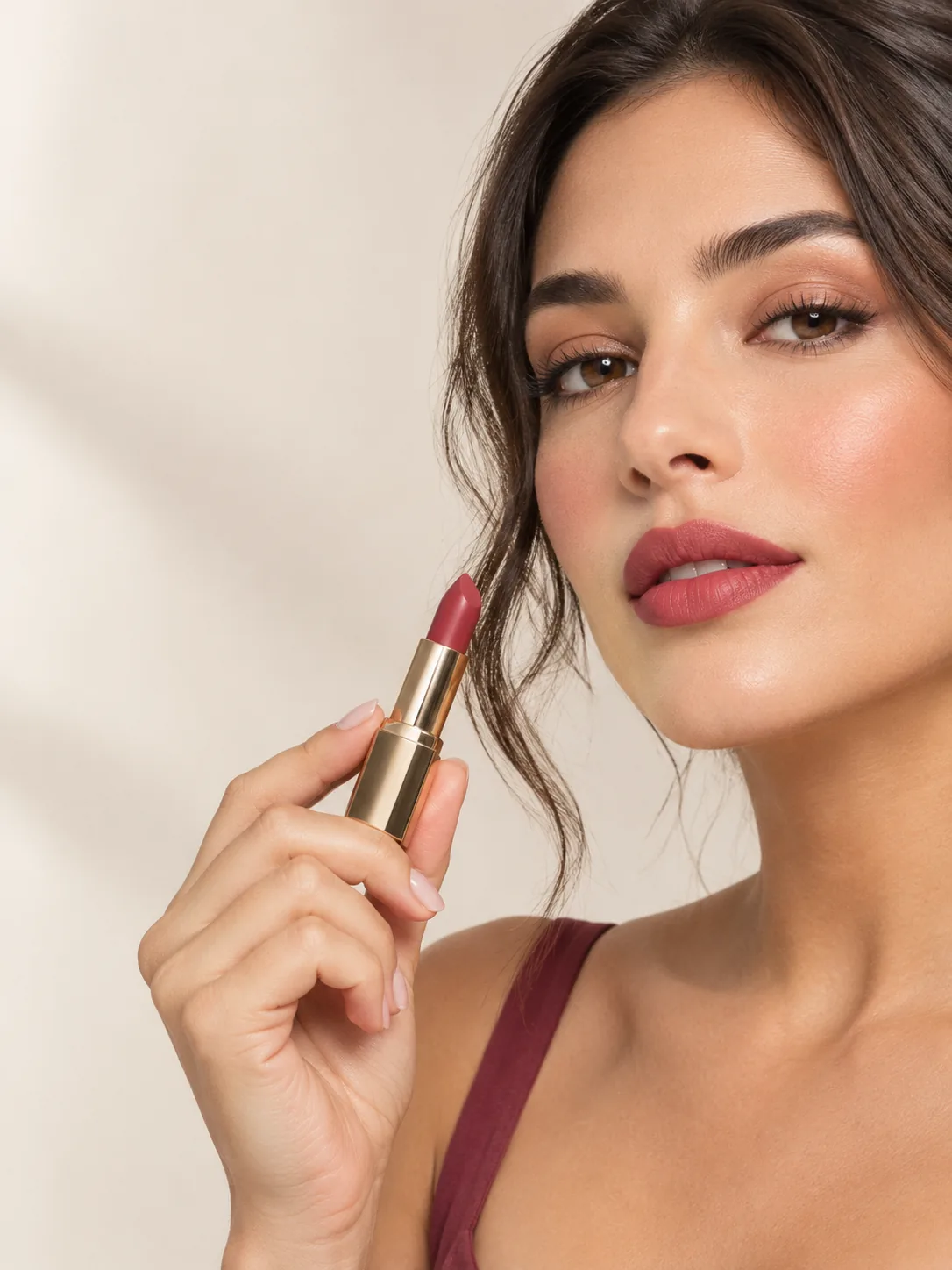
Product posterCreate a lipstick poster with a model holding the product. Use soft studio lighting and leave room for a short headline.
 Image Fx
Turn a description into a product poster, portrait or illustration. Edit your own photos with up to 16 reference images and choose output up to 4K.
Model
Capabilities
Make a poster with a headline, try a new product background or turn a photo into an illustration. Describe what you need and refine the result.
Create posters, menus and labels with your own wording. Include the exact text in your prompt and check it before sharing.
Multilingual text supported
Use your photos to guide the people, products and style in a new image. Tell GPT Image 2 which details to keep.
Choose where a headline goes, how a scene is framed or the order of comic panels. Put those details in your prompt.
Try ideas at 1K, then choose 2K or 4K when you need a larger image. For a transparent background, use 1K.
Use cases
Ideas for product images, portraits, illustrations and more.
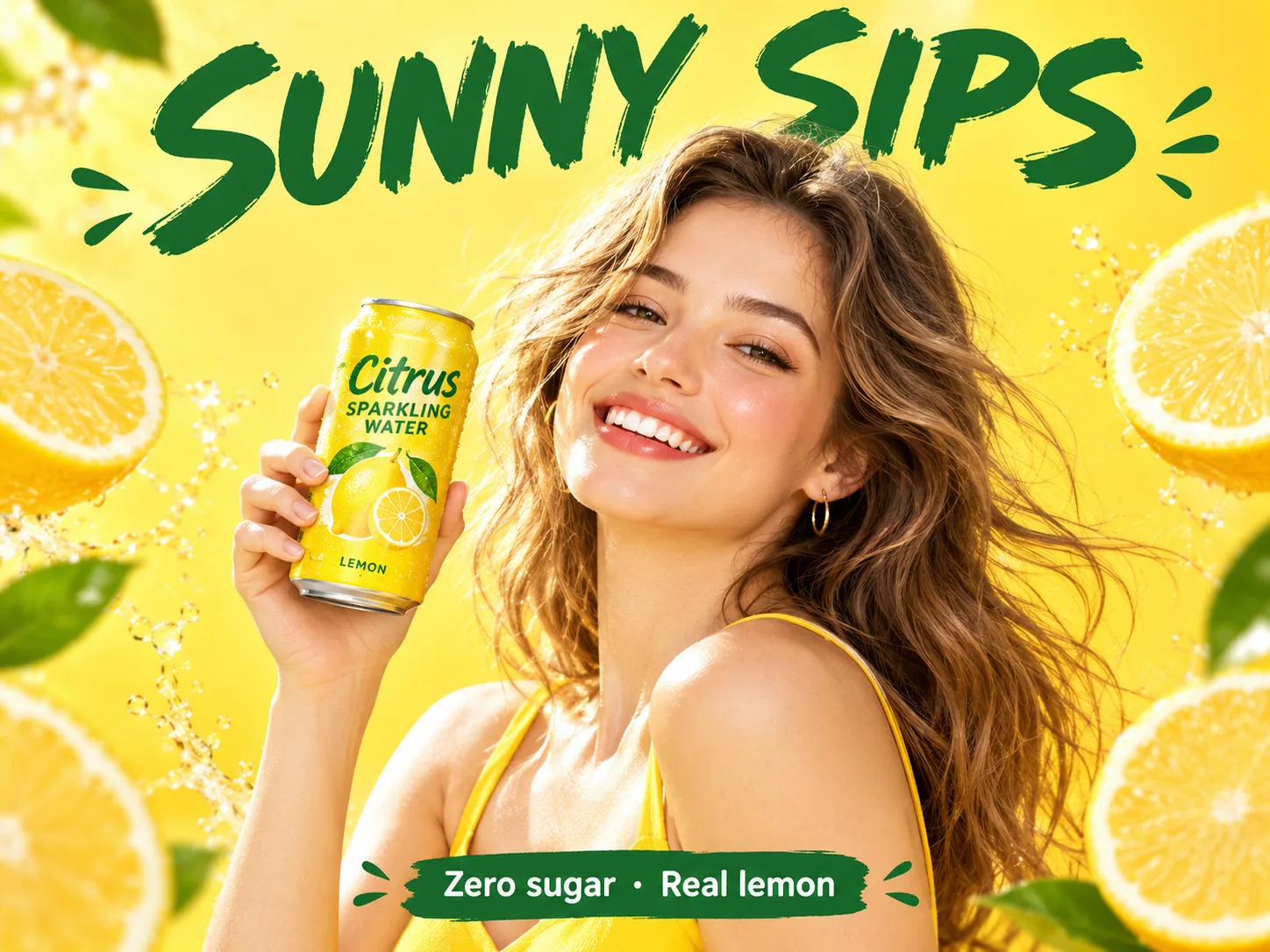
Promotional visuals with the product, a model and headline text in one pass.
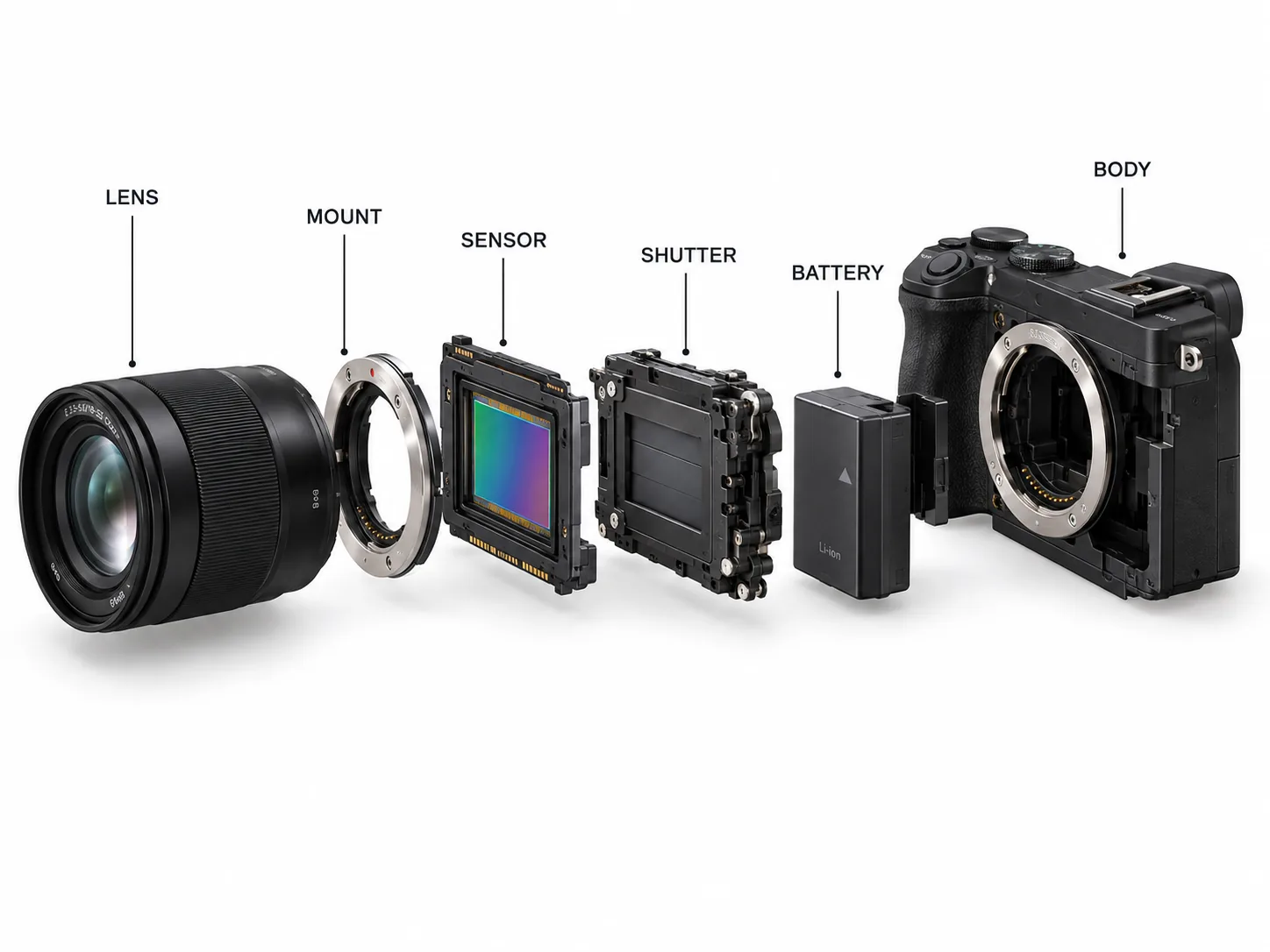
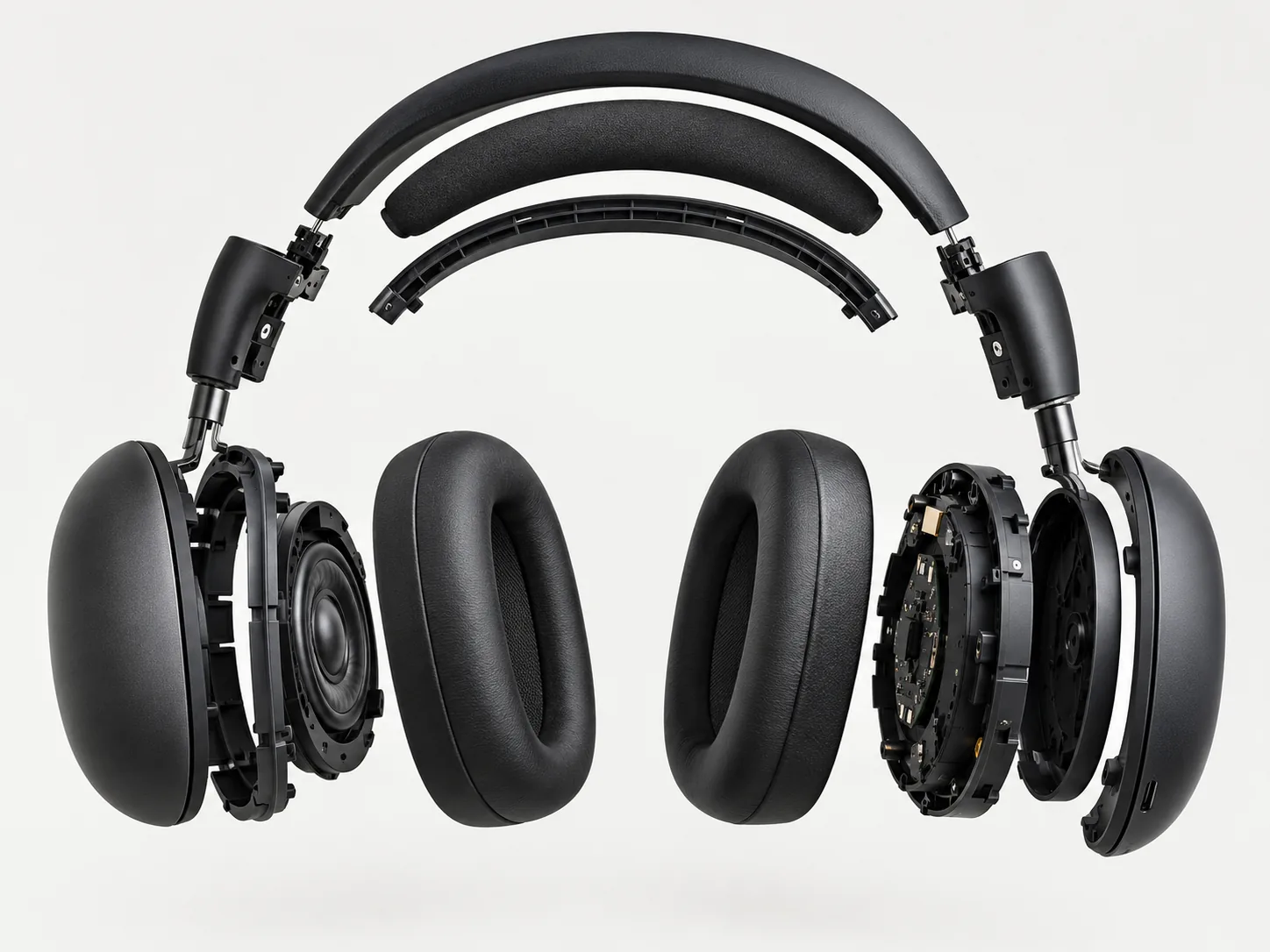
Draft an exploded view or a labeled diagram for a presentation. Check the parts and labels against your source material.
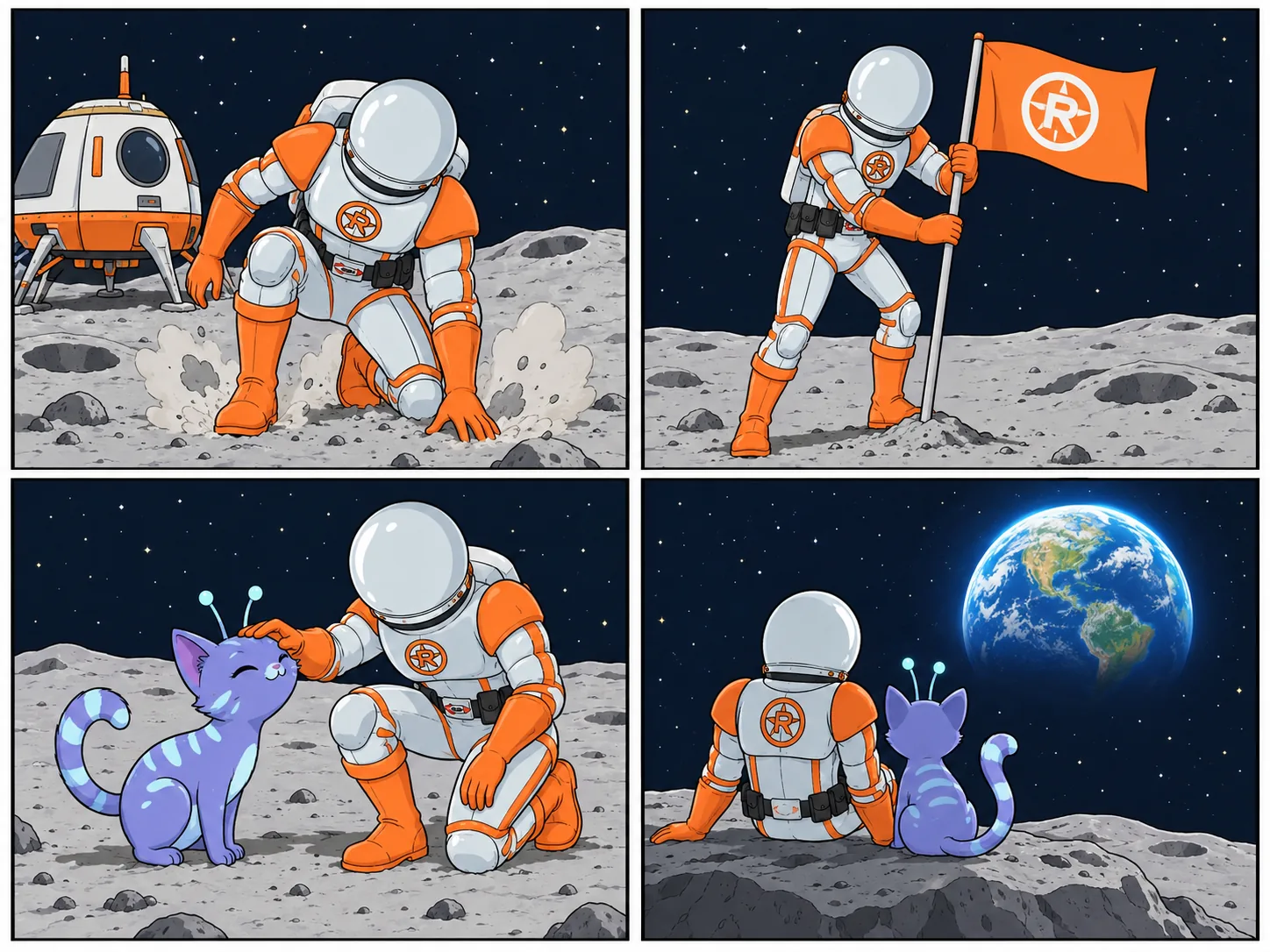
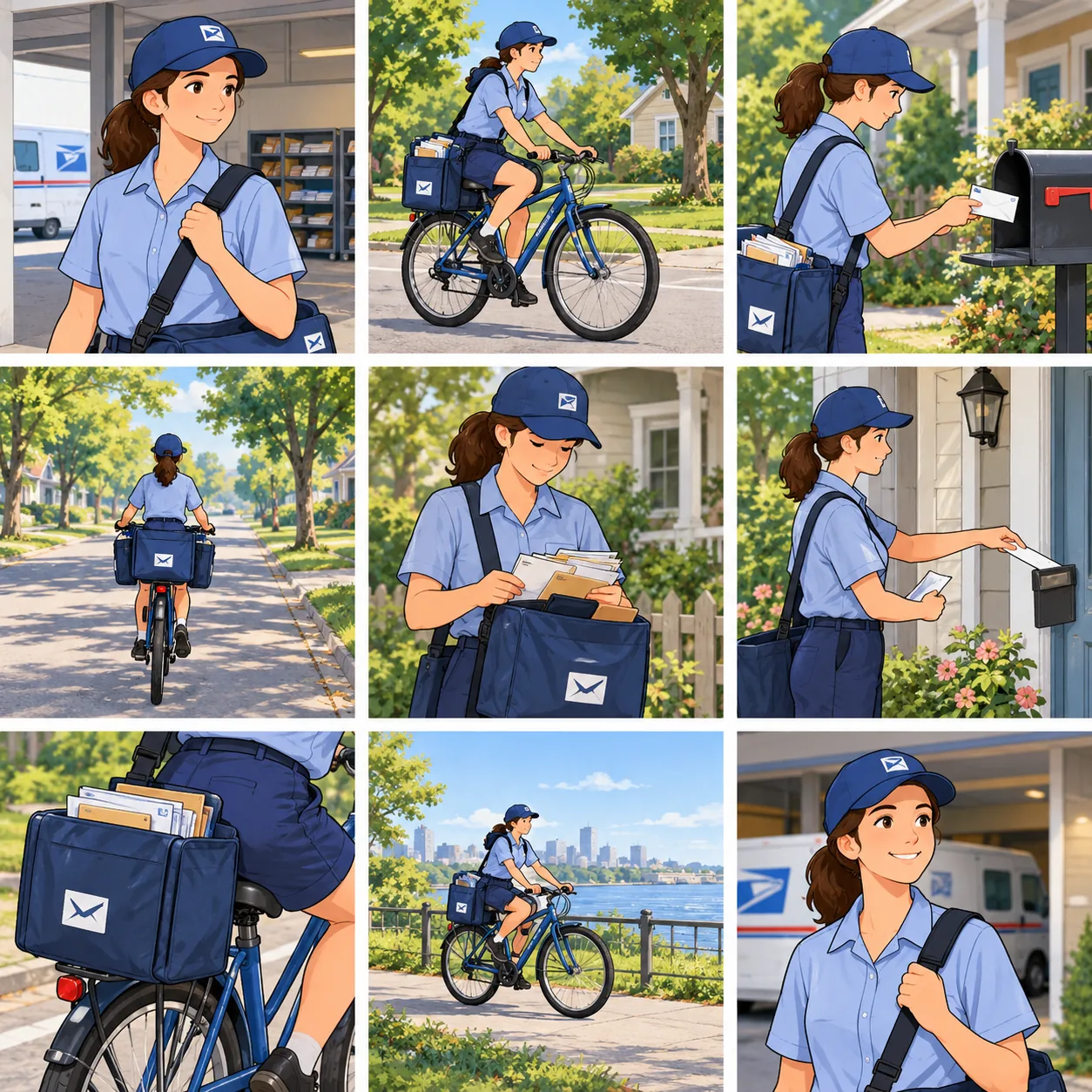
Plan a story in panels, using a character reference to guide each scene.
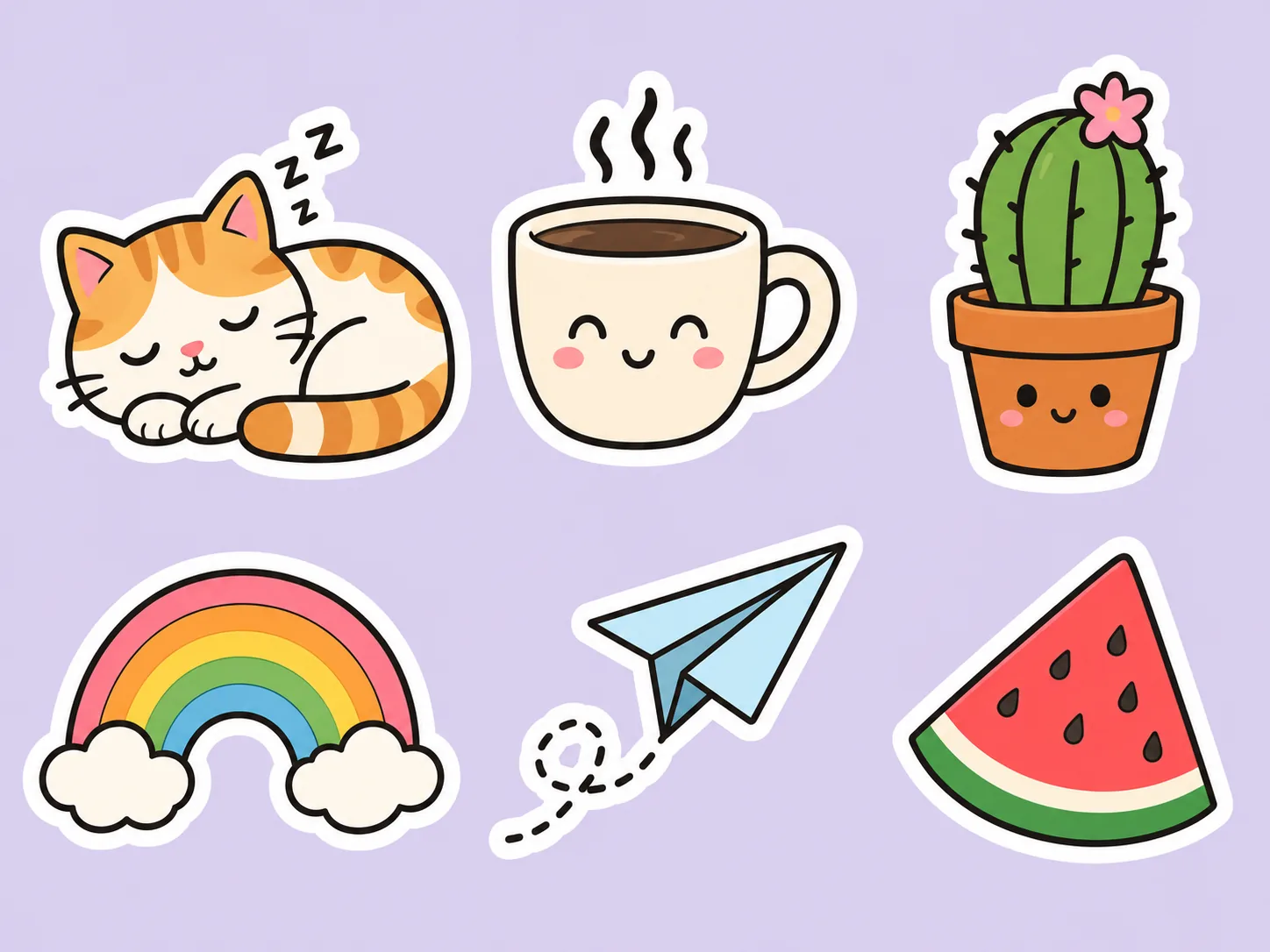
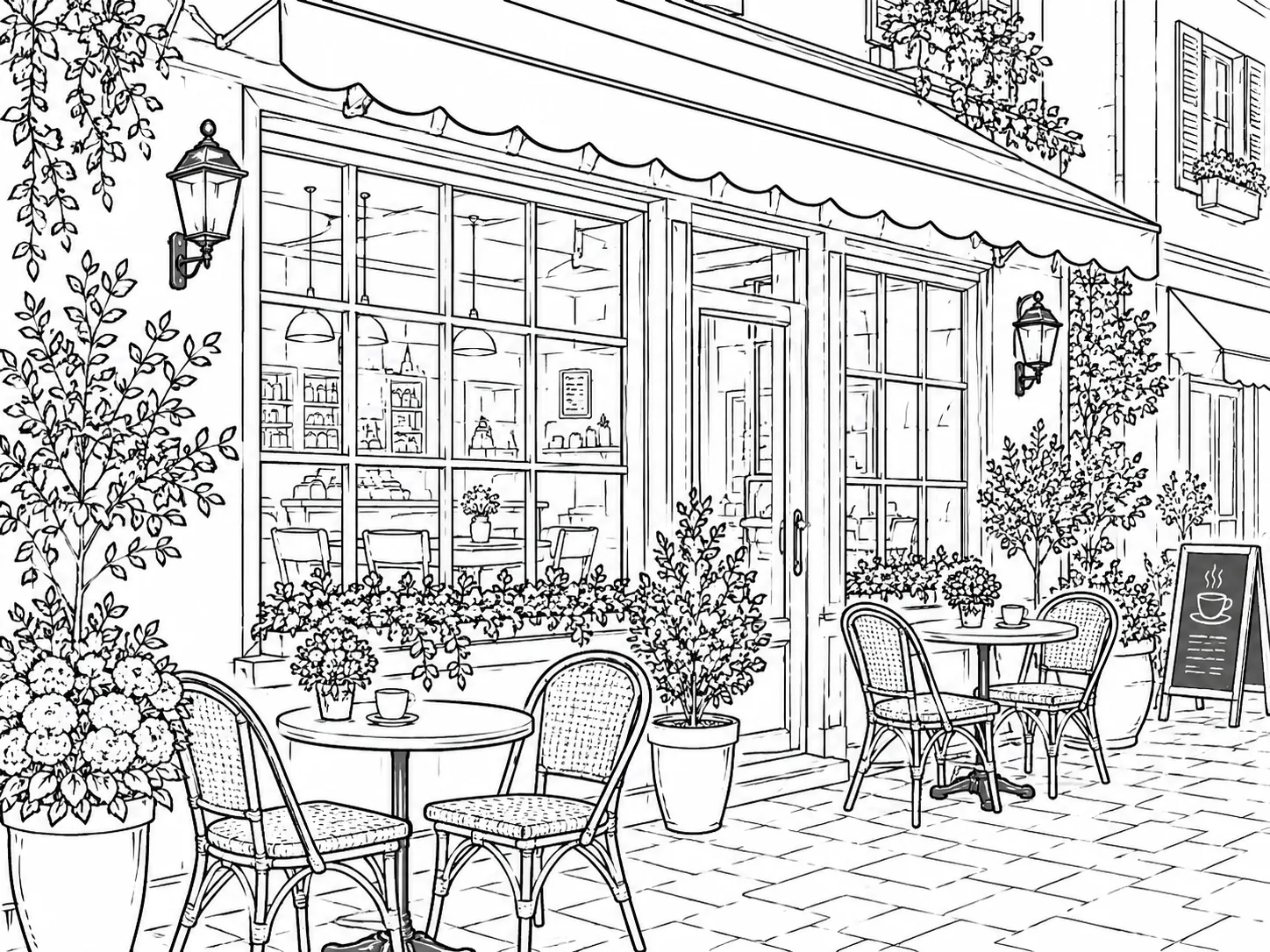
Bold, clean outlines on flat backgrounds for stickers, avatars and icons.
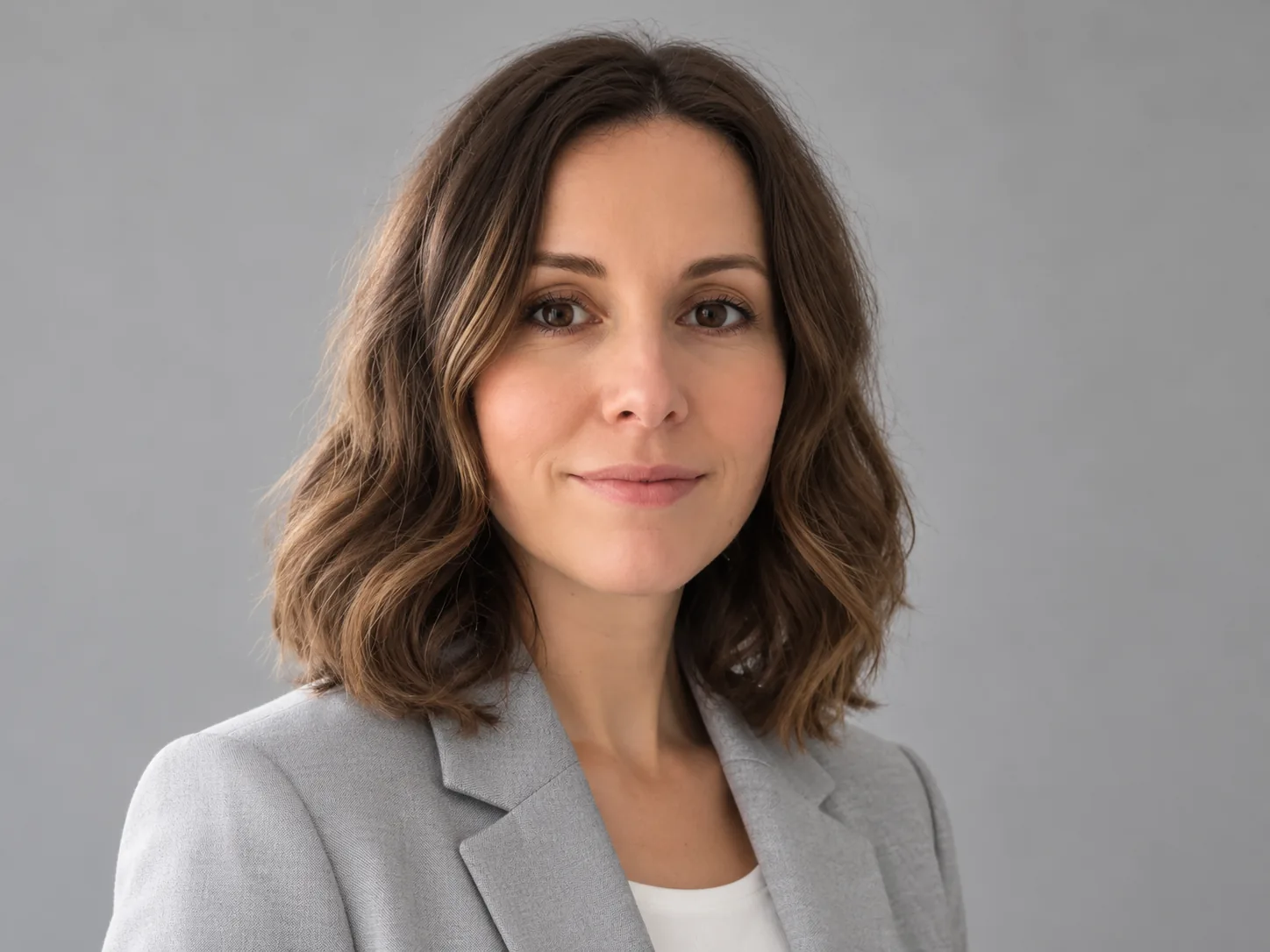
Turn a casual photo into a polished profile image while keeping the person's identity.
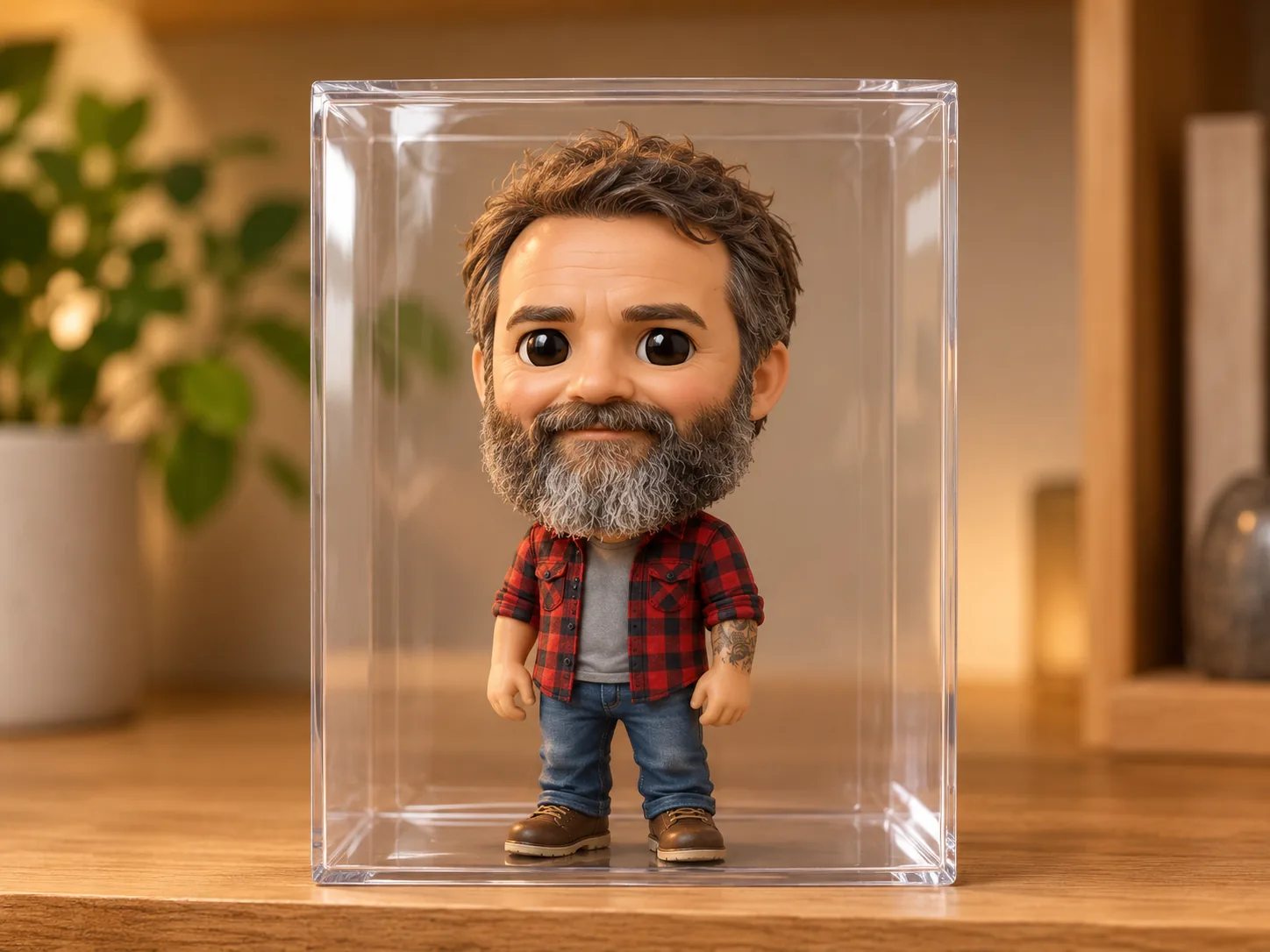
Rebuild a photo as an isometric building, a collectible figure or an animated character.
How it works
Three steps from idea to a downloadable image.
Write what you want, or drop up to 16 reference images and describe the change.
Choose an aspect ratio, 1K, 2K or 4K, and how many images to generate at once.
Download an image you like, or choose Use as reference to edit it further.
Prompt gallery
Pick an example, change the details and add your own photo if the prompt calls for one. Browsing and copying prompts is free; generating images uses credits.

Portrait
Turn the uploaded photo into a studio portrait with soft side lighting and a neutral background. Keep the person's facial features.
Style
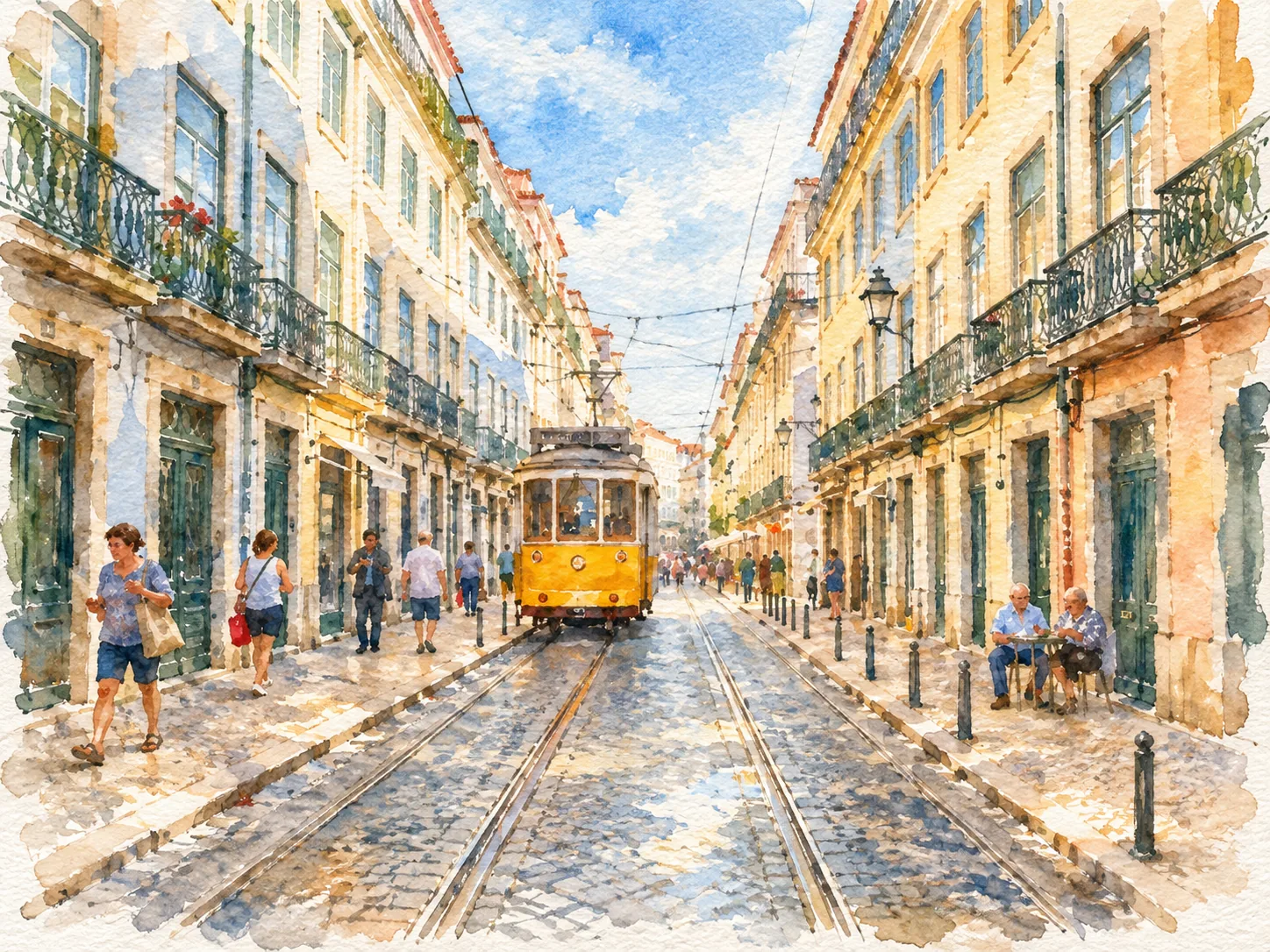
Repaint the uploaded photo as a loose watercolor illustration on textured paper, with soft washes, visible brush strokes and white paper showing through. Keep the composition and the main subject.
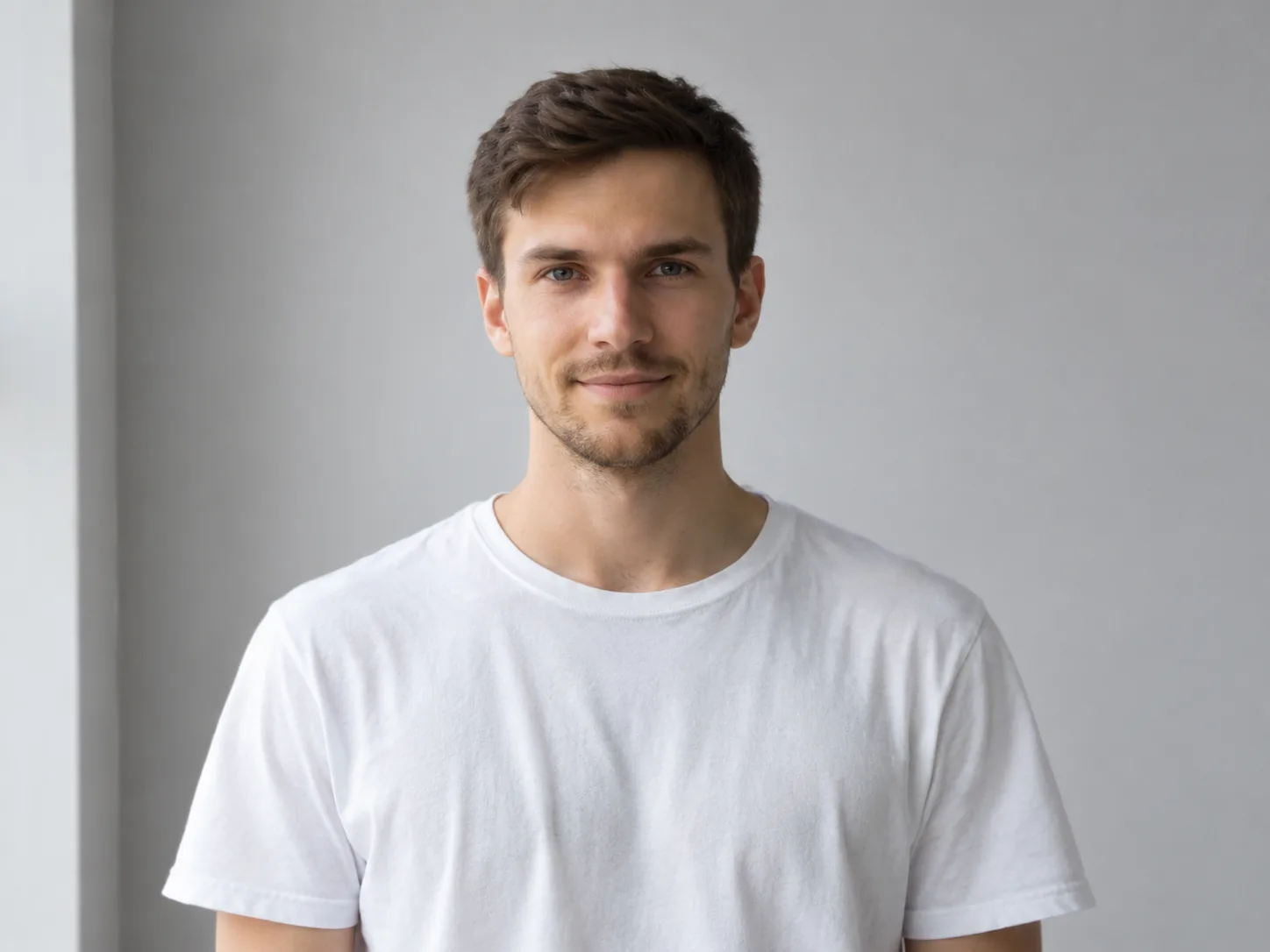
Enhance
Refine the details and lighting in the uploaded photo while keeping skin texture natural and the composition unchanged.
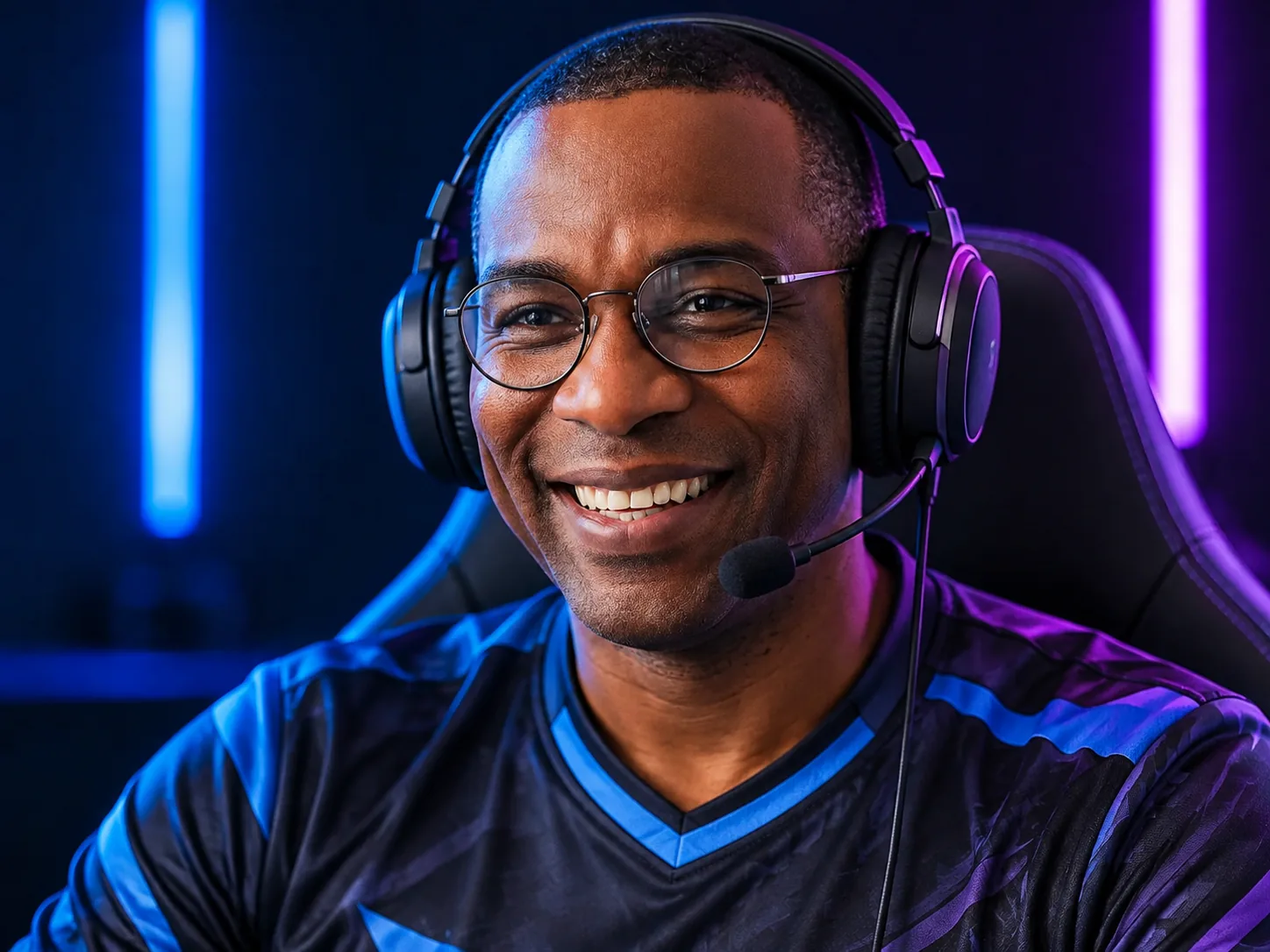
Portrait
Create an esports player portrait from the uploaded photo, with blue and violet studio lighting and a dark background.
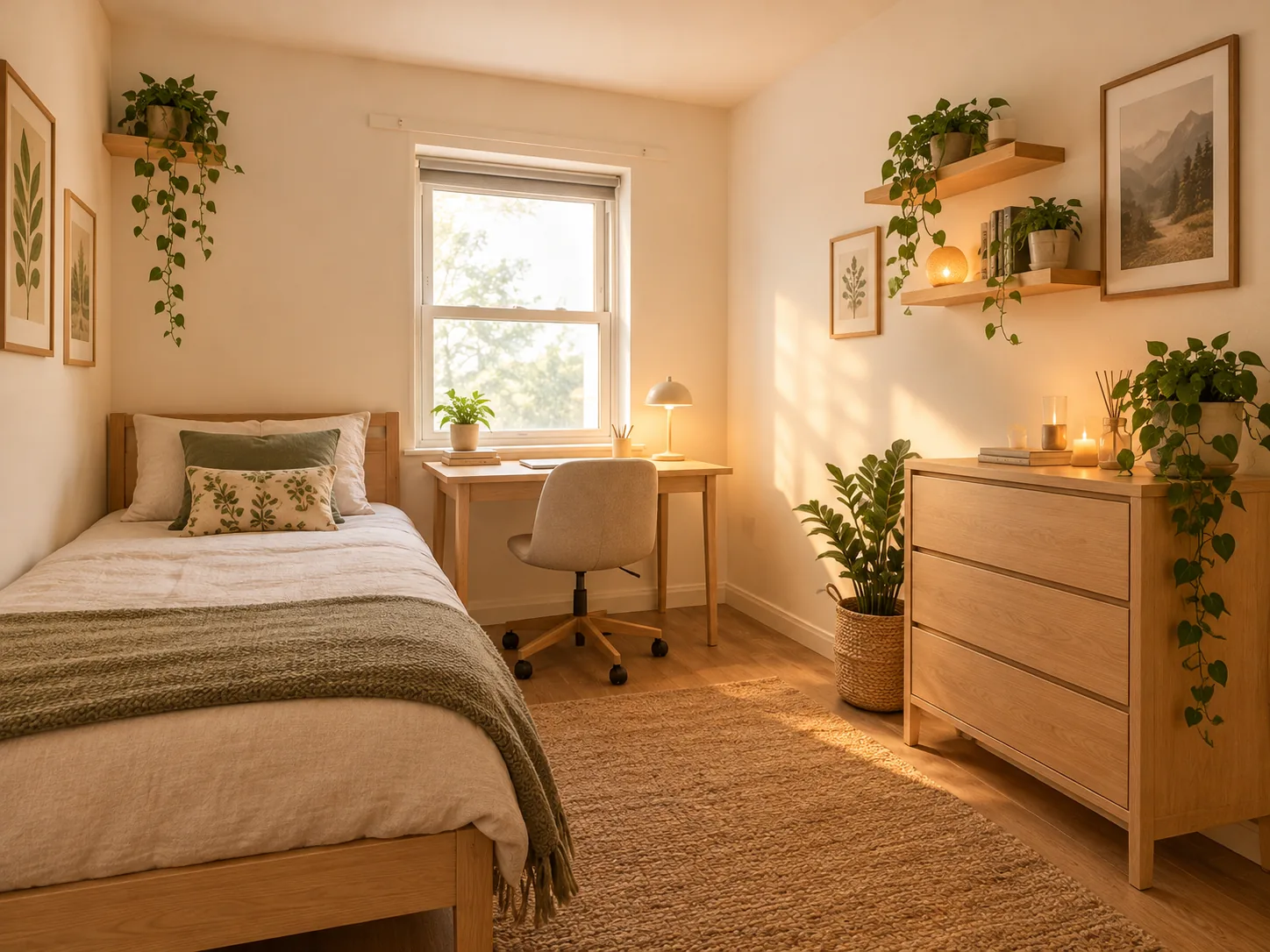
Interior
Redesign the room in the uploaded photo with light wood furniture, warm lighting and plants. Keep the windows and room layout.
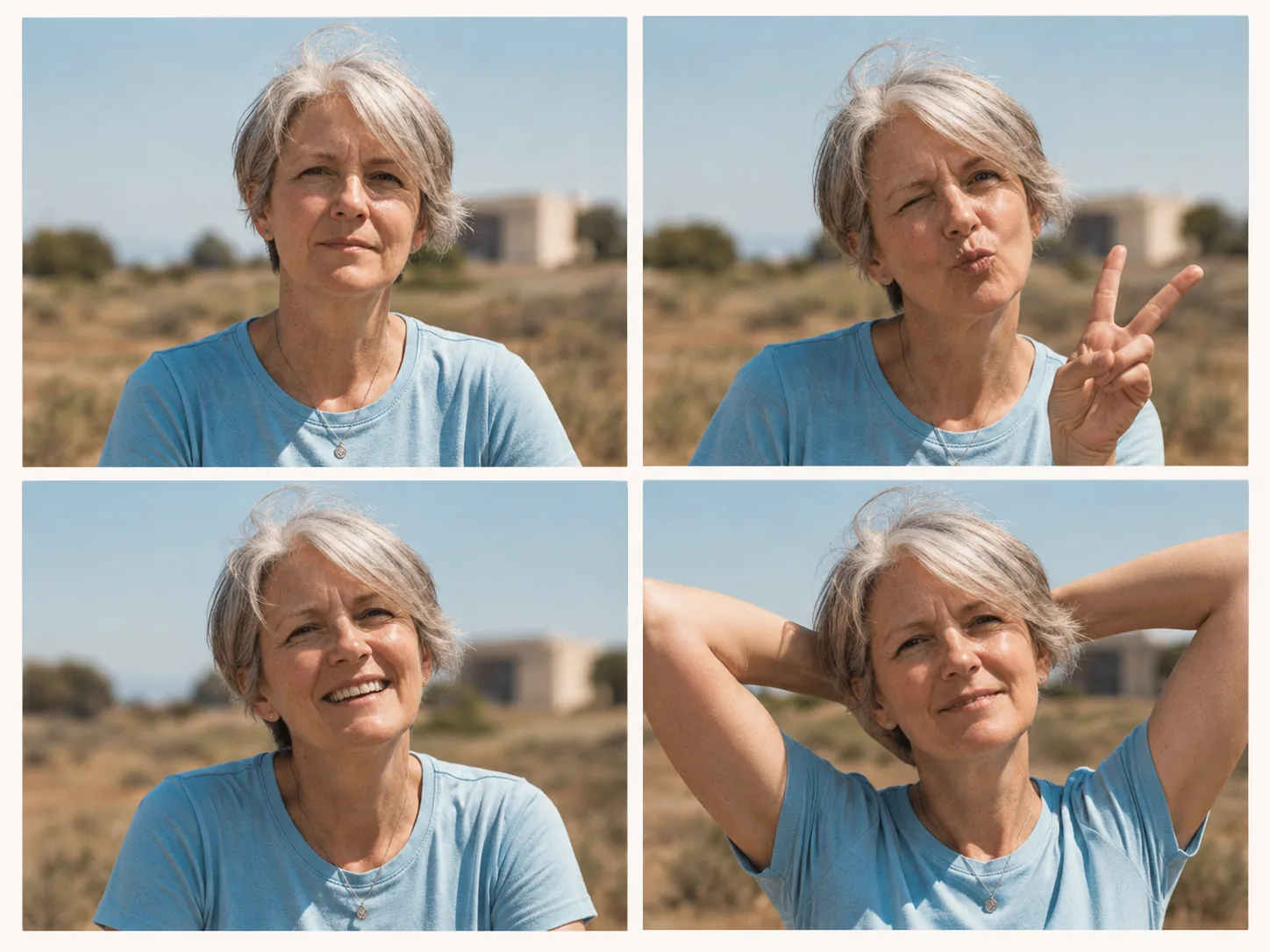
Grid
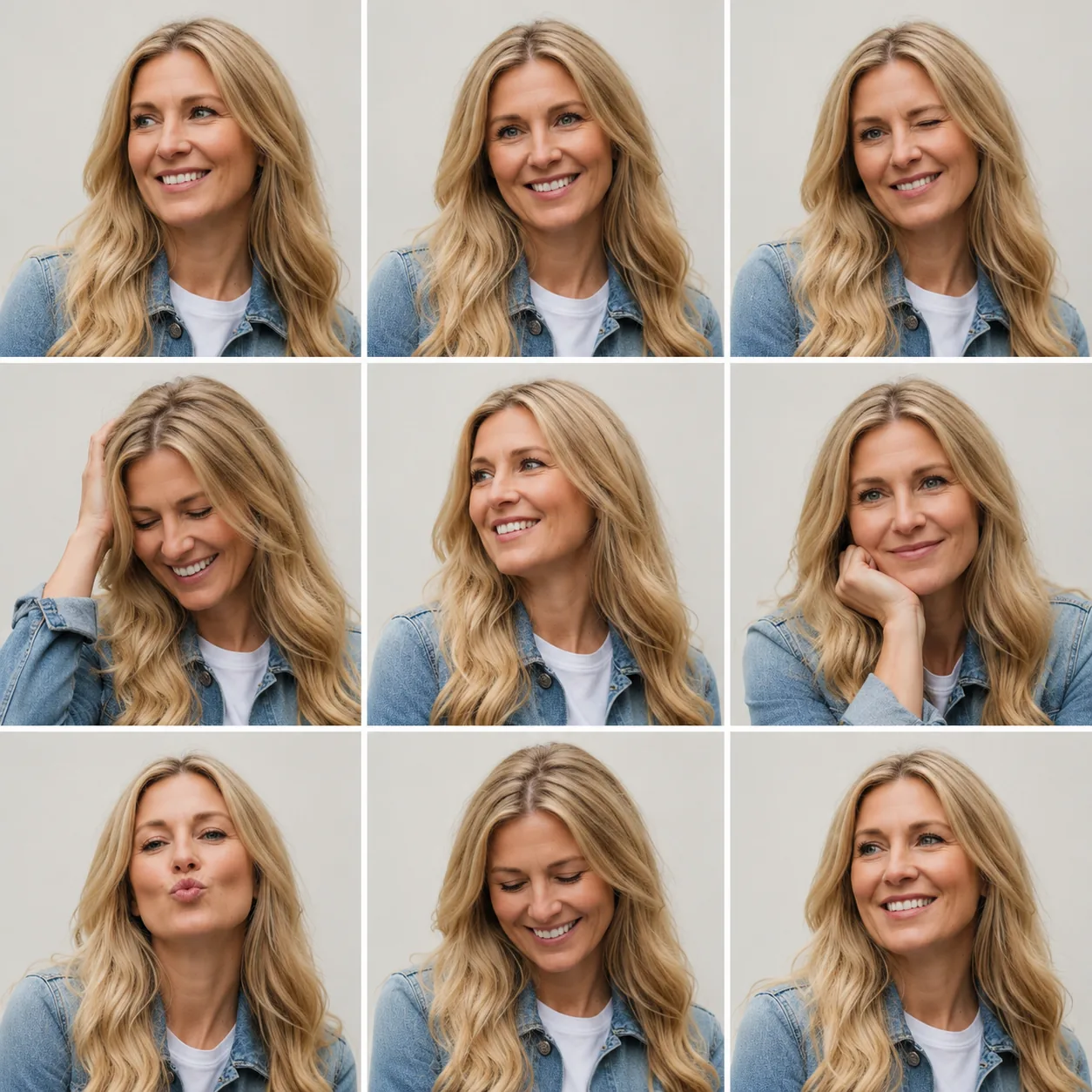
Create a four-frame photo booth strip from the uploaded portrait, with playful expressions and the same backdrop in every frame.
Compare
Every model has a sweet spot. Compare what each one does best, how many references it takes, its resolution and its price at a glance.
| Model | Best for | Reference images | Resolution | Credits per image | Open |
|---|---|---|---|---|---|
| GPT Image 2This page | Product posters on a budget | Up to 16 | 1K · 2K · 4K | 2–13 | |
| GPT Image 2.5 | Product photos and quick photo edits | Up to 16 | 1K · 2K · 4K | 6–16 | |
| Nano Banana Pro | Posters, diagrams and readable text | Up to 8 | 1K · 2K · 4K | 15–30 | |
| Nano Banana 2 | Posters and portraits with many references | Up to 14 | 1K · 2K · 4K | 6–18 | |
| Seedream 5 Pro | Infographics and multilingual text | Up to 10 | 1K · 2K | 14–28 |
Need additional help? Contact us at [email protected]
GPT Image 2 is an AI image generation and editing model. On Image Fx, you can create images from text or upload up to 16 reference photos to guide an edit. Choose 1K, 2K or 4K output to suit your project.
GPT Image 2 is paid on Image Fx. Sign in with an active subscription or a balance of purchased credits; images start at 2 credits each. Free credits alone do not unlock this model. You can browse and copy the prompt examples on this page for free.
For lower-cost drafts, GPT Image 2 starts at 2 credits per image at 1K. GPT Image 2.5 starts at 6 credits. Try the same prompt in both and compare the text, composition and photo edits that matter to your project.
Yes. Ask for a poster, menu or label and put the exact words you want in quotation marks. Keep the text short and specify its placement. Check spelling and layout before publishing, especially with small type or longer passages.
You can upload up to 16 JPG, PNG or WEBP images, up to 30 MB each. Add a photo and describe the edit, such as changing the background or combining products in one scene. Specify which details to keep, then check the result against your original.
Choose 1K, 2K or 4K, with landscape and portrait formats such as 16:9 and 9:16. Available ratios depend on the resolution; unsupported ones are dimmed in the selector. Auto is 1K only, and square 1:1 images support 1K or 2K, not 4K.
2 credits at 1K, 8 at 2K and 13 at 4K, the same for text-to-image and editing regardless of how many references you add. Generate up to five images per run; the total shows on the button before you confirm.
Yes. Select 1K, then choose Transparent under Background. This is useful for stickers, product cutouts and graphics you want to place over another design. Background selection is not available at 2K or 4K.
Name the subject, setting, style and composition. For text in the image, put the exact words in quotes. With a reference photo, say what should stay the same and what should change.
Generation time varies. If checking pauses, choose Check again or open My images; checking an existing result does not cost more credits. When an image is confirmed as failed, its credits are returned automatically. If you’re unsure whether generation started, check My images before submitting again.
Choose a prompt above or describe the image you have in mind. Add a reference photo to guide the result.