Your Nano Banana results
Your images will appear here when they’re ready.
Nano Banana AI Image Generator & Photo Editor
Create images from a prompt or edit your photos in plain language. Add up to 10 references to guide the people, products, and style.
Create from a prompt. Edit by describing the change.
Make a new image from a description, or start with a photo and say what to change. Keep refining it in plain language until the result feels right.
Edit in plain language
Blur the background, swap the sky, remove an object or restyle a room. Describe the change in plain words and keep refining.
Up to 10 reference images
Use your photos to guide the people, products, and style in a new image. Tell Nano Banana which details to keep from each one.
Keep people and products consistent
Carry the same person, outfit, or product into new scenes, poses, and styles so every image feels part of the same series.
Fast and affordable
Move from idea to image quickly. Test prompts and compare variations at the same per-image credit cost.
What will you make with Nano Banana?
Ideas for portraits, illustrations, interiors and more.
These concept images show styles you can try. They were created with another AI model, not Nano Banana.
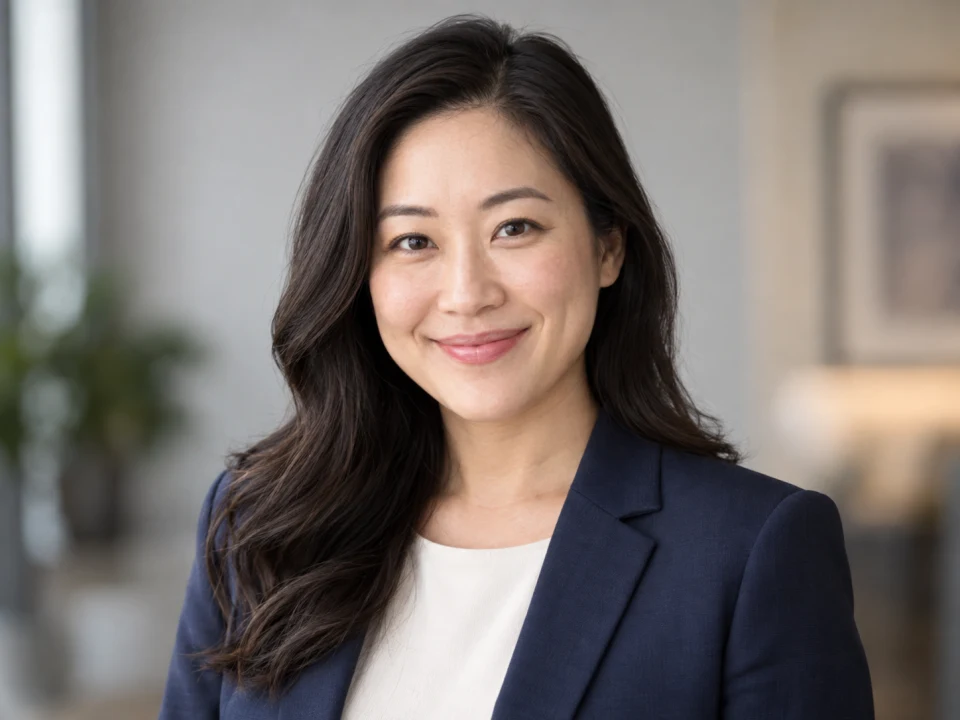
Professional headshots
Give an everyday photo a professional look for your profile, résumé or team page.
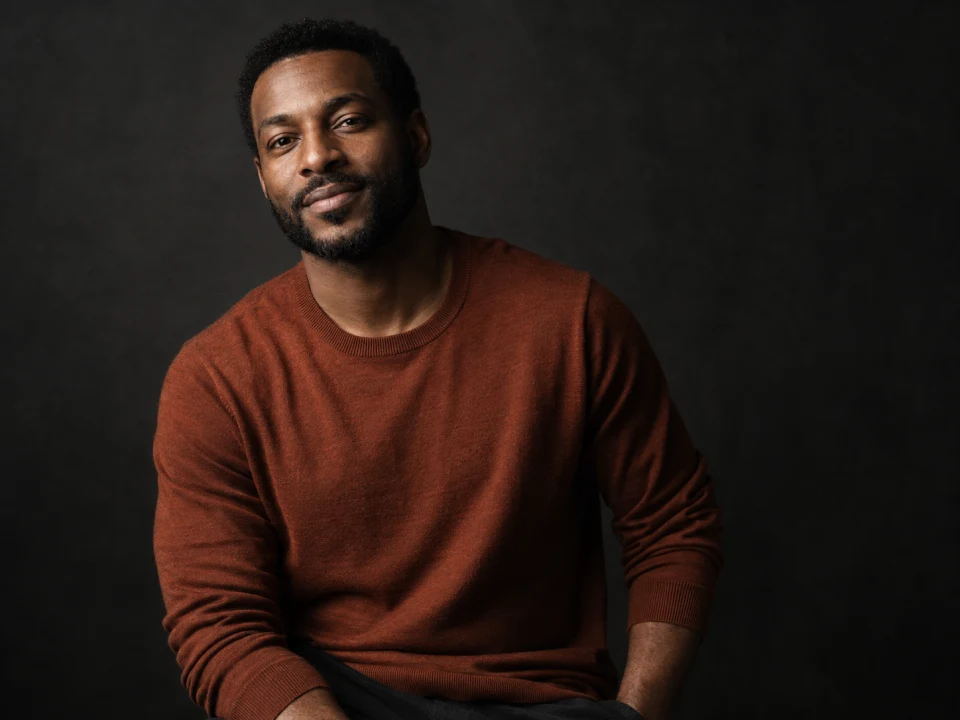
Studio portraits
Give an everyday photo a studio look with a black backdrop, soft lighting and a relaxed waist-up pose.
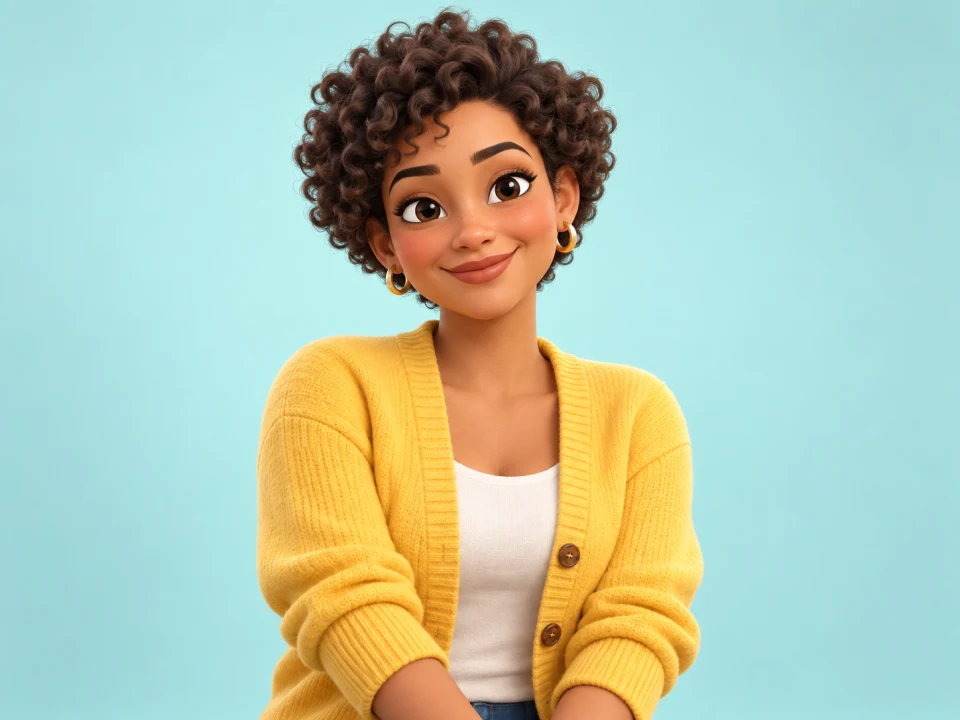
3D character portraits
Turn a portrait into a friendly 3D character with recognizable facial features.
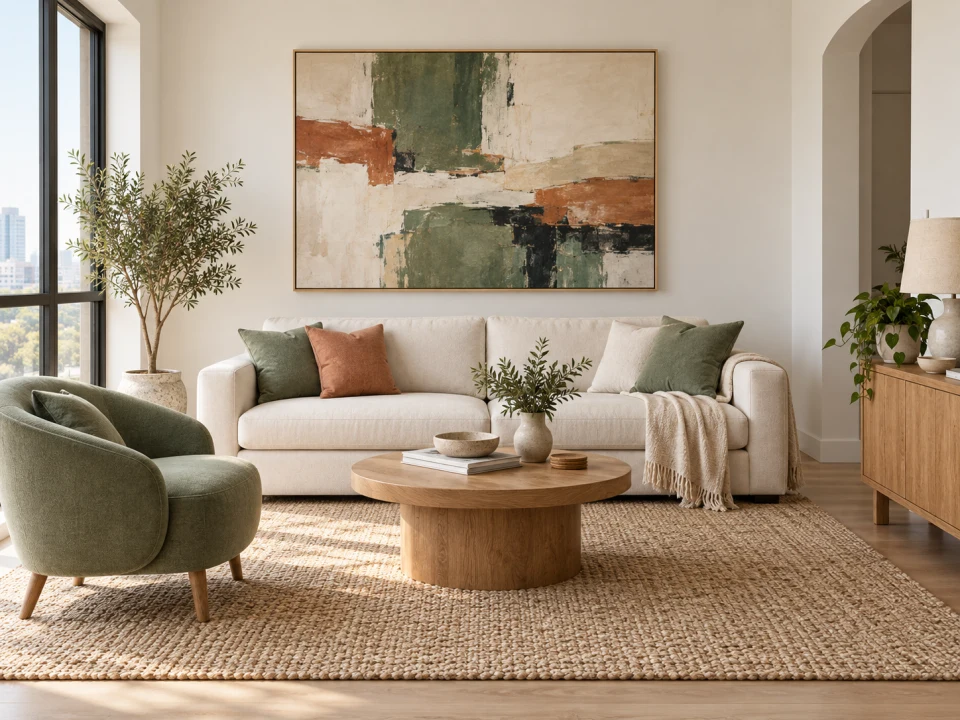
Interior edits
Add a painting, change the furniture or try new colors in a photo of your room.
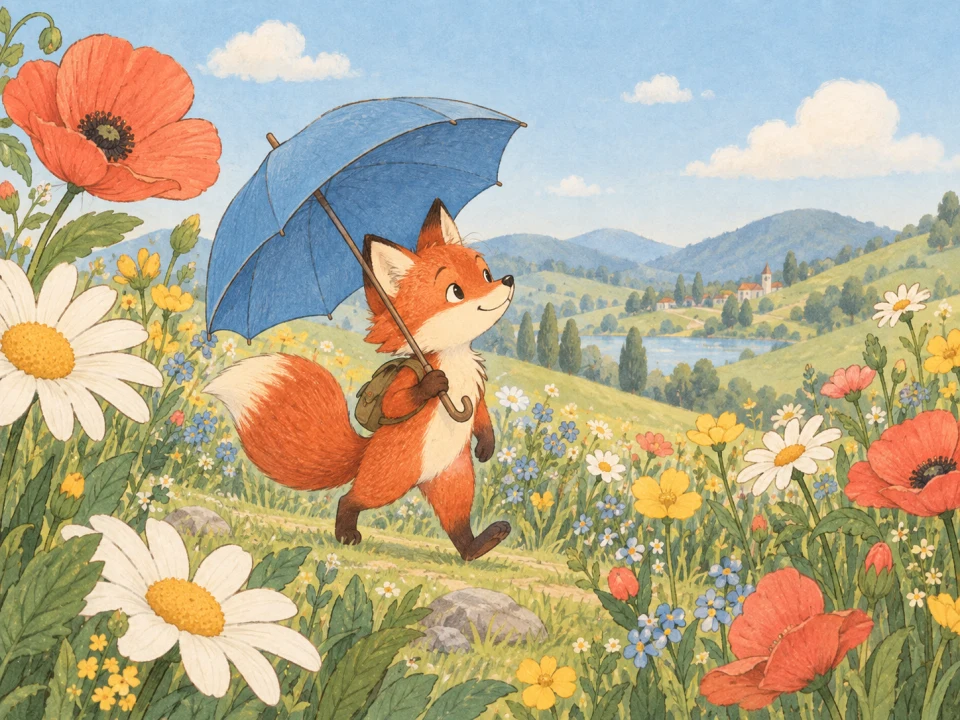
Storybook illustrations
Create a children’s picture-book look with thin hand-drawn lines and softly textured watercolor colors.
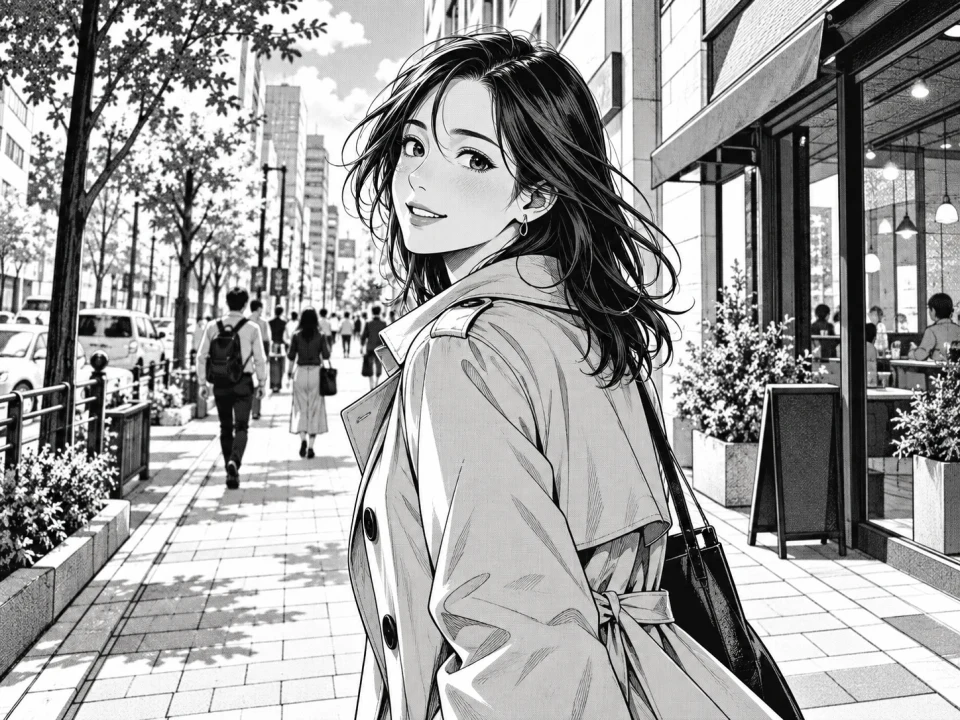
Manga and comic styles
Convert a photo into a manga panel with clean lines and screen-tone shading.
Nano Banana prompts to get you started
Choose an example, tailor the details, and add a photo when needed. Prompts are free to copy; image generation uses credits.
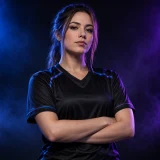
Esports portrait
Dress the person in the uploaded photo in a plain black esports jersey. Use high-contrast studio lighting with blue and violet rim lights, a dark background and a confident waist-up pose.
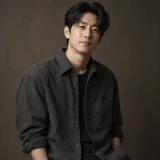
Editorial studio portrait
Turn the uploaded photo into an editorial studio portrait: waist-up framing, soft directional lighting, a neutral dark backdrop, natural skin texture and a relaxed expression.
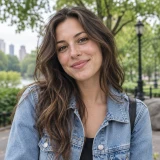
Photo enhancement
Sharpen details, balance the colors and improve the lighting in the uploaded photo. Preserve natural skin texture and keep the person and composition unchanged.
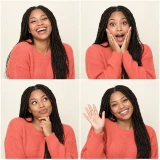
Four-panel photo booth
Create a 2×2 photo booth grid from the uploaded portrait, with a different exaggerated expression and pose in each frame. Keep the same person, hairstyle and outfit, with a plain light backdrop.

Line art to photo
Turn the uploaded line drawing into a fully rendered photorealistic illustration. Follow the lines exactly, add realistic materials, lighting and shadows, and keep the original proportions.
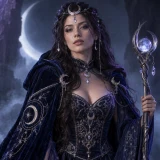
Cosplay transformation
Have the person in the first image cosplay the character in the second image. Match the costume, makeup and props from the second image while keeping the first person’s face and body.
How to use Nano Banana
Three steps from idea to a downloadable image.
Describe or upload
Write what you want, or drop up to 10 reference images and describe the change.
Set the aspect ratio and number of images
Choose Auto or a fixed aspect ratio, then pick how many images to generate. Every image costs the same.
Generate and refine
Download an image you like, or choose Use as reference to edit it further.
Nano Banana FAQs
Nano Banana is Google’s Gemini 2.5 Flash Image model for creating and editing images. On Image Fx, you can create images from text or upload up to 10 reference photos and describe the change in plain language, with every image priced at 3 credits.
You’ll need a paid plan or purchased credits to use Nano Banana on Image Fx. Sign in to generate images at 3 credits each. Free credits alone do not unlock this model. You can browse and copy the prompt examples on this page for free.
3 credits per image, the same for text-to-image and editing regardless of aspect ratio or how many references you add. Generate up to five images per run; the total shows on the button before you confirm.
Add a photo and describe the change the way you would to a person: change the sky to sunset, remove the person on the left, or turn this sketch into a photo. Keep each edit focused, then use the result as a reference and refine it in another pass.
Up to 10 JPG, PNG or WEBP images, up to 30 MB each. Add a photo and describe the edit, or combine several references and tell Nano Banana which details to keep from each one.
Nano Banana can carry the same person or product across new scenes, poses, and styles. Use the same reference image and say what should stay unchanged, such as a face, outfit, or product design. Compare each result with the original before using it.
Choose Auto or 10 fixed ratios, from square 1:1 to wide 21:9 and tall 9:16. Auto uses your reference image’s aspect ratio. Nano Banana has a single output size, so there is no resolution to choose.
Nano Banana is the original Gemini 2.5 Flash Image model: quick, affordable and good for everyday edits. Switch to Nano Banana 2 when you need 2K or 4K output, more reference images or sharper text in the image. Try the same prompt in both and compare the results.
Name the subject, setting, style and composition. For text in the image, put the exact words in quotes. With a reference photo, say what should stay the same and what should change. Refine in a second run instead of packing everything into one prompt.
Taking longer than expected? Choose Check again or open My images to check on your image at no extra credit cost. Credits are refunded automatically for images that fail. If you’re unsure whether generation started, check My images before trying again to avoid using credits twice.
Ready to try Nano Banana?Start with an idea or a photo.
Choose a prompt above or describe the image you have in mind. Add a reference photo to guide the result.